

Multimedia & graphics Windows
TouchOSC for Windows
Build custom MIDI and OSC control layouts with TouchOSC for Windows. Its integrated editor and runtime let you control compatible music and visual software from a desktop or touch screen.
- Operating system
- Windows 7 or later
- Architecture
- x64 (64-bit)
- Download package
- EXE installer
Publisher's main Windows download is version 1.5.3, build 266. The separate release archive also lists 1.5.4 beta builds.
Link checked · Download guidance
What is TouchOSC?
TouchOSC turns a custom layout of buttons, faders and other controls into a MIDI or OSC control surface. On Windows, the same application includes the layout editor and runtime, so you can design a controller and use it to send or receive messages with compatible software. It suits musicians and live-performance users who want a control layout tailored to their workflow rather than a fixed hardware panel.
The editor supports configurable control shapes, colors, nested containers and text. Multiple TouchOSC instances can synchronize editing over a network, letting you work with a desktop mouse and keyboard while previewing the layout on connected devices. Local messages connect controls without code; the scripting engine supports more elaborate interactions.
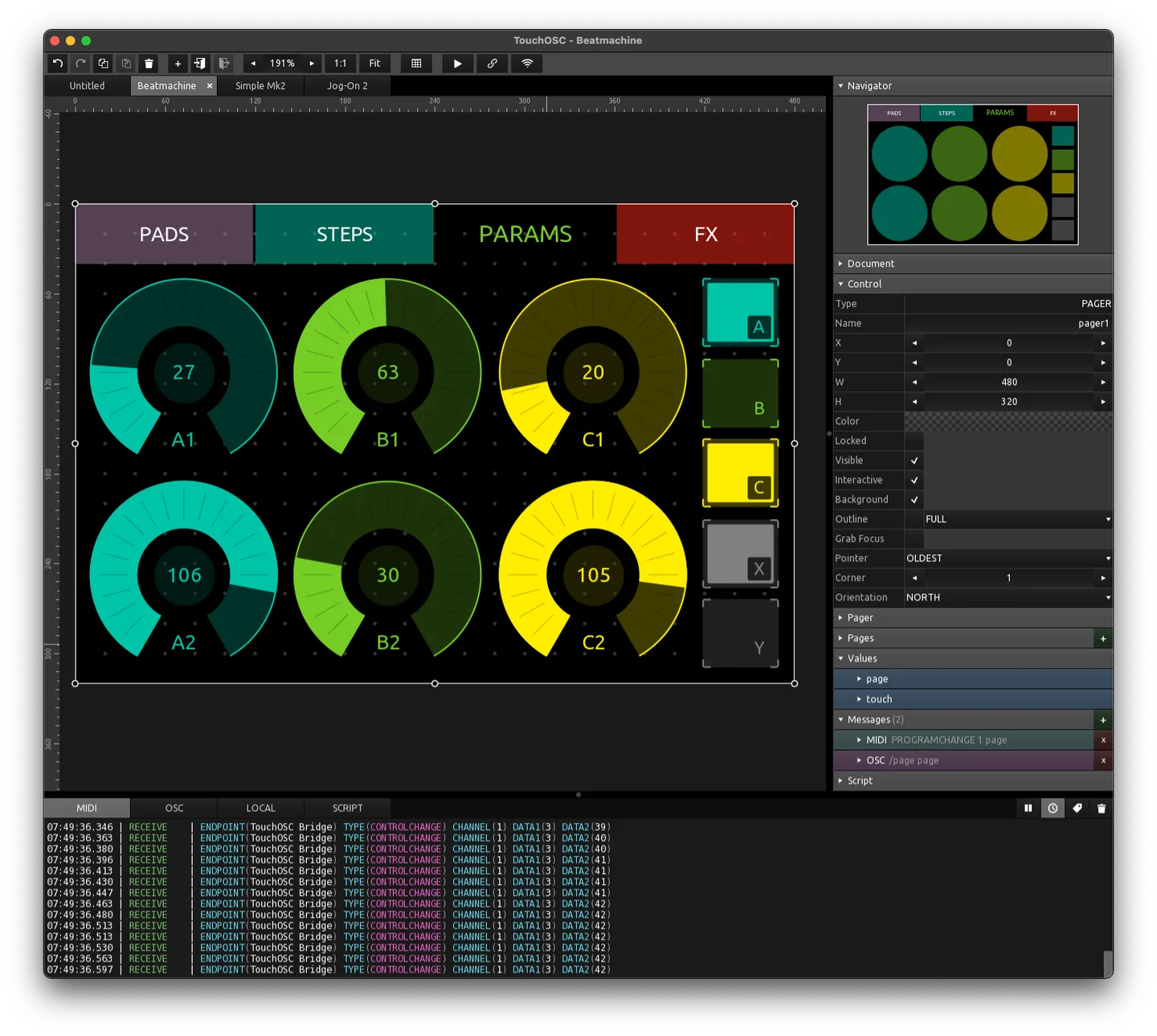
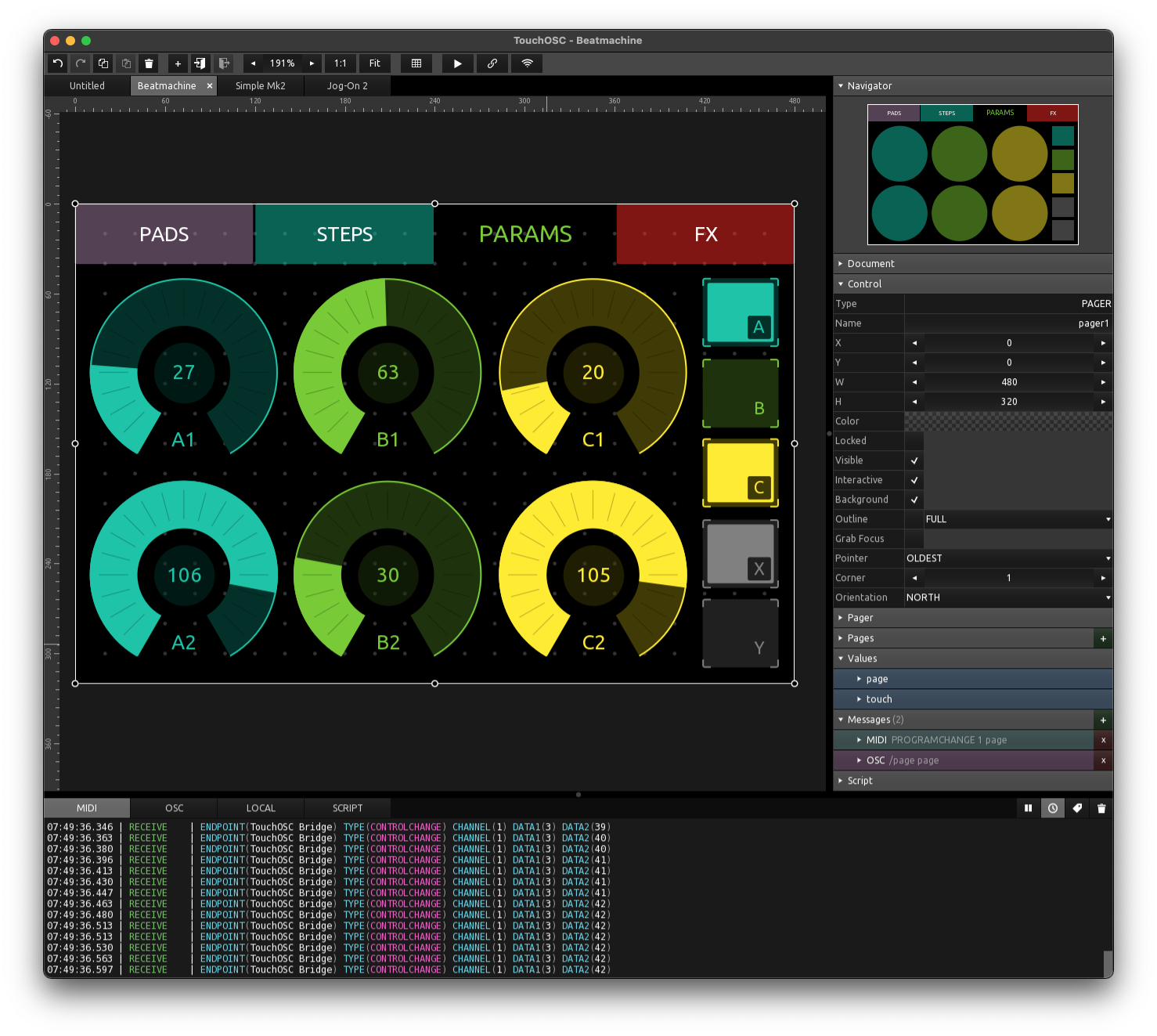
TouchOSC is not freeware: Hexler offers unrestricted desktop downloads to try before buying a one-time, per-user license. That desktop license covers Windows, macOS and Linux, while mobile editions are sold separately. The software or equipment you want to control must support MIDI or OSC. This entry links to the Windows x64 EXE for version 1.5.3, build 266, as offered on the publisher's main product page; the release archive also lists newer beta builds. The publisher's screenshot illustrates the shared desktop editor on macOS, not a Windows-specific capture.
What it offers
- Design and run custom control layouts in one application, with native multi-touch input on Windows.
- Send and receive MIDI messages and OSC messages over UDP or TCP across multiple simultaneous connections.
- Synchronize layout editing and preview between networked TouchOSC instances.
- Connect controls with local messages or customize their behavior with scripts.
- Use the included Traktor controller layout or build a layout for other MIDI- or OSC-compatible software.
Good to know
- Desktop use is licensed per user through a one-time purchase; the unrestricted evaluation download is not a freeware license. Mobile versions require separate app-store purchases.
- The target software or equipment must support MIDI or OSC; TouchOSC is a control surface rather than a replacement for that software.
Product images
Sources
References used for this listing. Retrieval dates do not indicate hands-on testing.
More in multimedia & graphics
View category ↗
1by1 2.17
Play music directly from folders with 1by1, a free Windows audio player with resume, gapless playback and file tools. Formats beyond MP3 need additional decoders.
3DVista Virtual Tour Pro
Build interactive 360° virtual tours from panoramas, videos and 3D models with 3DVista Virtual Tour Pro for Windows. Commercial software with a 30-day trial.

4DDiG Video Repair
Repair corrupted or unplayable videos in batches with the Video Repair tool in 4DDiG File Repair for Windows. A free trial is available; advanced features require a paid license.