
Multimedia & graphics Windows
Picture to Painting Converter
Turn photos into oil paintings, watercolors and impressionist-style images with SoftOrbits Picture to Painting Converter for Windows. Includes adjustable presets and batch processing; offered as a free trial.
- Operating system
- Windows 10 and 11; publisher also lists Windows 7, 8 and 8.1 in its requirements
- Architecture
- Exact installer architecture not identified
- Download package
- EXE installer
Publisher lists 32-bit and 64-bit Windows support. This does not establish the architecture of the linked EXE. Requirements include at least 4 GB RAM and 1 GB free disk space.
Link checked · Download guidance
What is Picture to Painting Converter?
Picture to Painting Converter applies painting effects to existing photographs on a Windows PC. SoftOrbits provides oil painting, watercolor and impressionist presets, with additional cartoon and artistic styles. Choose a preset, preview the result and adjust the rendering rather than drawing each brush stroke yourself. The publisher identifies the desktop application as an offline tool for Windows 10 and 11.
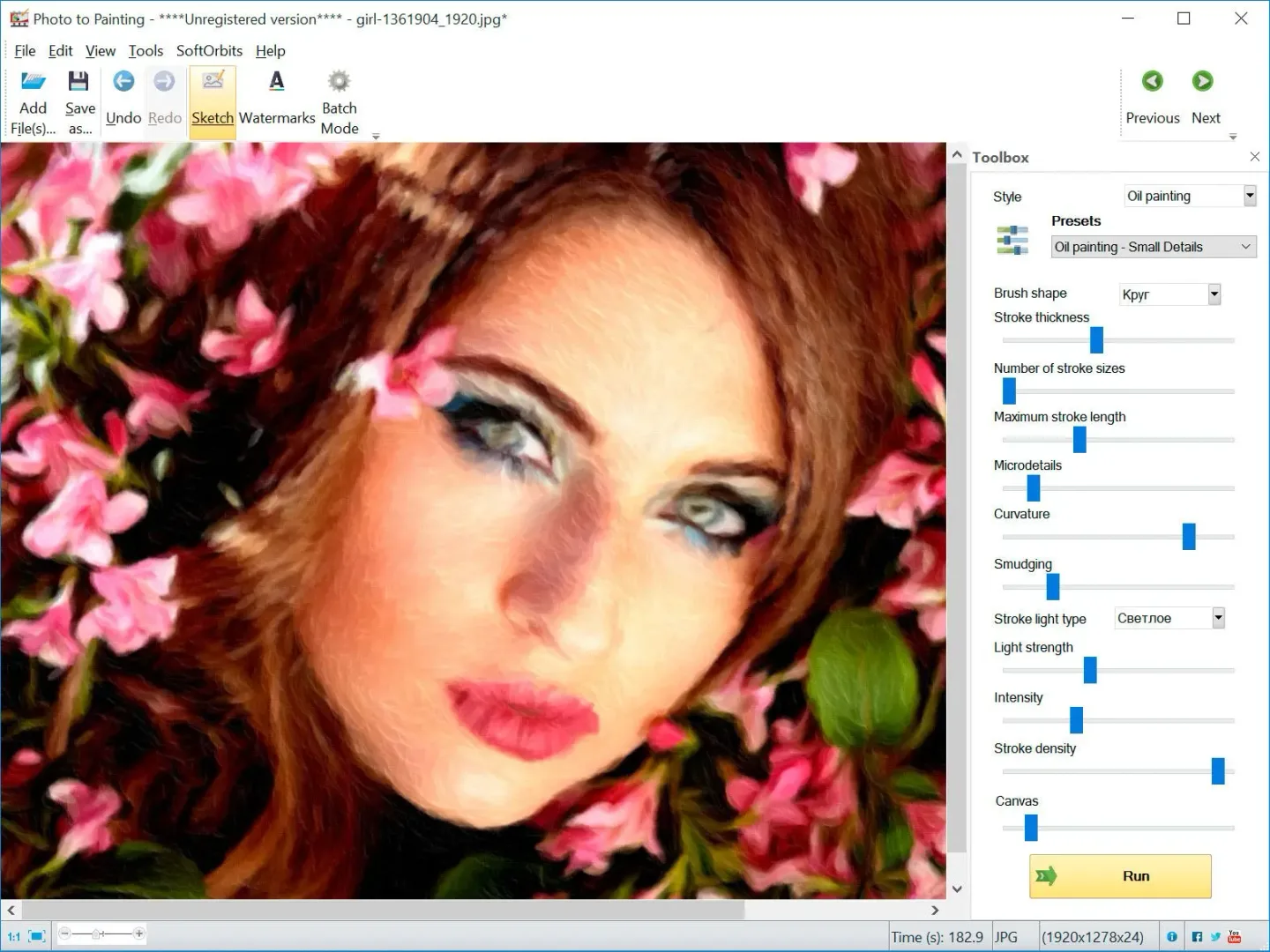
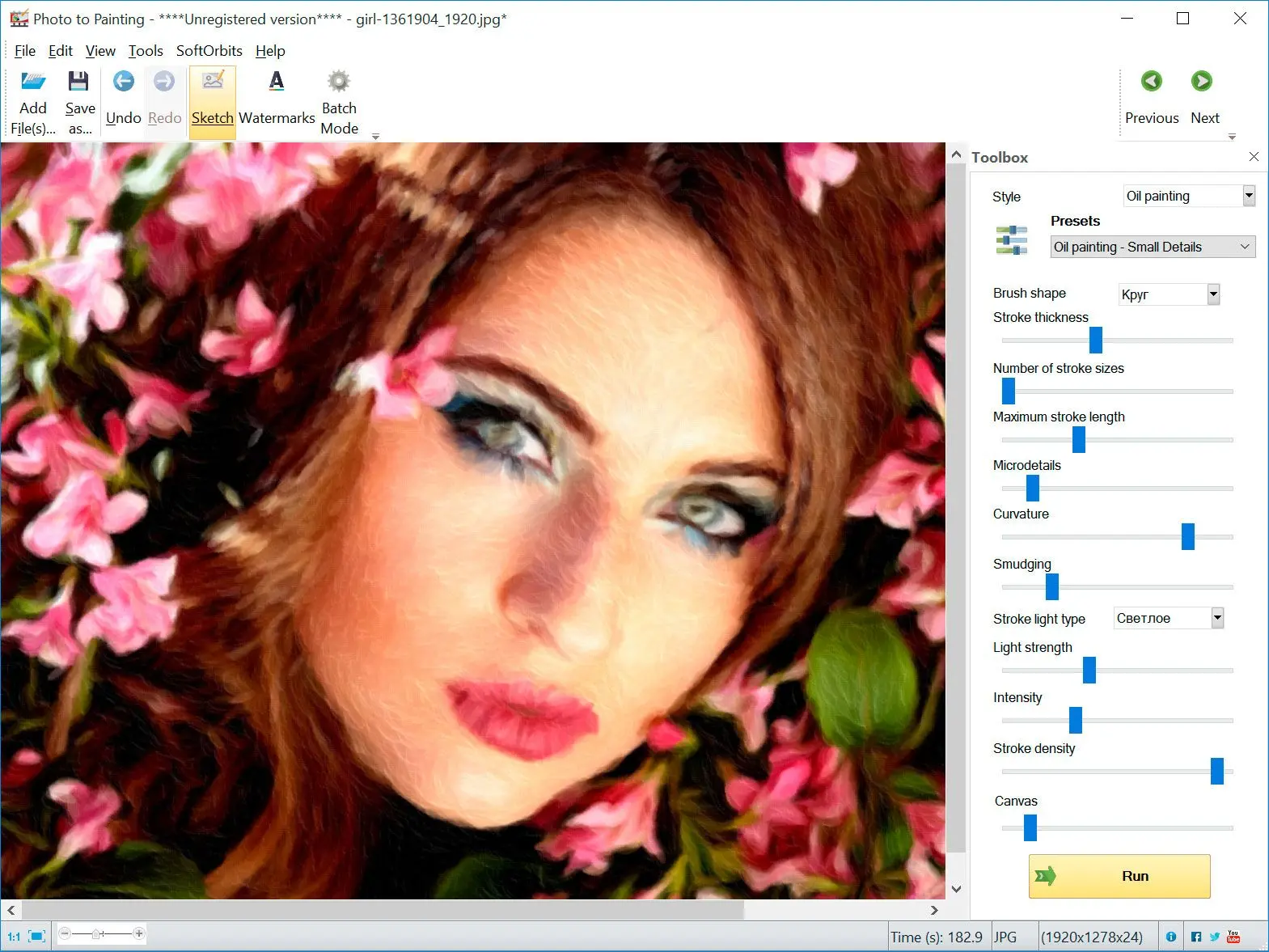
Controls include brush shape, stroke thickness, detail and canvas texture. Batch Mode applies selected settings to a group of photos, while the watermark tools add text or a logo to the output. Crop, rotation and image-correction tools handle basic adjustments around the painting effect.
This is a trial download of a commercial product, not a permanently free painting editor. The publisher also explicitly says it does not include pencil-sketch presets and points to a separate sketch converter. The linked EXE is the publisher's download endpoint; its installer architecture and installed package contents were not verified by running it.
What it offers
- Apply oil painting, watercolor, impressionist and cartoon-style presets to photographs.
- Preview a preset and adjust brush shape, stroke thickness, detail and canvas texture.
- Process multiple photos with the same selected settings in Batch Mode.
- Add a text or logo watermark to converted images.
- Crop, rotate and make basic image corrections.
Good to know
- Offered as a free trial of a commercial product, not as unrestricted freeware.
- Pencil-sketch presets are not included; the publisher directs that task to a separate product.
Product images
Sources
References used for this listing. Retrieval dates do not indicate hands-on testing.
More in multimedia & graphics
View category ↗
1by1 2.17
Play music directly from folders with 1by1, a free Windows audio player with resume, gapless playback and file tools. Formats beyond MP3 need additional decoders.
3DVista Virtual Tour Pro
Build interactive 360° virtual tours from panoramas, videos and 3D models with 3DVista Virtual Tour Pro for Windows. Commercial software with a 30-day trial.

4DDiG Video Repair
Repair corrupted or unplayable videos in batches with the Video Repair tool in 4DDiG File Repair for Windows. A free trial is available; advanced features require a paid license.