

Multimedia & graphics macOS
Tux Paint for macOS
A free drawing program for children, with brushes, stamps, shapes and playful effects. The Mac download is a universal DMG for Intel and Apple Silicon.
- Operating system
- OS X Yosemite 10.10 through macOS Tahoe 26, as listed by the publisher
- Architecture
- Universal build for Intel and Apple Silicon
- Download package
- DMG disk image containing the Tux Paint application
Copy the application from the disk image to Applications. Tux Paint Config and the optional stamps collection are separate downloads. Compatibility is publisher-reported, not locally tested.
Link checked · Download guidance
What is Tux Paint?
Tux Paint gives children a drawing canvas with large tool buttons, sound effects and a penguin mascot that offers hints. It is designed for ages 3 to 12 and works for freehand pictures, coloring-book starters and pictures built from stamps, text and shapes. Magic tools add effects such as blur, chalk and rainbow strokes.
Pictures are saved and opened through a thumbnail picturebook rather than filename prompts. Parents and teachers can adjust the available tools and interface options with the separate Tux Paint Config application.
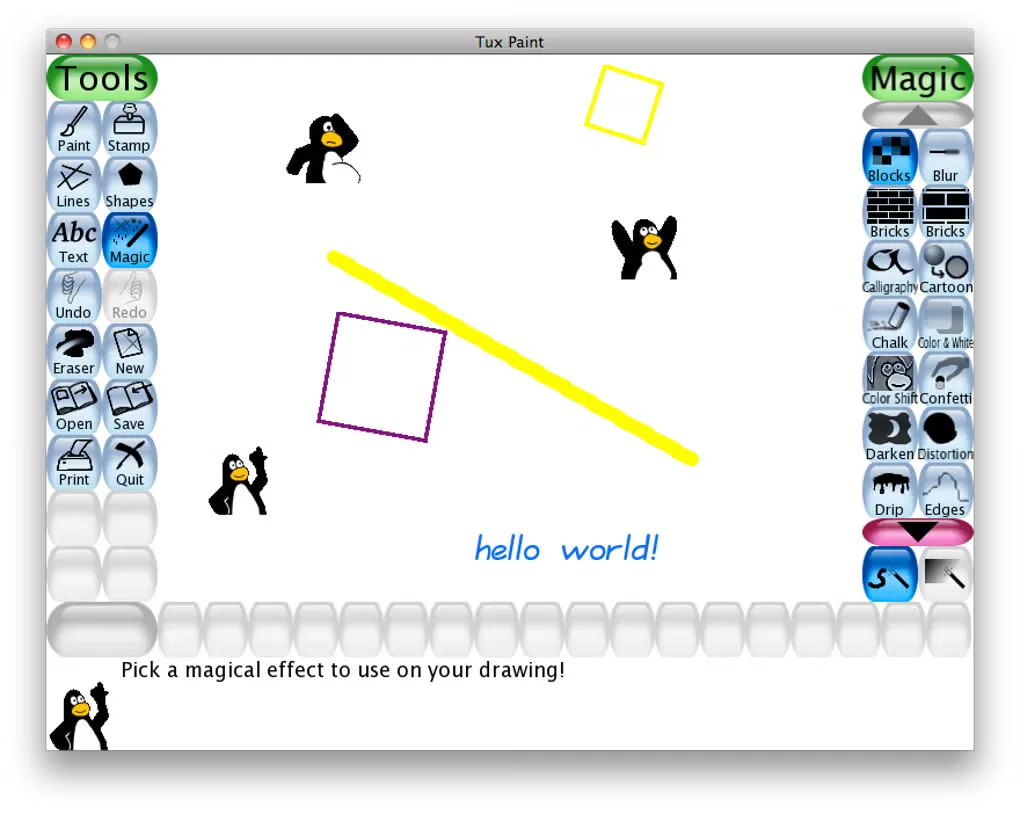
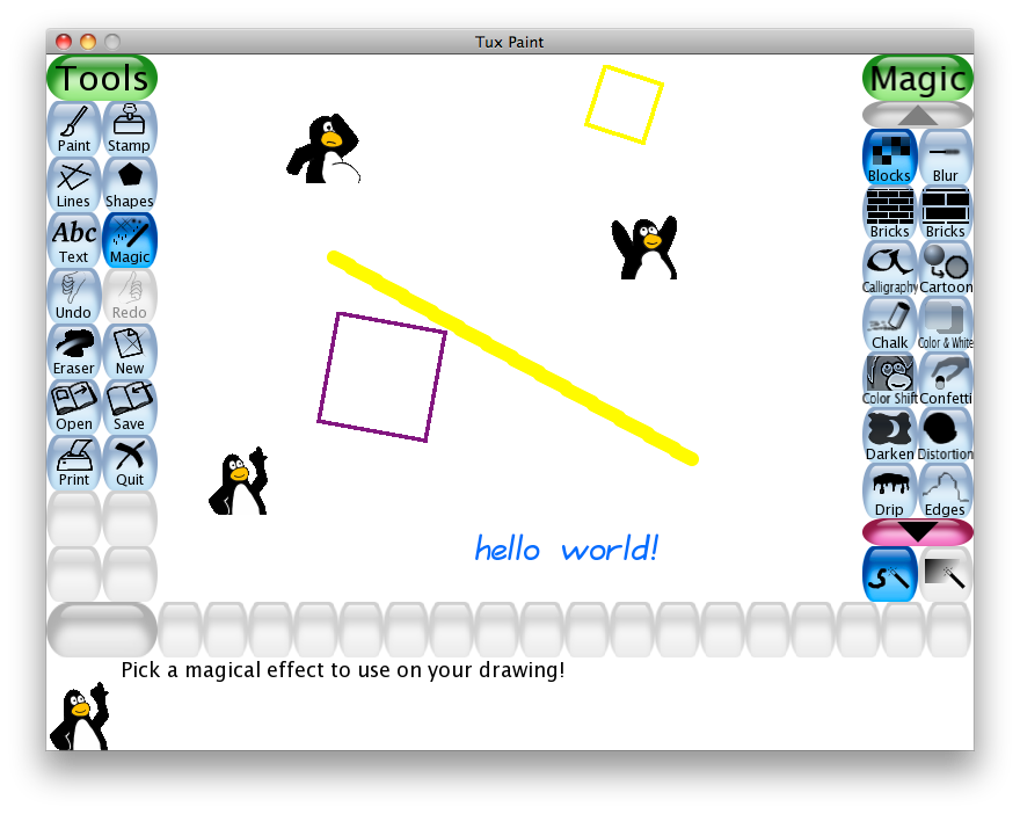
The publisher lists Tux Paint 0.9.35 for OS X Yosemite 10.10 through macOS Tahoe 26, with a universal build for Intel and Apple Silicon Macs. This download contains the main application only: the configuration application and optional stamps collection come in separate disk images. The screenshot shows an older Mac interface from the source gallery, not a verified view of version 0.9.35.
What it offers
- Draw with brushes, lines, filled or outlined shapes, text and editable labels.
- Add rubber stamps and use Magic tools for effects such as blur, chalk and rainbow strokes.
- Start with a blank canvas, a coloring-book outline or a scene with foreground and background elements.
- Save and reopen pictures using thumbnails without choosing filenames; export pictures for use outside Tux Paint.
- Adjust interface and tool options for children through the separate Tux Paint Config application.
Good to know
- The main DMG does not include the separate configuration application or the optional stamps collection; the publisher provides additional downloads for these.
- The child-oriented save interface uses a thumbnail picturebook rather than a conventional filename dialog.
Product images
Sources
References used for this listing. Retrieval dates do not indicate hands-on testing.
- Tux Paint for Mac - Download ↗Retrieved
- Tux Paint - Free art software for kids of all ages ↗Retrieved
- Download Tux Paint for Apple macOS ↗Retrieved
- Features of Tux Paint ↗Retrieved
- COPYING.txt for Tux Paint ↗Retrieved
More in multimedia & graphics
View category ↗
1by1 2.17
Play music directly from folders with 1by1, a free Windows audio player with resume, gapless playback and file tools. Formats beyond MP3 need additional decoders.
3DVista Virtual Tour Pro
Build interactive 360° virtual tours from panoramas, videos and 3D models with 3DVista Virtual Tour Pro for Windows. Commercial software with a 30-day trial.

4DDiG Video Repair
Repair corrupted or unplayable videos in batches with the Video Repair tool in 4DDiG File Repair for Windows. A free trial is available; advanced features require a paid license.