
Multimedia & graphics Windows
vgmstream
Decode supported video game audio to WAV with vgmstream for Windows, or listen through its player plugins. This download is the r2168 64-bit command-line ZIP.
- Operating system
- Windows; minimum Windows version not established by the reviewed sources
- Architecture
- 64-bit (x64)
- Download package
- ZIP archive containing the command-line build
Keep required DLLs with the executable. Winamp, XMPlay and foobar2000 components are separate choices; their requirements differ.
Link checked · Download guidance
What is vgmstream?
vgmstream handles streamed, prerecorded game audio that ordinary music players may not recognize. Its command-line decoder turns supported files into WAV, while separate components add playback to foobar2000, Winamp and XMPlay. Support includes loop metadata and subsongs: individual tracks stored inside a larger audio container.
Choose the component for the job. The linked r2168 Windows x64 ZIP is the command-line build, not a standalone graphical music player or the foobar2000 component. After extracting it, keep the required support DLLs alongside the executable. The documented command vgmstream-cli -o happy.wav happy.adx converts a supported ADX file to WAV; dragging supported files onto the executable is another documented route.
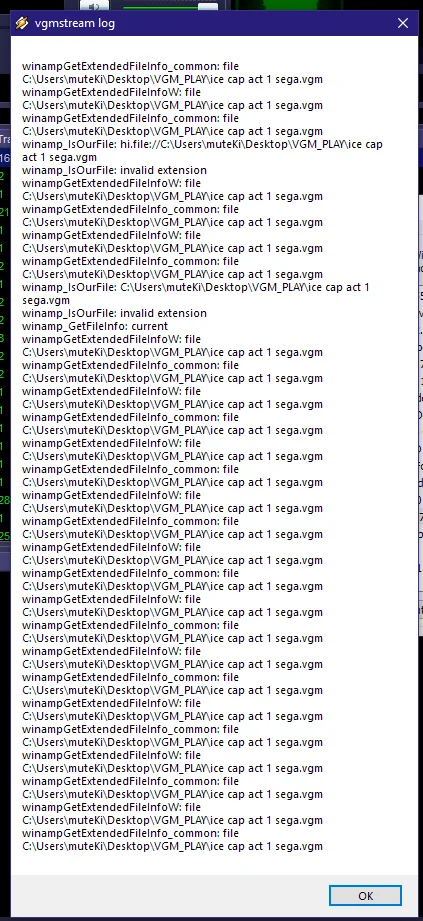
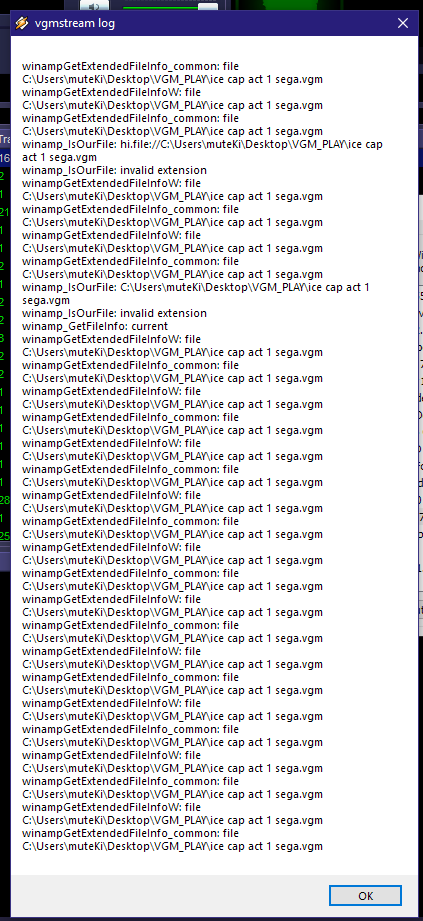
vgmstream decodes game audio; it cannot turn a WAV file back into a proprietary game format. Format support is not universal, and some inputs require companion files or additional format information. The gallery shows a historical Winamp diagnostic dialog from the project issue tracker, not the current command-line build or a successful playback demonstration.
What it offers
- Decode supported streamed video game audio formats to WAV.
- Use embedded loop metadata and select individual subsongs from supported containers.
- Inspect audio information without decoding through the command-line -m option.
- Adjust looping and select subsongs with command-line options or TXTP configuration.
- Use separate foobar2000, Winamp or XMPlay components for playback in a host player.
Good to know
- Decoding only: cannot encode WAV files into proprietary game audio formats.
- The selected Windows x64 package is a command-line build, not a standalone graphical player; player plugins are separate downloads.
- Not every game audio file is supported, and some require companion files or TXTH descriptions.
- Required external DLLs must be placed correctly for the Windows command-line and relevant player components.
Product images
Sources
References used for this listing. Retrieval dates do not indicate hands-on testing.
- vgmstream — official README ↗Retrieved
- vgmstream — official usage guide ↗Retrieved
- vgmstream r2168 — official release metadata and assets ↗Retrieved
- vgmstream — official Windows component choices ↗Retrieved
- vgmstream — project permission and copyright notice ↗Retrieved
- Historical Winamp diagnostic screenshot — the-muteKi, 2022-07-30 ↗Retrieved
More in multimedia & graphics
View category ↗
1by1 2.17
Play music directly from folders with 1by1, a free Windows audio player with resume, gapless playback and file tools. Formats beyond MP3 need additional decoders.
3DVista Virtual Tour Pro
Build interactive 360° virtual tours from panoramas, videos and 3D models with 3DVista Virtual Tour Pro for Windows. Commercial software with a 30-day trial.

4DDiG Video Repair
Repair corrupted or unplayable videos in batches with the Video Repair tool in 4DDiG File Repair for Windows. A free trial is available; advanced features require a paid license.