

Multimedia & graphics macOS
VLC media player for macOS
Play local videos, music and network streams on your Mac with VLC, a free, open-source media player. The linked universal DMG supports Intel and Apple Silicon Macs.
- Operating system
- Mac OS X 10.7.5 or later, as listed by VideoLAN
- Architecture
- Universal binary: 64-bit Intel and Apple Silicon
- Download package
- DMG disk image
The selected download is the universal package. VideoLAN also offers separate Intel and Apple Silicon packages; first-generation Core Solo and Core Duo Macs require older releases.
Link checked · Download guidance
What is VLC media player?
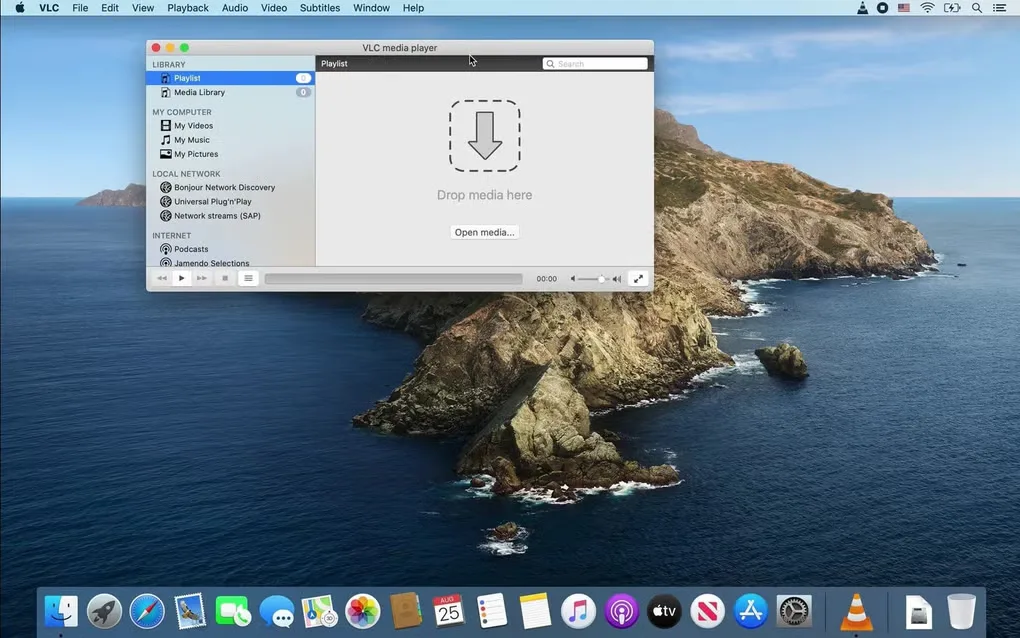
VLC media player opens video and audio files and plays network streams on macOS. It is useful when you need one player for a mixture of formats: VideoLAN lists support for MPEG-2, MPEG-4, H.264, MKV, WebM, WMV and MP3 without separate codec packs for most codecs. The Mac interface includes a playlist, media library and playback controls.
This entry links to VideoLAN's VLC 3.0.24 universal DMG rather than a package for only one processor family. The publisher lists Mac OS X 10.7.5 or later and a 64-bit Intel processor or Apple Silicon chip. First-generation Intel Macs with Core Solo or Core Duo processors need an older release instead.
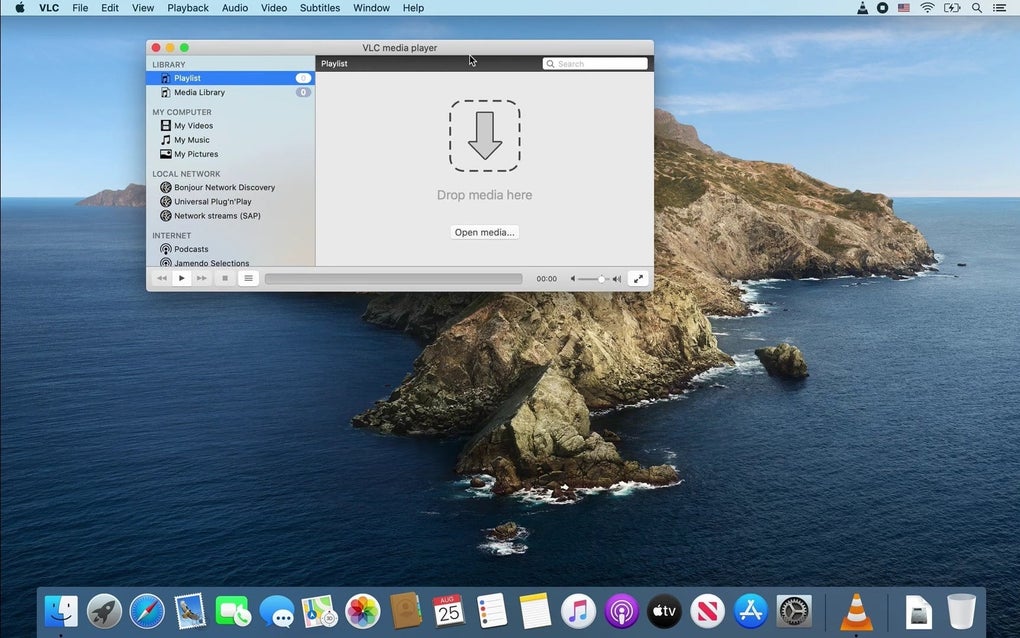
VLC's desktop player is separate from its discontinued Mac web-browser plugin. VideoLAN says the NPAPI plugin is no longer maintained and will receive no further updates; downloading the desktop app does not restore that browser integration. The screenshot shows the Mac playlist interface supplied in Softonic's gallery, not a verified capture of version 3.0.24.
What it offers
- Play local video and audio files, with support for formats including MKV, WebM, WMV and MP3.
- Play network streams using supported streaming protocols.
- Decode most supported codecs without installing separate codec packs.
- Browse a playlist and media library with on-screen playback and volume controls.
Good to know
- The current Mac release requires Mac OS X 10.7.5 or later and a 64-bit Intel processor or Apple Silicon chip; Core Solo and Core Duo Macs are not supported.
- The separate Mac NPAPI browser plugin is no longer maintained and will not receive further updates.
Product images
Sources
References used for this listing. Retrieval dates do not indicate hands-on testing.
More in multimedia & graphics
View category ↗
1by1 2.17
Play music directly from folders with 1by1, a free Windows audio player with resume, gapless playback and file tools. Formats beyond MP3 need additional decoders.
3DVista Virtual Tour Pro
Build interactive 360° virtual tours from panoramas, videos and 3D models with 3DVista Virtual Tour Pro for Windows. Commercial software with a 30-day trial.

4DDiG Video Repair
Repair corrupted or unplayable videos in batches with the Video Repair tool in 4DDiG File Repair for Windows. A free trial is available; advanced features require a paid license.