

Multimedia & graphics Windows
vokoscreenNG for Windows
Record your screen or a selected area with vokoscreenNG, a free, open-source Windows screen recorder with audio, camera support and recording timers.
- Operating system
- Windows; exact minimum release not established by the publisher pages consulted
- Architecture
- x64 (64-bit)
- Download package
- EXE installer
Selected package is win64. Softonic body text and app-spec OS fields disagree, so no Windows minimum is inferred from them.
Link checked · Download guidance
What is vokoscreenNG?
vokoscreenNG captures a screen or a selected area for demonstrations, tutorials and other screencasts. It supports simultaneous recording from multiple audio sources and includes camera support, so a recording can combine desktop activity with narration and a camera view. Countdown and timer controls help prepare and limit a recording, while magnification, Showclick and Halo can make on-screen actions easier to follow.
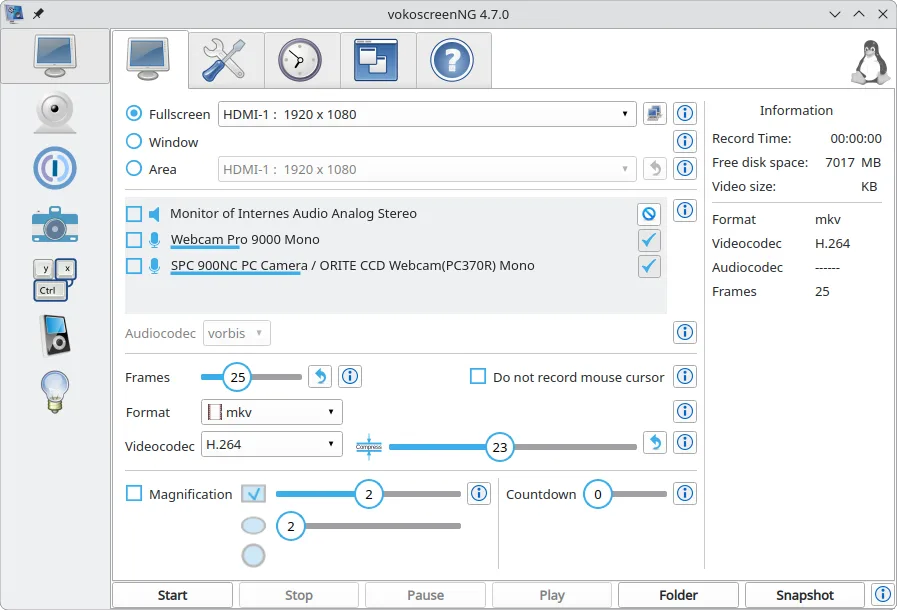
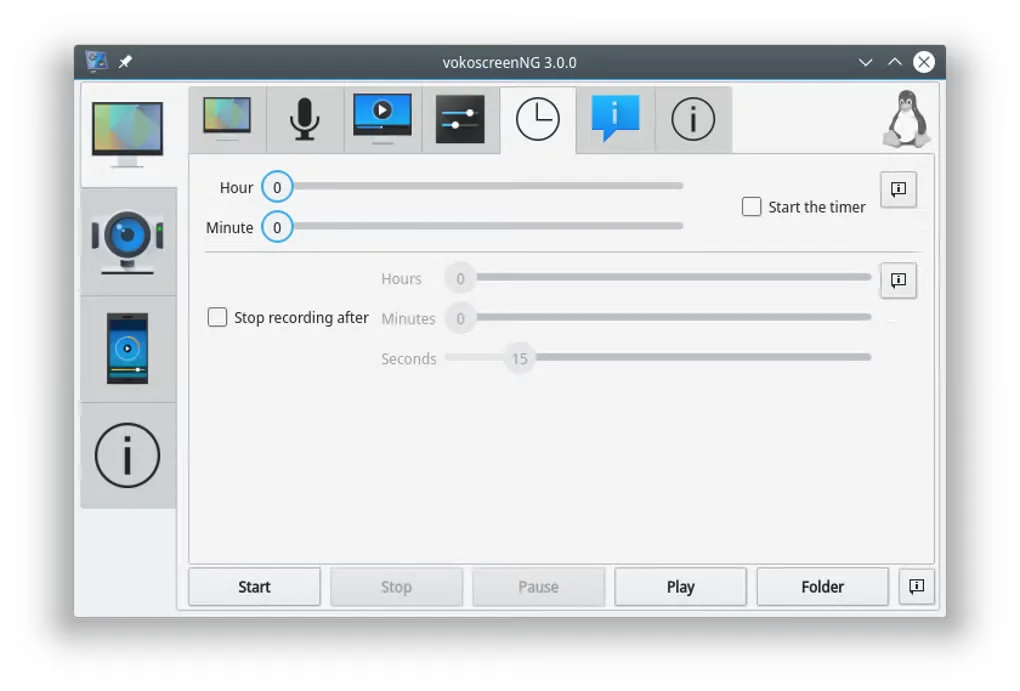
The publisher lists MKV, MP4 and GIF formats, plus snapshots and a built-in video player. This entry links to the publisher’s 64-bit Windows EXE for version 4.11.0, dated October 1, 2026. The gallery illustrates older Linux versions of the same application; it does not show the current Windows interface.
There are platform and codec limits: the official README marks individual-window recording as Linux-only, and the Windows release notes document a Cisco OpenH264 dependency for the relevant recording controls. If Windows audio devices do not appear, the publisher’s troubleshooting notes identify the WASAPI plugin as a component to check.
What it offers
- Record a full screen or a selected area.
- Capture audio from multiple sources and use built-in camera support.
- Prepare recordings with a countdown and timer.
- Emphasize screen activity with magnification, Showclick and Halo.
- Use MKV, MP4 or GIF recording formats, snapshots and the built-in video player.
Good to know
- Individual-window recording is marked Linux-only in the official README; do not assume that mode is available on Windows.
- Windows recording controls depend on Cisco OpenH264 availability; the publisher documents hidden codec options when it is not downloaded.
Product images
Sources
References used for this listing. Retrieval dates do not indicate hands-on testing.
- Screencast vokoscreenNG for Windows and Linux ↗Retrieved
- vokoscreenNG-Download — publisher Windows package ↗Retrieved
- vokoscreenNG-Changes ↗Retrieved
- vkohaupt/vokoscreenNG — official repository and README ↗Retrieved
- vokoscreenNG-Tips — Windows audio troubleshooting ↗Retrieved
- vokoscreenNG-Screenshots — publisher gallery ↗Retrieved
- VokoscreenNG - Download ↗Retrieved
More in multimedia & graphics
View category ↗
1by1 2.17
Play music directly from folders with 1by1, a free Windows audio player with resume, gapless playback and file tools. Formats beyond MP3 need additional decoders.
3DVista Virtual Tour Pro
Build interactive 360° virtual tours from panoramas, videos and 3D models with 3DVista Virtual Tour Pro for Windows. Commercial software with a 30-day trial.

4DDiG Video Repair
Repair corrupted or unplayable videos in batches with the Video Repair tool in 4DDiG File Repair for Windows. A free trial is available; advanced features require a paid license.