

Multimedia & graphics Windows
VUPlayer for Windows
Play and organize an audio library with VUPlayer, a free, open-source Windows player with playlists, audio conversion and CD track extraction.
- Operating system
- Windows 7 SP1 or later
- Architecture
- 64-bit (x64)
- Download package
- ZIP archive
This link selects the 64-bit archive. The publisher also offers a 32-bit ZIP and a separate EXE installer; portable mode requires the -portable argument and folder write permission.
Link checked · Download guidance
What is VUPlayer?
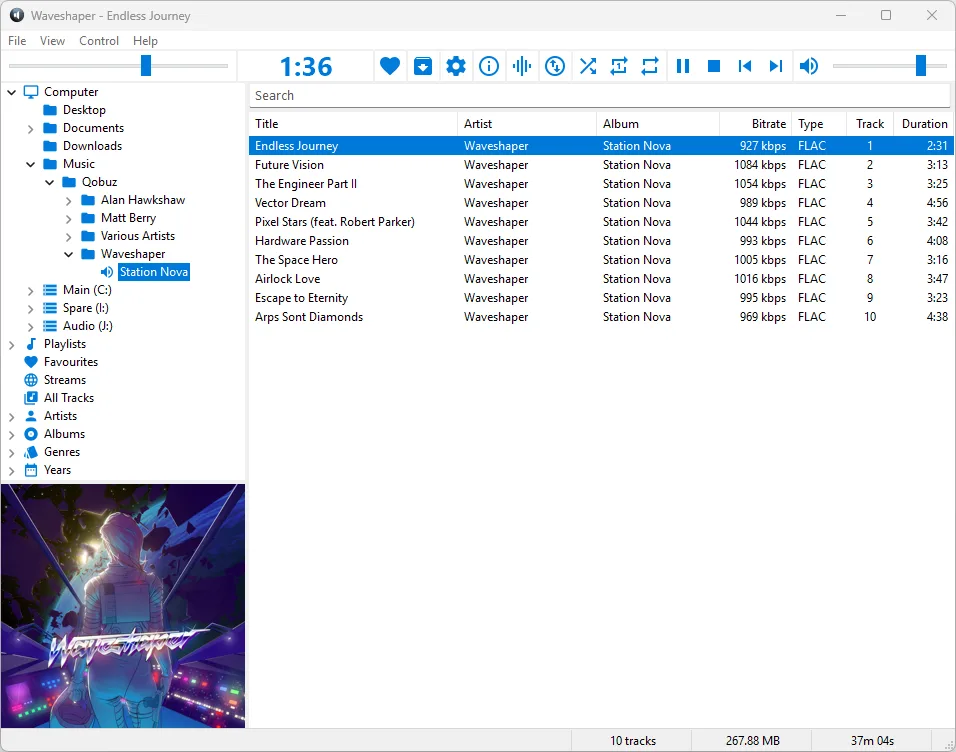
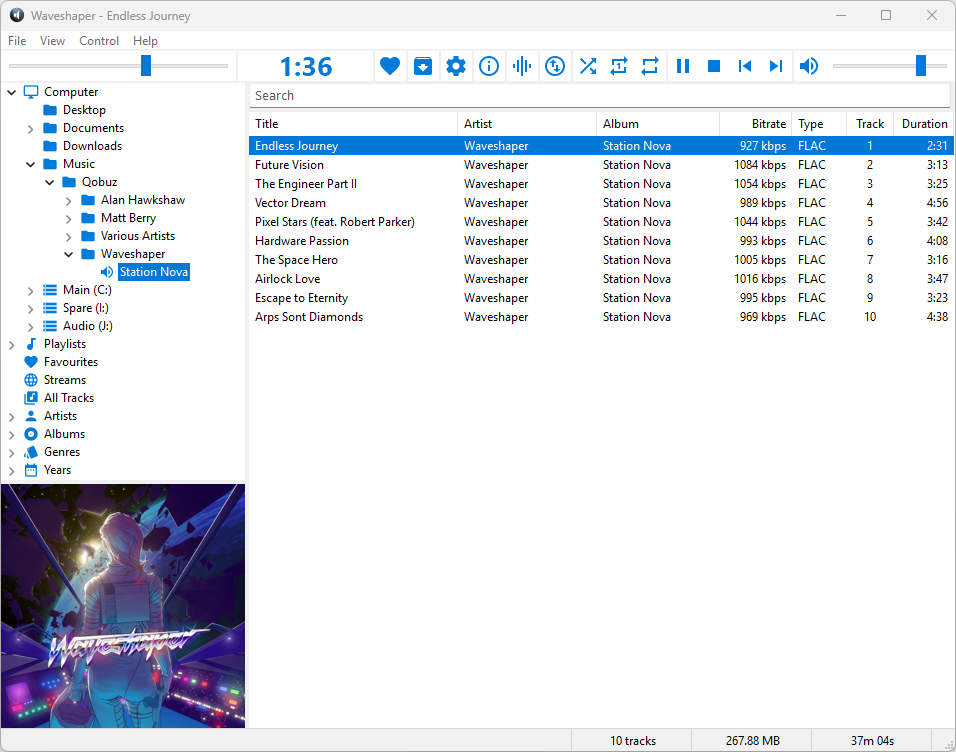
VUPlayer is a multi-format audio player for listening to files and organizing a music library on Windows. Browse folders or library groups such as artists, albums and genres, build playlists, and filter the displayed tracks with the search bar. The main window combines playback controls, a track list and a choice of artwork or audio visualizations.
Its Convert/Extract Tracks dialog can convert selected tracks to another supported audio format or extract tracks from an audio CD. Version 4.25 adds dark mode and the playlist search bar. This entry links to the publisher’s 64-bit ZIP archive, rather than the separate installer or 32-bit package.
Some functions depend on external services: MusicBrainz needs an internet connection, while Audioscrobbler needs both internet access and a Last.fm account. Portable mode is selected with VUPlayer.exe -portable and requires write permission to the application folder for its settings and metadata database.
What it offers
- Browse folders, user playlists and library groups including artists, albums and genres.
- Filter the current playlist using its search bar.
- Convert selected audio tracks or extract tracks from audio CDs.
- Choose artwork, a peak meter, an oscilloscope, a spectrum analyser or VU meters for the visual display.
- Use the dark mode introduced in version 4.25.
Good to know
- MusicBrainz requires an internet connection; Audioscrobbler also requires a Last.fm account.
- Portable mode requires write permission to the application folder to store its database.
Product images
Sources
References used for this listing. Retrieval dates do not indicate hands-on testing.
More in multimedia & graphics
View category ↗
1by1 2.17
Play music directly from folders with 1by1, a free Windows audio player with resume, gapless playback and file tools. Formats beyond MP3 need additional decoders.
3DVista Virtual Tour Pro
Build interactive 360° virtual tours from panoramas, videos and 3D models with 3DVista Virtual Tour Pro for Windows. Commercial software with a 30-day trial.

4DDiG Video Repair
Repair corrupted or unplayable videos in batches with the Video Repair tool in 4DDiG File Repair for Windows. A free trial is available; advanced features require a paid license.