
Multimedia & graphics Windows
WavePad for Windows
Record, trim and clean up audio on Windows with WavePad. Edit MP3, WAV and other formats, apply effects and process batches of files.
- Operating system
- Windows 7 through Windows 11, according to NCH Software
- Architecture
- 64-bit Windows supported; installer architecture not specified by publisher
- Download package
- EXE installer
Windows S mode users are directed to the Microsoft Store. Version 24.57 is from the publisher Windows release log; this mutable installer URL was verified by HEAD only, not downloaded or inspected.
Link checked · Download guidance
What is WavePad?
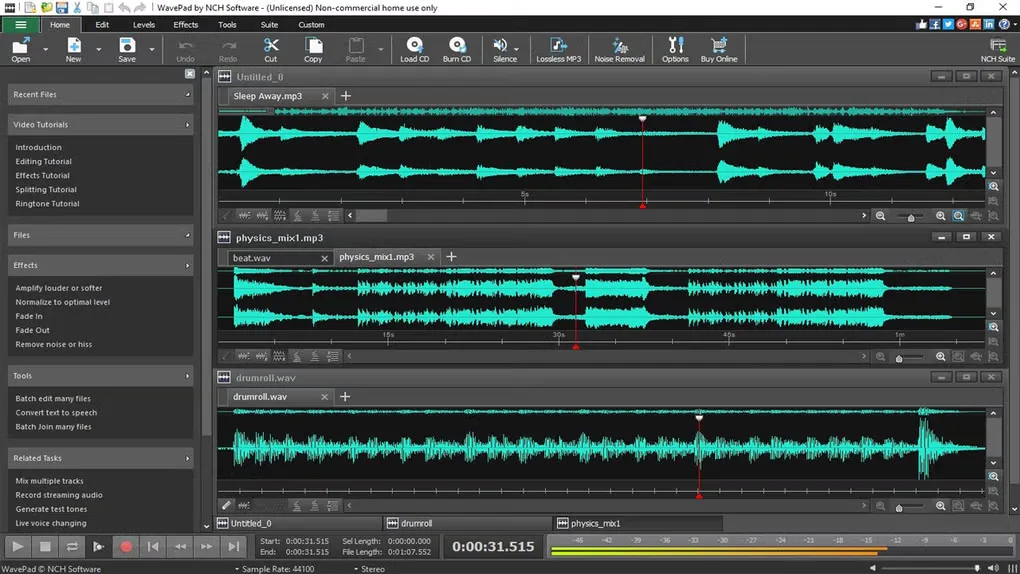
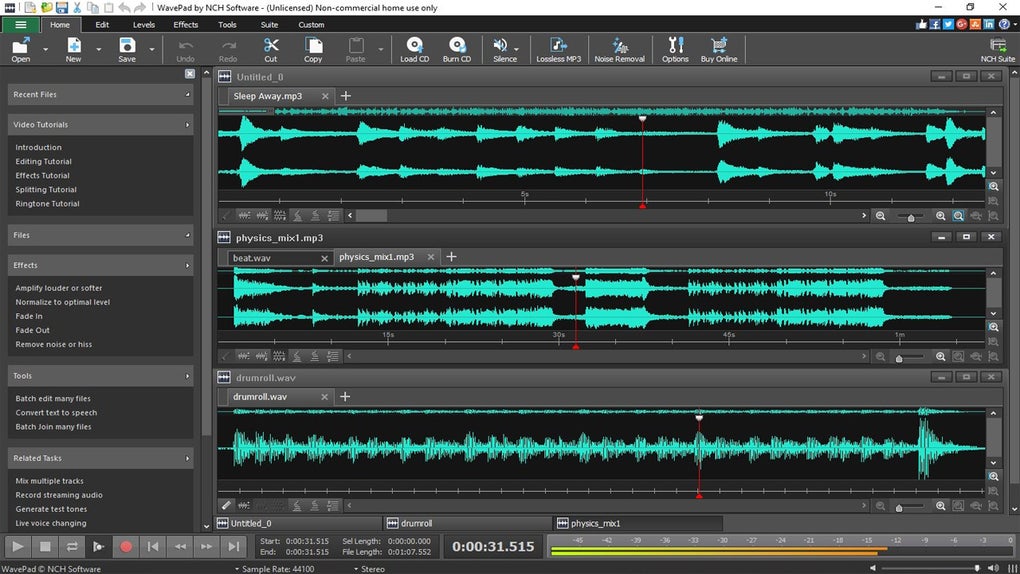
WavePad is an audio editor for recording voice, trimming music and cleaning up existing recordings. Cut or join sections, normalize volume, apply an equalizer or add effects such as echo and reverb. Noise reduction and click/pop removal are available for restoration work, while batch processing can apply changes or convert multiple files.
It suits editing a voiceover, shortening an interview or preparing individual sound clips. Supported formats include MP3, WAV, FLAC, OGG and M4A. For a voiceover over music, NCH documents recording the voice separately and combining it with the music using Paste Mix; it recommends MixPad when you need to hear the music while recording vocals.
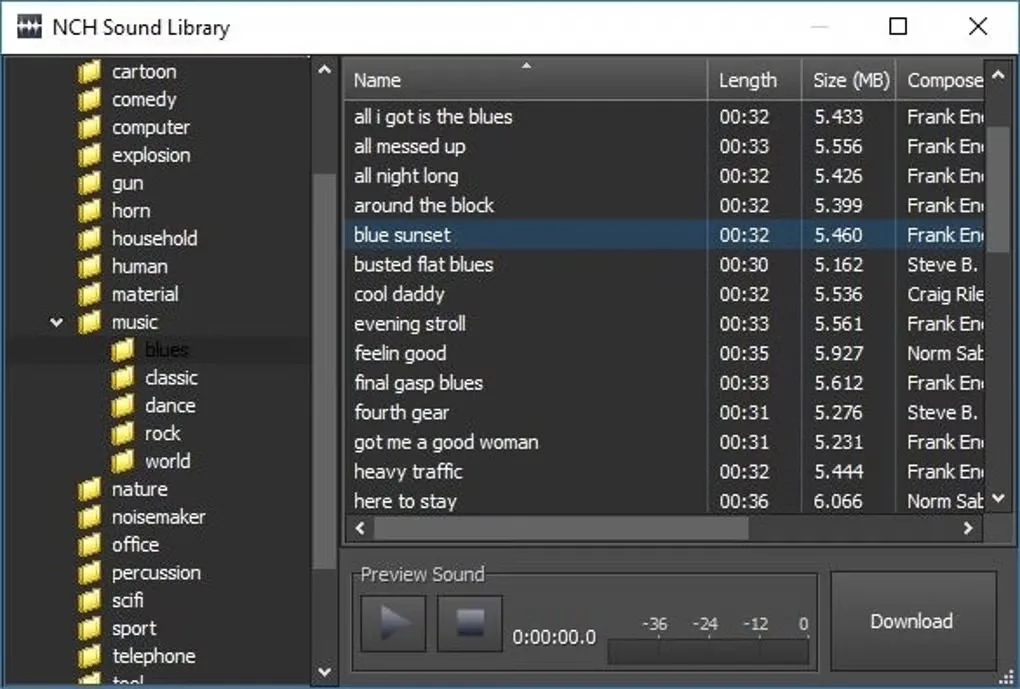
The non-expiring free edition is restricted to non-commercial use. Paid editions add features, and the full sound effects library is a Masters-edition feature. The download here points to the publisher’s Windows EXE; the publisher’s release log lists Windows version 24.57, but the executable itself was not downloaded or inspected.
What it offers
- Record voice and other audio, then cut, copy, trim, split or join sections.
- Apply amplification, normalization, equalization, reverb and echo.
- Reduce noise and remove clicks or pops from recordings.
- Apply effects or convert multiple audio files with batch processing.
- Edit formats including MP3, WAV, FLAC, OGG and M4A.
Good to know
- The free edition is for non-commercial use only; paid editions include additional effects and features.
- NCH documents recording voice separately before combining it with music using Paste Mix; it recommends MixPad for hearing music while recording vocals.
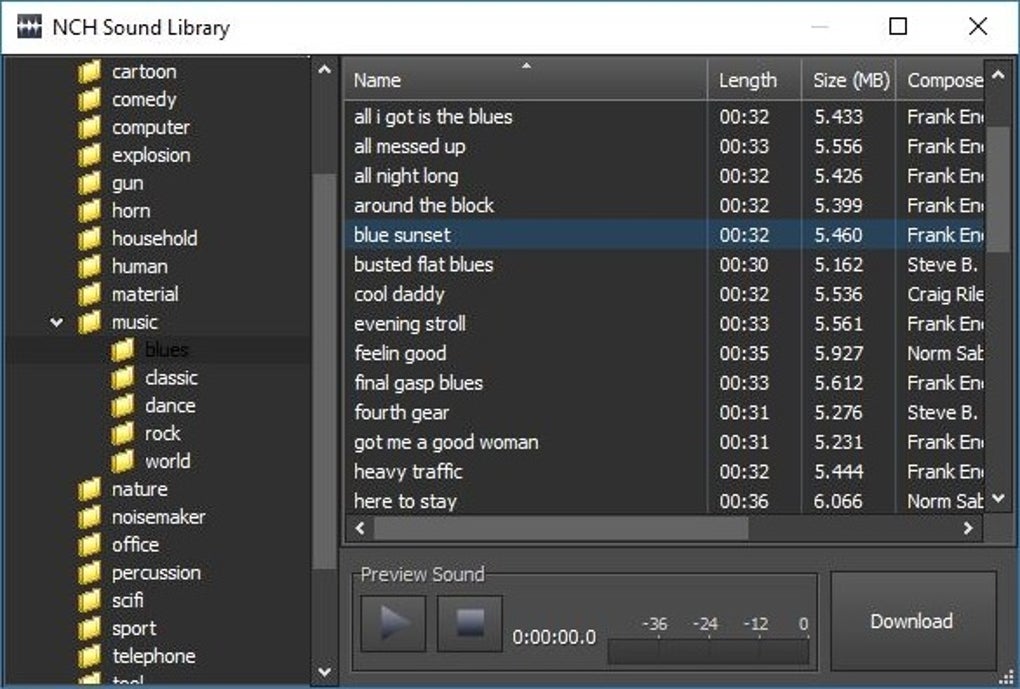
- The full sound effects library shown in the gallery is a Masters-edition feature.
Product images
Sources
References used for this listing. Retrieval dates do not indicate hands-on testing.
- WavePad - Download Now ↗Retrieved
- WavePad Audio Editing Software — official features and system requirements ↗Retrieved
- Can I use WavePad to record my voice over a music file? ↗Retrieved
- WavePad Audio Editor Versions ↗Retrieved
- Will Wavepad work on 64-bit computers? ↗Retrieved
- WavePad Audio Editing Software Screenshots ↗Retrieved
- WavePad Audio Editing Software - Download ↗Retrieved
More in multimedia & graphics
View category ↗
1by1 2.17
Play music directly from folders with 1by1, a free Windows audio player with resume, gapless playback and file tools. Formats beyond MP3 need additional decoders.
3DVista Virtual Tour Pro
Build interactive 360° virtual tours from panoramas, videos and 3D models with 3DVista Virtual Tour Pro for Windows. Commercial software with a 30-day trial.

4DDiG Video Repair
Repair corrupted or unplayable videos in batches with the Video Repair tool in 4DDiG File Repair for Windows. A free trial is available; advanced features require a paid license.