
Multimedia & graphics Windows
Wirecast
Produce live broadcasts on Windows by switching cameras, mixing audio and adding titles with Wirecast. Paid Studio and Pro plans offer different production tools.
Version 16.5.5 · Direct publisher file
Link checked · Download guidance
What is Wirecast?
Wirecast combines live video production, streaming and recording in one Windows application. Mix camera feeds with prerecorded clips, presentation slides and graphics, then switch between prepared shots during a show. It is suited to interviews, live events and presentations that need more control than a single webcam feed.
Rendezvous brings remote guests into a production: Studio supports two simultaneous guests, while Pro supports seven. Both editions provide screen capture and NDI input; Pro adds tools including NDI output, isolated camera recording and PTZ control. Choose the edition for the workflow rather than assuming every advertised feature is included in Studio.
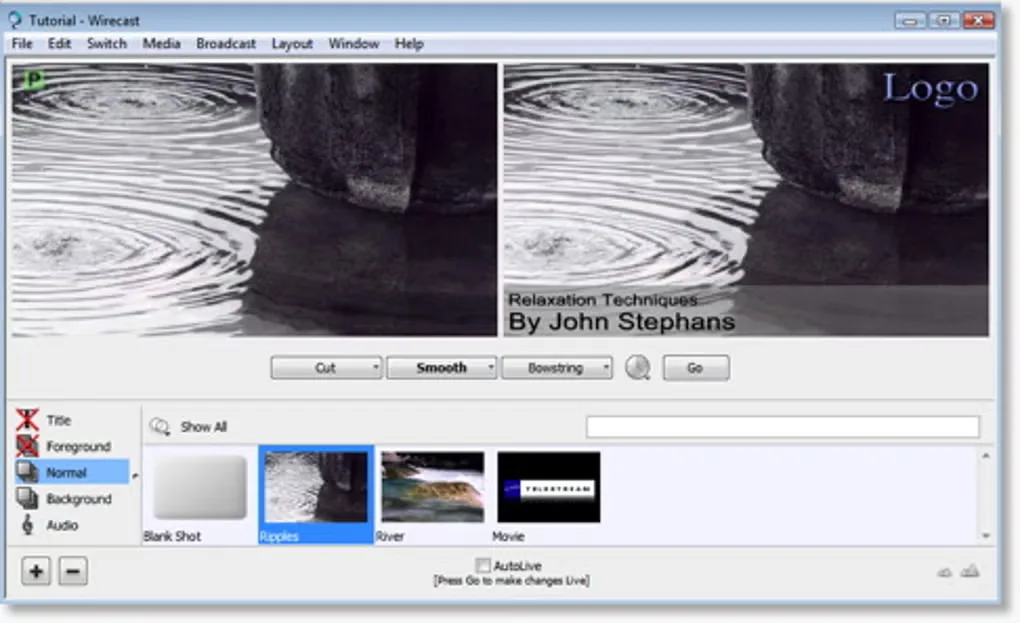
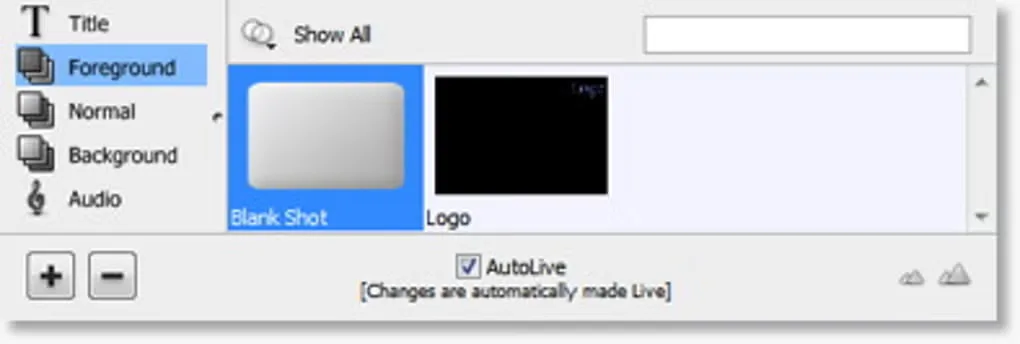
Wirecast is commercial software with a free trial, not freeware. The publisher lists Windows 10 version 1809 or higher and Windows 11, and warns that the minimum hardware baseline may be insufficient for 1080p or higher-resolution work and 60 fps production. The linked Windows EXE is version 16.5.5. The gallery images show an older Windows interface, not that release.
What it offers
- Switch live camera sources alongside prerecorded video, slides, titles and other graphics.
- Capture the screen and bring NDI network sources into a production.
- Invite remote guests through Rendezvous: two in Studio or seven in Pro.
- Stream a program and record the final output locally.
- Use Pro for isolated camera recording, NDI output and PTZ camera control.
Good to know
- Wirecast requires a paid Studio or Pro plan beyond its trial offering; it is not freeware.
- ISO recording, NDI output and PTZ control are Pro features, not part of the Studio feature set.
- The publisher warns that minimum hardware may be insufficient for 1080p+ or 60 fps workflows.
Product images
Sources
References used for this listing. Retrieval dates do not indicate hands-on testing.
More in multimedia & graphics
View category ↗
1by1 2.17
Play music directly from folders with 1by1, a free Windows audio player with resume, gapless playback and file tools. Formats beyond MP3 need additional decoders.
3DVista Virtual Tour Pro
Build interactive 360° virtual tours from panoramas, videos and 3D models with 3DVista Virtual Tour Pro for Windows. Commercial software with a 30-day trial.

4DDiG Video Repair
Repair corrupted or unplayable videos in batches with the Video Repair tool in 4DDiG File Repair for Windows. A free trial is available; advanced features require a paid license.