
Multimedia & graphics macOS
XnResize
Resize batches of photos on Mac, adjust dimensions and convert output formats with XnResize. Freeware for private, educational and nonprofit use.
- Operating system
- Publisher lists macOS 10.5+; Softonic lists macOS 10.15
- Architecture
- 64-bit; selected publisher filename identifies x64
- Download package
- DMG disk image
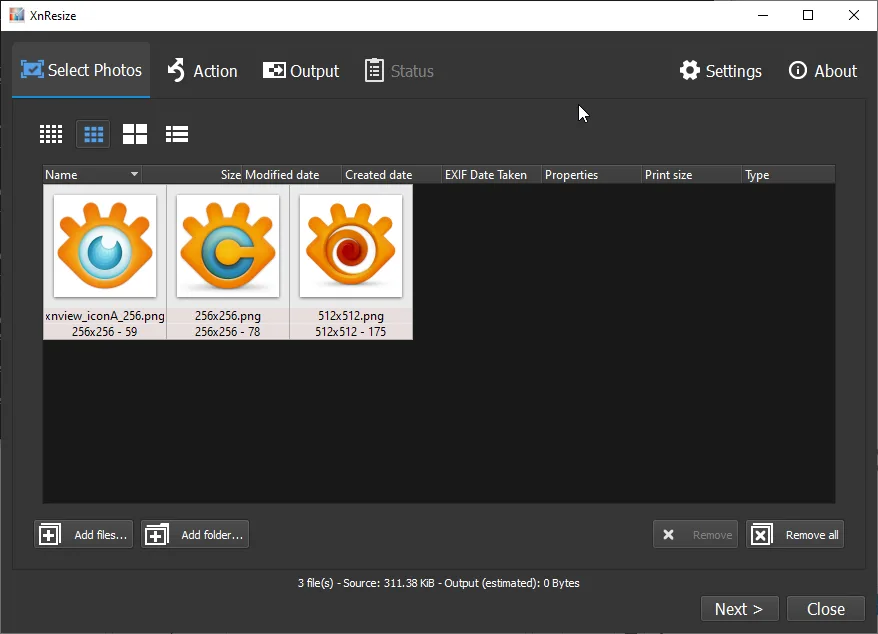
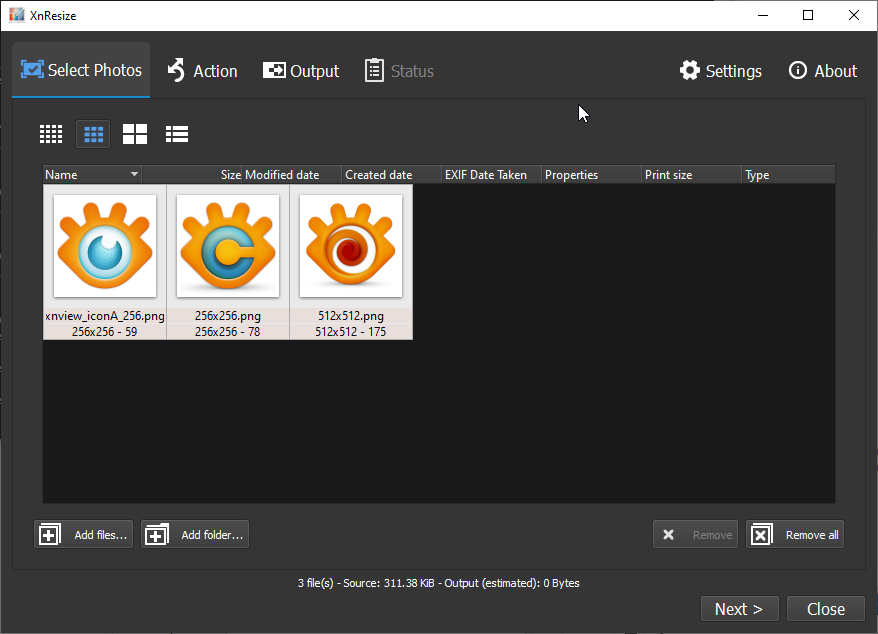
Modern macOS compatibility and native Apple Silicon support unverified. Publisher screenshot shows the Windows build, not the Mac interface.
Link checked · Download guidance
What is XnResize?
XnResize reduces the dimensions of multiple pictures in one batch. Add individual images or a whole folder, choose the required width and height or a predefined size, and select an output filename and format. It is intended for preparing smaller copies of photos for sharing or reducing the space they occupy.
The publisher lists support for more than 500 input formats and about 70 output formats, along with EXIF, IPTC and XMP metadata. Input and output support differ: a format it can read is not necessarily one it can write. Resizing also changes pixel information; enlarging an image can produce a blurry result rather than recover detail.
This link selects the publisher’s 64-bit Mac DMG, not the separate Windows installer. The official page lists macOS 10.5+, while Softonic lists macOS 10.15; neither listing establishes compatibility with every modern macOS release or native Apple Silicon support. The screenshot is the publisher’s Windows interface illustration, not a capture of the Mac build.
What it offers
- Resize multiple files or an entire folder in one batch.
- Set image width and height or use predefined sizes.
- Adjust image orientation and choose output filenames.
- Read more than 500 image formats and export to about 70 formats, according to the publisher.
- EXIF, IPTC and XMP metadata support.
Good to know
- Enlarging images can cause blur; resizing does not recover missing detail.
- Freeware terms explicitly cover private, educational and nonprofit use; commercial-use permission is not established here.
- The publisher and Softonic list different macOS baselines. Current macOS compatibility and native Apple Silicon support have not been verified.
Product images
Sources
References used for this listing. Retrieval dates do not indicate hands-on testing.
More in multimedia & graphics
View category ↗
1by1 2.17
Play music directly from folders with 1by1, a free Windows audio player with resume, gapless playback and file tools. Formats beyond MP3 need additional decoders.
3DVista Virtual Tour Pro
Build interactive 360° virtual tours from panoramas, videos and 3D models with 3DVista Virtual Tour Pro for Windows. Commercial software with a 30-day trial.

4DDiG Video Repair
Repair corrupted or unplayable videos in batches with the Video Repair tool in 4DDiG File Repair for Windows. A free trial is available; advanced features require a paid license.