

Multimedia & graphics Windows
XnRetro for Windows
Give photos a vintage look with XnRetro for Windows: combine retro colors, light effects, vignettes and frames, then save or share the result.
- Operating system
- Windows; Softonic lists Windows 8
- Architecture
- x64 (selected publisher archive)
- Download package
- ZIP archive
Publisher filename identifies the x64 package. Softonic lists version 1.30; archive contents and Windows 10/11 compatibility were not inspected or tested. A separate non-x64-named Windows ZIP is listed.
Link checked · Download guidance
What is XnRetro?
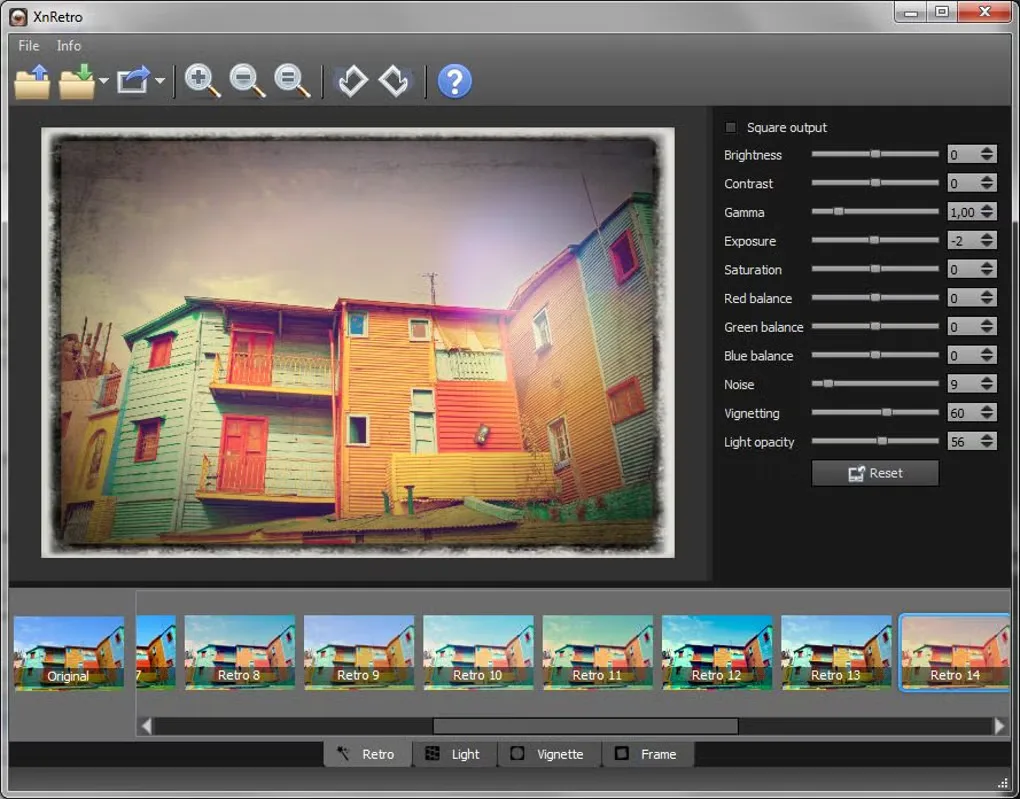
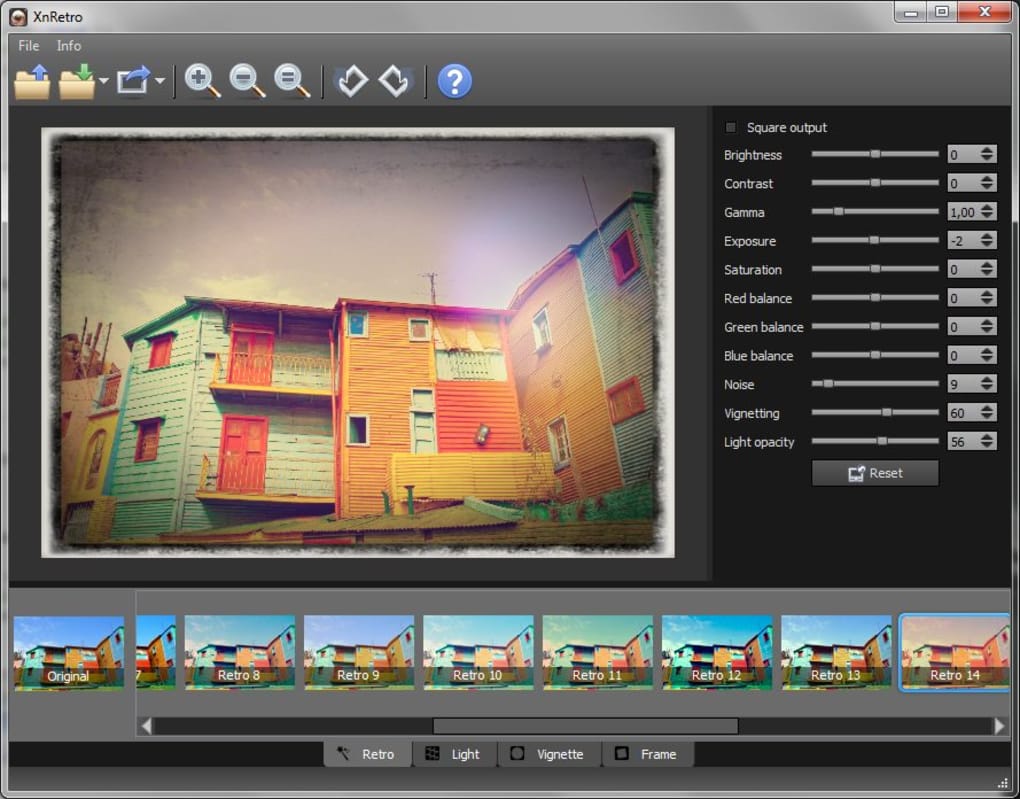
XnRetro applies vintage and instant-photo effects to existing pictures. Combine color presets with light effects such as bokeh and light leaks, add a frame, and adjust contrast, gamma or saturation before saving the result. The desktop interface places the picture preview beside adjustment sliders and above a strip of effect thumbnails, making it useful for choosing a stylized treatment for a photo.
The linked publisher download is the Windows x64 ZIP archive. Softonic lists version 1.30 and Windows 8, but the archive contents have not been inspected and current Windows 10 or 11 compatibility has not been established here. Softonic's July 2023 page-update date is not treated as the application's release date. Check suitability for your Windows version before relying on this older compatibility listing.
What it offers
- Apply retro color effects and instant-photo styling.
- Combine light effects such as bokeh and light leaks with frame borders.
- Adjust contrast, gamma and saturation, with noise and vignetting controls.
- Save or share the finished image.
Good to know
- The retrieved compatibility listing names Windows 8; support for Windows 10 and 11 has not been verified.
Product images
Sources
References used for this listing. Retrieval dates do not indicate hands-on testing.
More in multimedia & graphics
View category ↗
1by1 2.17
Play music directly from folders with 1by1, a free Windows audio player with resume, gapless playback and file tools. Formats beyond MP3 need additional decoders.
3DVista Virtual Tour Pro
Build interactive 360° virtual tours from panoramas, videos and 3D models with 3DVista Virtual Tour Pro for Windows. Commercial software with a 30-day trial.

4DDiG Video Repair
Repair corrupted or unplayable videos in batches with the Video Repair tool in 4DDiG File Repair for Windows. A free trial is available; advanced features require a paid license.