

Multimedia & graphics Windows
XnView Classic for Windows
Browse photos, resize images and convert or rename files in batches with XnView Classic, the Windows-only edition of XnView.
- Operating system
- Windows XP, Windows 7, Windows 10 and Windows 11
- Architecture
- Classic Windows build; no native x64 edition
- Download package
- Standard EXE installer
Classic 2.52.7 Standard, not MP or Extended. English setup; multilingual interface. Company use needs a paid license.
Link checked · Download guidance
What is XnView Classic?
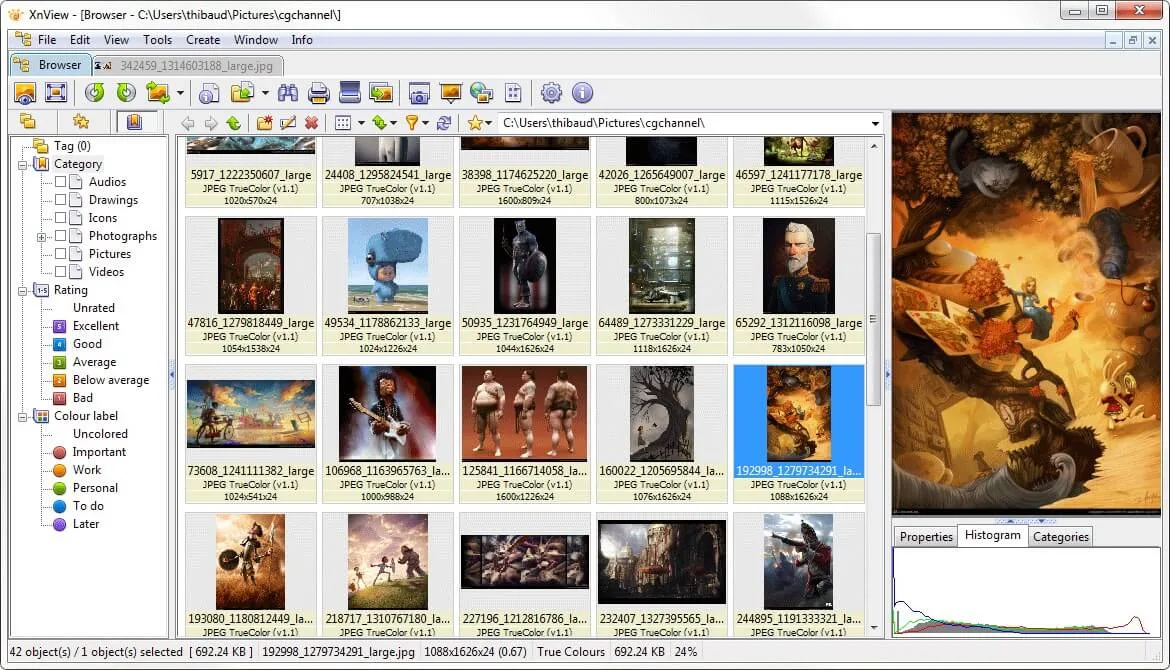
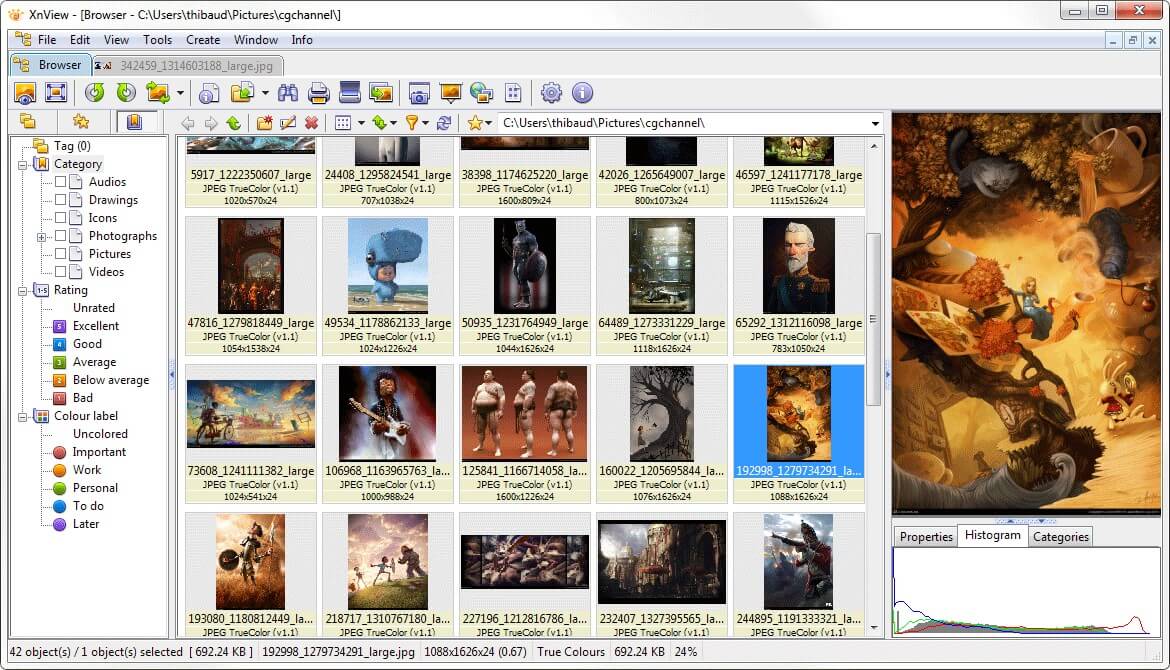
XnView Classic combines a photo browser with everyday image editing and batch tools. Use thumbnails, full-screen viewing or slideshows to inspect a folder, then crop, rotate or adjust images. Batch conversion and renaming help prepare several files together instead of repeating the same operation for each photo.
This is Classic, not XnView MP. The publisher labels Classic as the legacy Windows edition and marks native x64, Unicode and HEIC/HEIF, JPEG-XL and AVIF support as unavailable in its edition comparison. Choose MP instead if those capabilities determine your choice. Classic is free for private or educational use, including non-profit organizations; company use requires a paid license.
The linked EXE is the Standard package, with an English installer and multiple interface languages. It includes the JPEG 2000 plugin and photomasque, paint and xmp add-ons; it is not the Extended package with all plugins and extras.
What it offers
- Browse images as thumbnails, full-screen views, filmstrips or slideshows.
- Resize, rotate and crop images, or adjust brightness, contrast and gamma.
- Convert and rename multiple image files in batches.
- Create contact sheets and edit IPTC metadata.
Good to know
- Classic lacks native x64 and Unicode support; the publisher lists HEIC/HEIF, JPEG-XL and AVIF as unavailable in this edition.
- Company use requires a paid license; the free-use terms cover private or educational use, including non-profit organizations.
- The Standard download does not include every plugin and extra offered in the Extended package.
Product images
Sources
References used for this listing. Retrieval dates do not indicate hands-on testing.
More in multimedia & graphics
View category ↗
1by1 2.17
Play music directly from folders with 1by1, a free Windows audio player with resume, gapless playback and file tools. Formats beyond MP3 need additional decoders.
3DVista Virtual Tour Pro
Build interactive 360° virtual tours from panoramas, videos and 3D models with 3DVista Virtual Tour Pro for Windows. Commercial software with a 30-day trial.

4DDiG Video Repair
Repair corrupted or unplayable videos in batches with the Video Repair tool in 4DDiG File Repair for Windows. A free trial is available; advanced features require a paid license.