

Utilities Windows
3uTools for Windows
Manage iPhone and iPad photos, music, apps and backups from Windows with 3uTools, a free utility that also includes device checks and firmware flashing tools.
- Operating system
- Windows (64-bit)
- Architecture
- x64
- Download package
- EXE installer
Selected publisher package is Win 64-bit; a separate Win 32-bit installer is available. Minimum Windows version was not established from the publisher page.
Link checked · Download guidance
What is 3uTools?
3uTools brings iPhone and iPad management into a Windows desktop interface. Use it to import and export photos, videos, music and ringtones, manage installed apps, and back up or restore contacts. Its toolbox also includes backup and restore, ringtone creation, format conversion and screen recording.
For device inspection, the publisher lists battery-health information, hardware checks and verification reports. Firmware tools offer Retain Data and Deep Clean flashing modes plus recovery-mode guidance. These are maintenance functions, not a guarantee that a damaged device can be repaired. Back up important data before using flashing or erase operations.
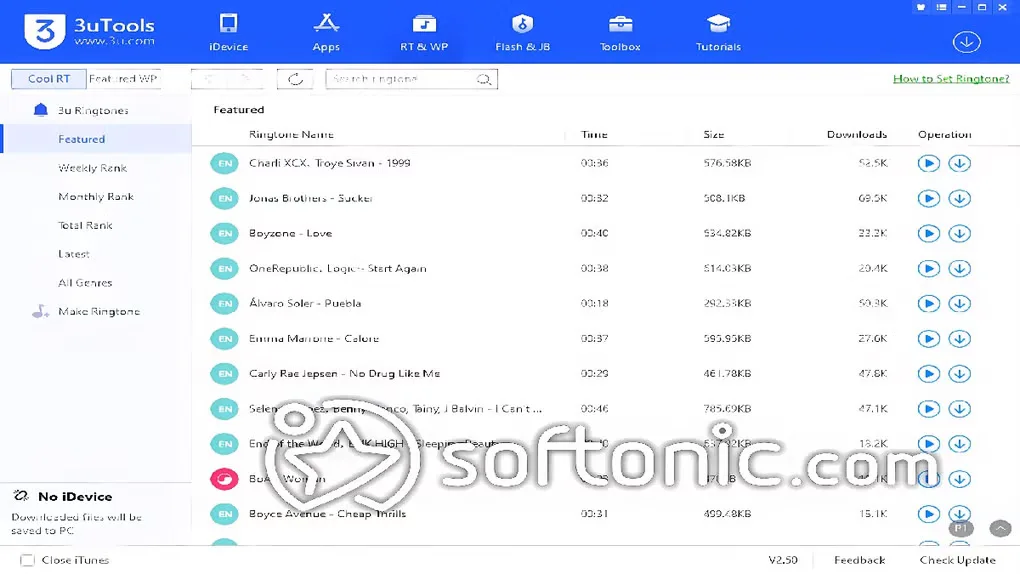
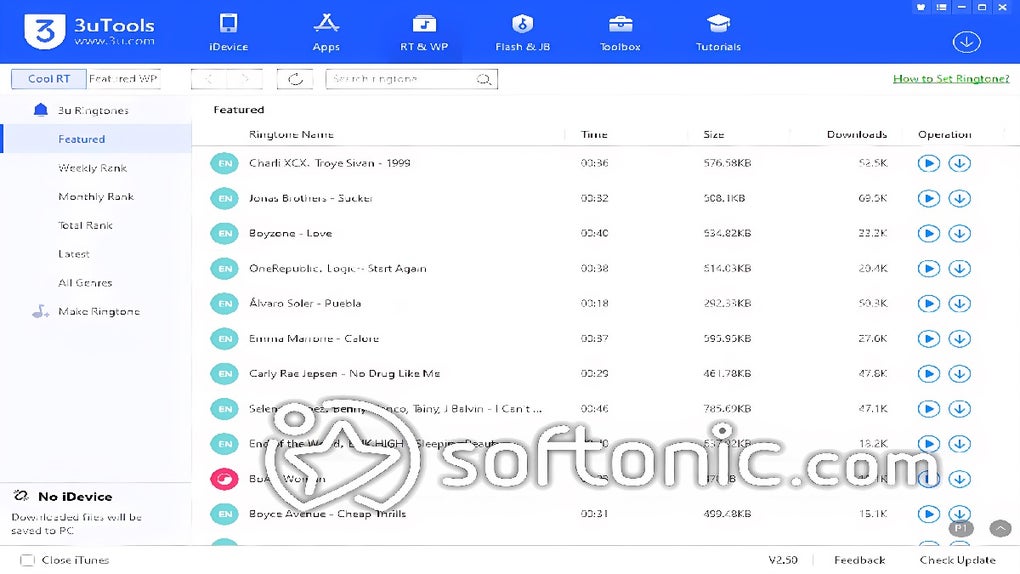
This entry links to the publisher’s Windows 64-bit EXE installer; a separate 32-bit package is offered on the same download page. The gallery image illustrates an older 3uTools V2.50 interface, not the current download. Review the publisher’s privacy statement before using app-download functions: it says information is collected and device account credentials may be requested.
What it offers
- Import and export photos, videos, music, ringtones and e-books.
- Install, update and remove apps; back up and restore contacts.
- View device information, battery-health details and hardware verification reports.
- Access Retain Data and Deep Clean firmware-flashing modes with recovery-mode guidance.
- Use auxiliary tools for backup and restore, ringtone creation, format conversion and screen recording.
Good to know
- Deep Clean flashing and erase operations can remove device data; make a backup before using those functions.
- The publisher’s legal statement says app-download use collects information and may request a device account and password.
Product images
More in utilities
View category ↗
1.1.1.1 with WARP 2026.8.2115.0
Encrypt traffic from your Mac to Cloudflare’s network with WARP, or use DNS-only mode for encrypted DNS queries to the 1.1.1.1 resolver.
1.1.1.1 with WARP 2026.8.2115.0
Encrypt traffic between your Windows PC and Cloudflare, or use encrypted DNS only, with the free 1.1.1.1 with WARP app.
3uTools 9.07.007
Manage iPhone and iPad files, create backups and inspect device information from a Mac with 3uTools. This download is the publisher's Intel Mac DMG.