

Games Windows
Tux Typing for Windows
Practise typing with Tux through arcade-style word games and finger lessons. This free, open-source Windows download is the older 1.8.1 installer from 2010.
Version 1.8.1 · Direct publisher file
Link checked · Download guidance
What is Tux Typing?
Tux Typing turns keyboard practice into educational games for children and beginners. Its Fish Cascade and Comet Zap activities use words and arcade-style challenges, while phrase and finger lessons provide a more direct way to practise. Difficulty levels and multilingual word lists let learners choose suitable practice material; custom word lists can support vocabulary chosen by a parent or teacher.
This entry links to the publisher project's Windows 1.8.1 installer, listed on SourceForge on June 8, 2010. That package date matters: Softonic's newer listing-update date does not establish a newer Windows release. The source listing names Windows Vista, and compatibility with Windows 10 or 11 has not been established here.
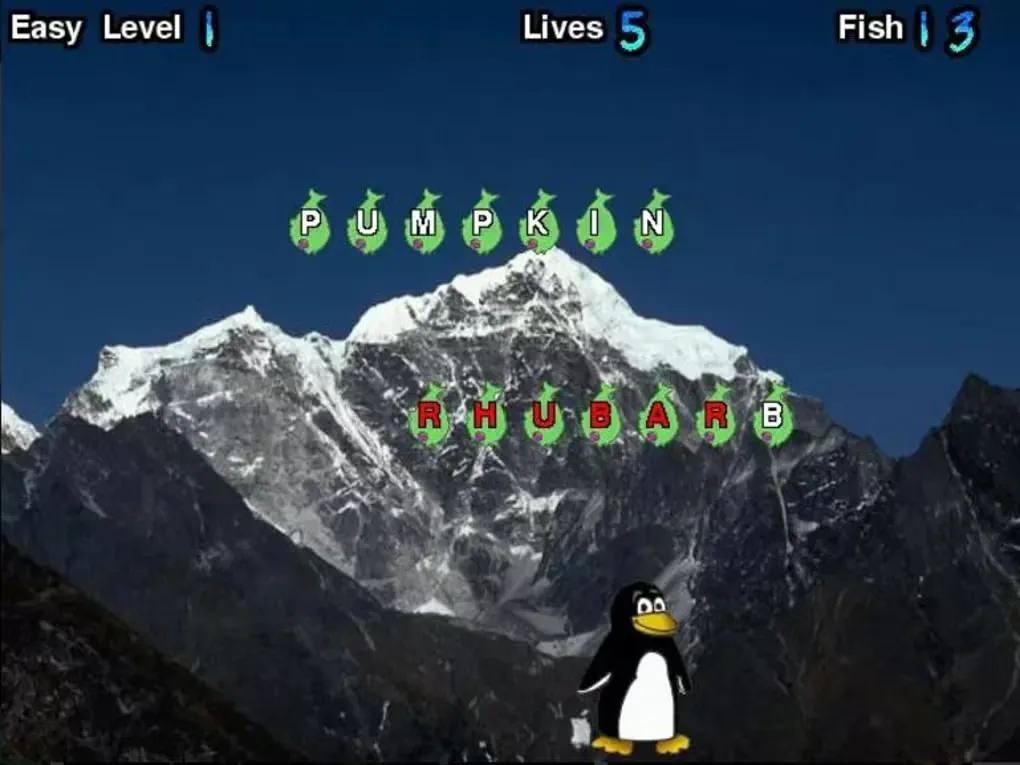
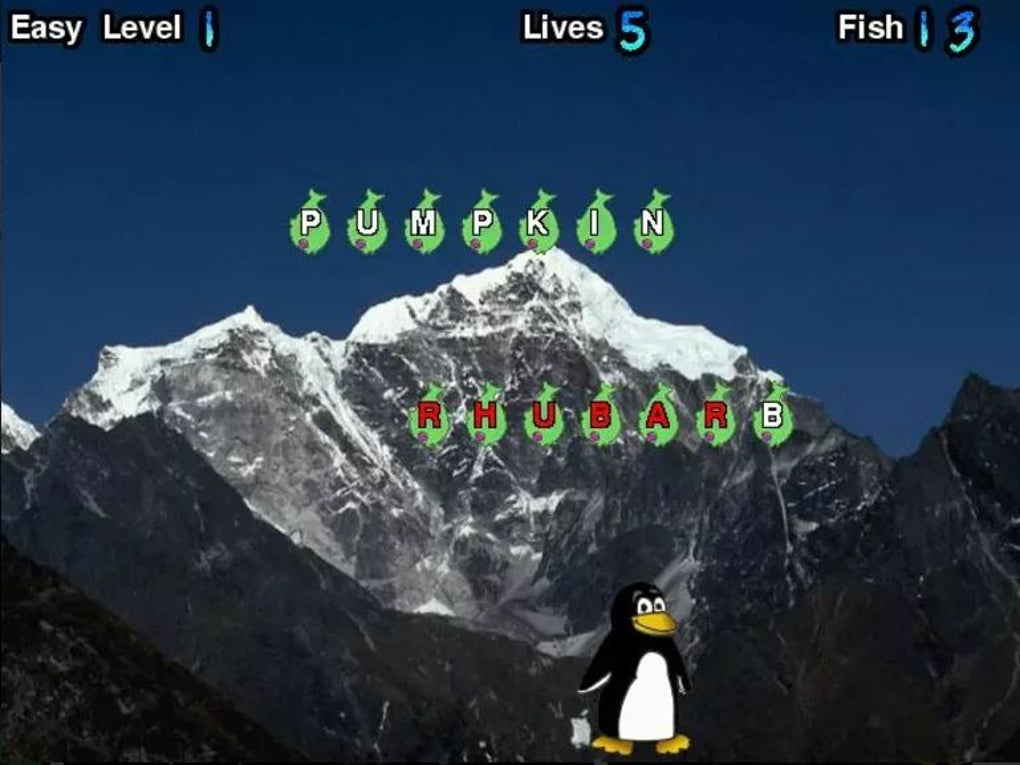
Choose it for game-based typing practice rather than detailed learning analytics. Softonic reports no advanced progress tracking and limited display options. The screenshot shows the Fish Cascade game with words on fish, a lives counter and Tux against a mountain background; it is a source-provided image, not evidence of a local installation or test.
What it offers
- Practise typing in the Fish Cascade and Comet Zap game modes.
- Use phrase and finger lessons alongside the arcade-style activities.
- Choose difficulty levels and multilingual word lists.
- Create or edit custom word lists for selected vocabulary.
Good to know
- The linked Windows 1.8.1 installer dates to June 2010; Windows 10 and 11 compatibility is unverified.
- Softonic reports no advanced progress tracking or analytics and limited display options.
Product images
Sources
References used for this listing. Retrieval dates do not indicate hands-on testing.
More in games
View category ↗
0 A.D. 0.28.0 (Release 28: Boiorix)
Build an ancient city, gather resources and command citizen-soldiers in 0 A.D., a free, open-source real-time strategy game for Windows.
123 Free Solitaire 12.1
Play 12 solitaire variations on Windows, including FreeCell, Klondike, Pyramid and Spider, with customizable cards and backgrounds.
AirXoniX
Claim territory with a flying device while avoiding balls and mines in AirXoniX, a 3D Xonix-style arcade game for Windows. The publisher offers a free trial; the full game requires paid registration.