

Games Windows
XMoto for Windows
Balance a motocross bike through side-view obstacle courses in XMoto, a free, open-source physics platform game for Windows.
- Operating system
- Windows; the release page does not specify supported Windows versions
- Architecture
- win32 package, as named by the publisher
- Download package
- EXE installer
The official site also lists a separate Windows executable ZIP. Compatibility with individual Windows releases was not tested.
Link checked · Download guidance
What is XMoto?
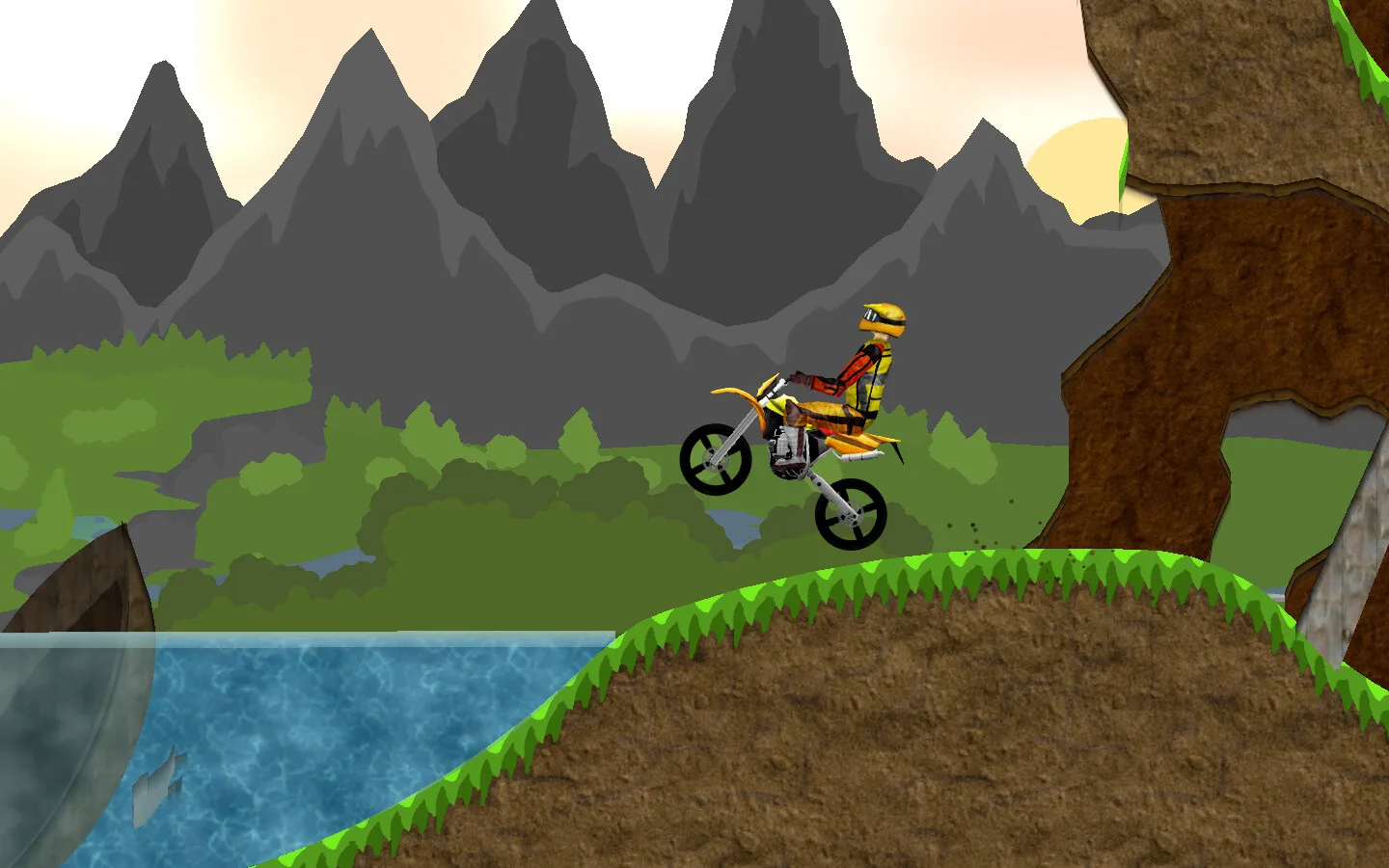
XMoto turns motocross into a 2D balance-and-control challenge. Guide a bike across uneven terrain, collect the strawberries and reach the sunflower to finish a level. Acceleration, braking and bike rotation matter as much as forward progress; the keyboard controls can be reassigned. After completing a course, you can return to improve your time.
The game supports recording and playing back replays, plus optional online access to extra levels and world-record scores. The publisher notes that replay playback can look less smooth than live gameplay and does not include the rear wheel's dirt particles. This entry links to the publisher's Windows EXE installer for version 0.6.3; a separate Windows ZIP package is also listed on the official site.
What it offers
- Navigate side-view motocross levels using acceleration, braking, bike rotation and a turn-around control.
- Collect strawberries and reach the sunflower to complete the standard level objective.
- Reassign keyboard controls to suit your preferred layout.
- Record and play back replays of your runs.
- Enable online access for additional levels and world-record scores.
Good to know
- Replay playback can appear less smooth than live gameplay and omits rear-wheel dirt particles.
- Downloading extra levels and world-record scores requires allowing the game to access the Internet.
Product images
Sources
References used for this listing. Retrieval dates do not indicate hands-on testing.
More in games
View category ↗
0 A.D. 0.28.0 (Release 28: Boiorix)
Build an ancient city, gather resources and command citizen-soldiers in 0 A.D., a free, open-source real-time strategy game for Windows.
123 Free Solitaire 12.1
Play 12 solitaire variations on Windows, including FreeCell, Klondike, Pyramid and Spider, with customizable cards and backgrounds.
AirXoniX
Claim territory with a flying device while avoiding balls and mines in AirXoniX, a 3D Xonix-style arcade game for Windows. The publisher offers a free trial; the full game requires paid registration.