
Utilities Windows
4n6 Document Compressor
Reduce the size of Word, PDF, Excel and PowerPoint files in batches with a Windows desktop utility. The demo compresses only a few files; unlimited use requires a paid license.
- Operating system
- Windows 11, 10, 8 and 7; Windows Server 2019, 2016, 2012 R2 and 2008, as listed by the publisher
- Architecture
- Installer architecture unspecified by the publisher
- Download package
- EXE installer
Publisher lists Windows 11 as 64-bit and Windows 10/8/7 as 32-bit or 64-bit. These are OS requirements, not proof of the executable architecture. Minimum 2 GB RAM and 125.6 MB free disk space are listed.
Link checked · Download guidance
What is 4n6 Document Compressor?
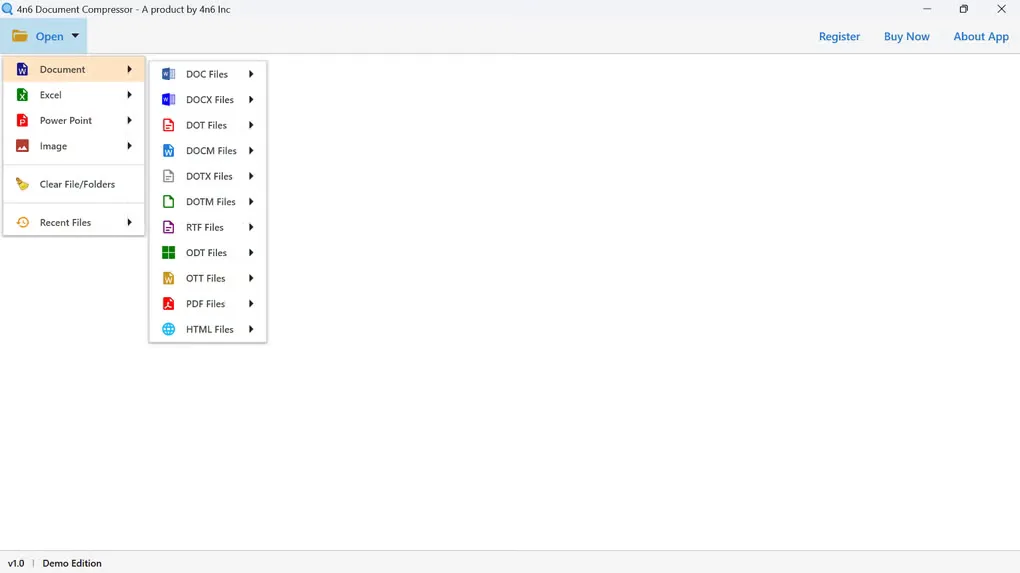
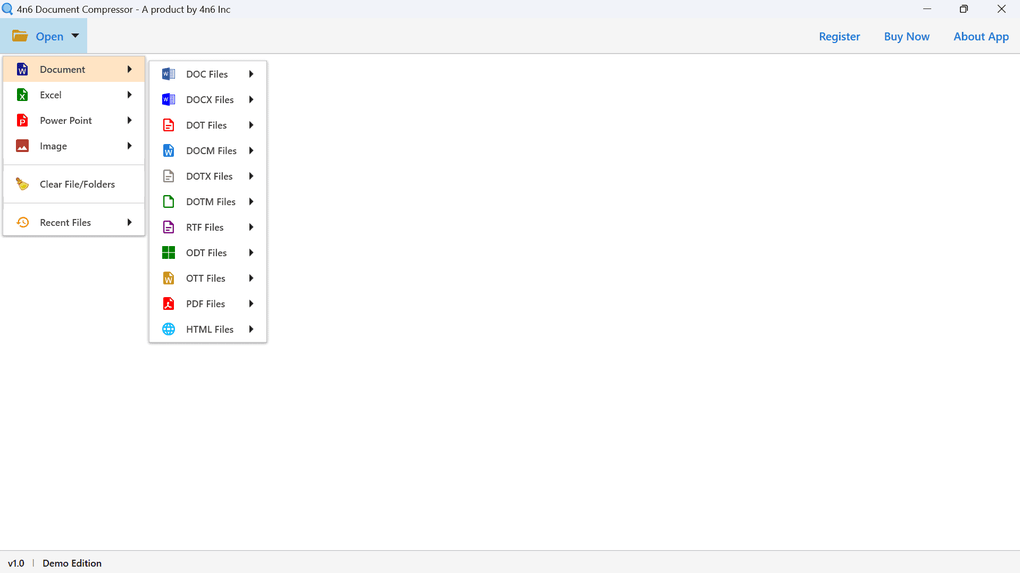
4n6 Document Compressor reduces document file sizes for storage and sharing. It works with individual files or folders and supports formats including DOC, DOCX, ODT and PDF, alongside Excel and PowerPoint files. Select the document type from the Open menu, load the files, and use the export controls to choose compression settings and an output folder.
The publisher provides embedded-image quality controls and, for PDFs, grayscale conversion and a maximum image resolution setting. Those controls let you trade image quality for a smaller document; the publisher's blanket quality-preservation claims are not an independent guarantee. Review the resulting documents before relying on them.
This is commercial software with a restricted demo, not an unlimited free compressor. The publisher says the demo can compress only a few files but does not give an exact count on the product page. Version information also conflicts: the publisher page and gallery interface identify 1.0, while Softonic lists 4.2.0. No definitive installer version is assigned here.
What it offers
- Load individual documents or entire folders for batch compression.
- Work with Word document formats, PDF, Excel and PowerPoint files.
- Adjust the quality level of images embedded in documents.
- For PDFs, choose grayscale images and a maximum image resolution.
- Select which loaded files to compress and choose a destination folder.
Good to know
- The free demo compresses only a few files; unlimited compression requires the paid edition. The publisher does not specify the exact demo file count.
- Lower embedded-image quality or resolution can affect visual detail; no independent compression or output-quality test was performed.
- Publisher and Softonic version labels disagree, so the exact version of the linked installer is unconfirmed.
Product images
More in utilities
View category ↗
1.1.1.1 with WARP 2026.8.2115.0
Encrypt traffic from your Mac to Cloudflare’s network with WARP, or use DNS-only mode for encrypted DNS queries to the 1.1.1.1 resolver.
1.1.1.1 with WARP 2026.8.2115.0
Encrypt traffic between your Windows PC and Cloudflare, or use encrypted DNS only, with the free 1.1.1.1 with WARP app.

3uTools 9.12.005
Manage iPhone and iPad photos, music, apps and backups from Windows with 3uTools, a free utility that also includes device checks and firmware flashing tools.