

Utilities Windows
7-Zip for Windows
Create 7z and ZIP archives, extract RAR files and encrypt supported archives with 7-Zip, a free Windows file archiver.
- Operating system
- Windows 10 and 11; older Windows versions also listed by publisher
- Architecture
- x64
- Download package
- EXE installer
Separate x86 and ARM64 installers; this download is x64.
Link checked · Download guidance
What is 7-Zip?
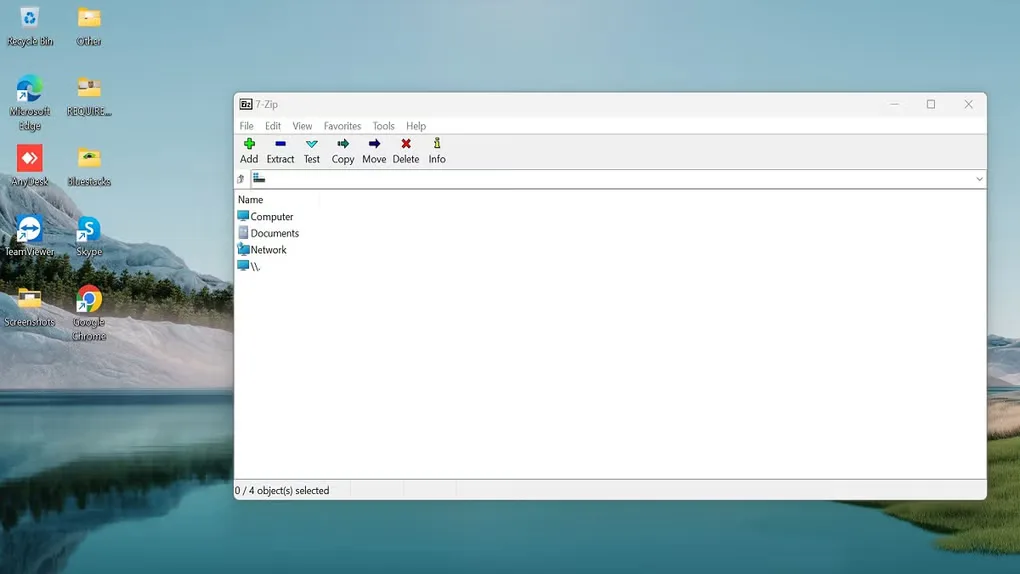
7-Zip creates compressed archives and opens files received in other archive formats. It suits packing a folder for transfer, extracting downloaded files or protecting a 7z or ZIP archive with AES-256 encryption. Its Windows file manager, shell integration and command-line tools offer different ways to handle the same tasks.
Format support is not symmetrical: 7-Zip can extract RAR files but cannot create RAR archives. Choose a supported output format such as 7z or ZIP when making an archive; the longer list of formats it can open is not a list of formats it can write.
What it offers
- Create and extract 7z, ZIP, TAR, GZIP and other supported archive formats.
- Open additional archive formats, including RAR.
- Use AES-256 encryption in 7z and ZIP archives.
- Work through the file manager, Windows shell integration or command line.
Good to know
- RAR support is extraction-only; use another supported format when creating archives.
Product images
More in utilities
View category ↗
1.1.1.1 with WARP 2026.8.2115.0
Encrypt traffic from your Mac to Cloudflare’s network with WARP, or use DNS-only mode for encrypted DNS queries to the 1.1.1.1 resolver.
1.1.1.1 with WARP 2026.8.2115.0
Encrypt traffic between your Windows PC and Cloudflare, or use encrypted DNS only, with the free 1.1.1.1 with WARP app.

3uTools 9.12.005
Manage iPhone and iPad photos, music, apps and backups from Windows with 3uTools, a free utility that also includes device checks and firmware flashing tools.