
Utilities Windows
86Box for Windows
Emulate retro IBM-compatible PCs on Windows with 86Box. Configure period hardware to run older DOS, Windows and other operating systems in a customizable x86 emulator.
- Operating system
- Windows 7 Service Pack 1 or newer on Intel/AMD systems
- Architecture
- x64 (Intel/AMD)
- Download package
- ZIP archive
Publisher lists a 64-bit Core 2 or Athlon 64 or newer and at least 4 GB RAM. This link is the Windows-64 build; separate ARM64 builds require Windows 11. Hardware ROM setup is required.
Link checked · Download guidance
What is 86Box?
86Box recreates the hardware of older IBM PCs and compatible machines so you can run software written for those systems. It suits retro-computing projects that need a particular machine configuration rather than only a compatible command prompt: choose a system, processor and peripherals, then configure its storage, display and sound hardware. Supported guests include MS-DOS, older Windows versions, OS/2 and other operating systems listed by the publisher.
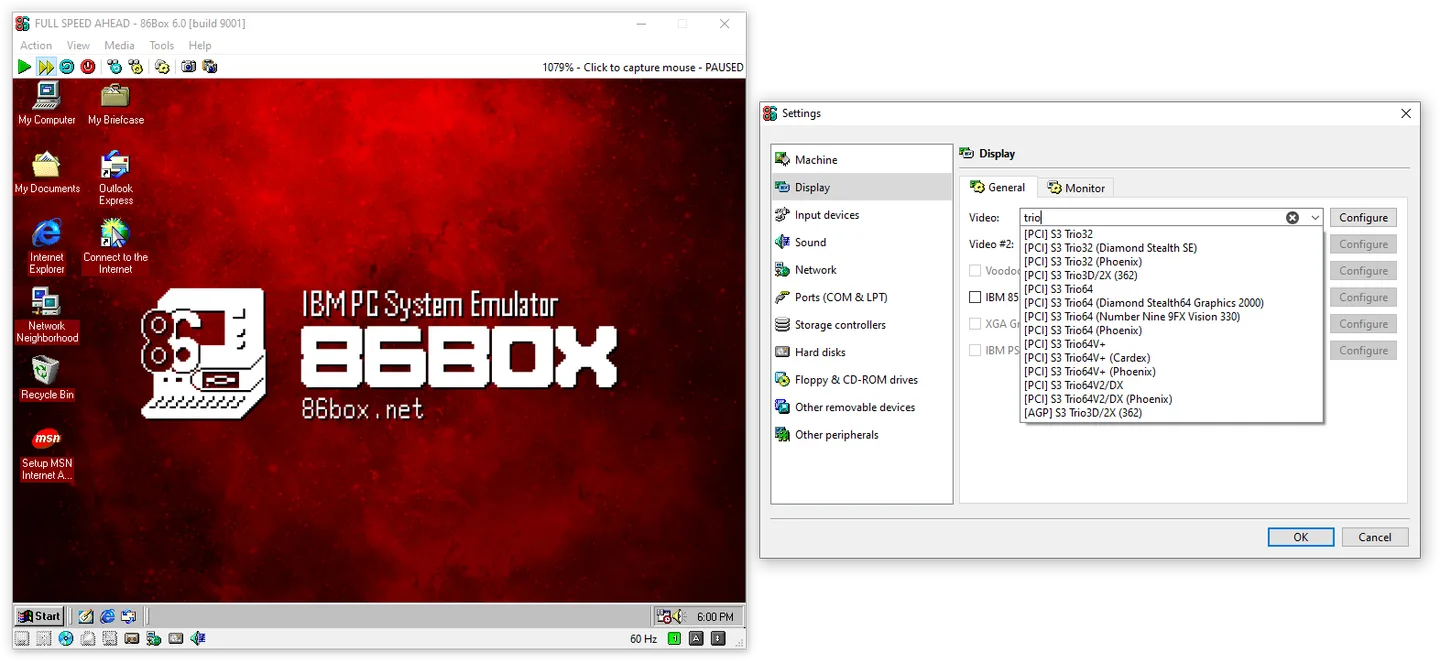
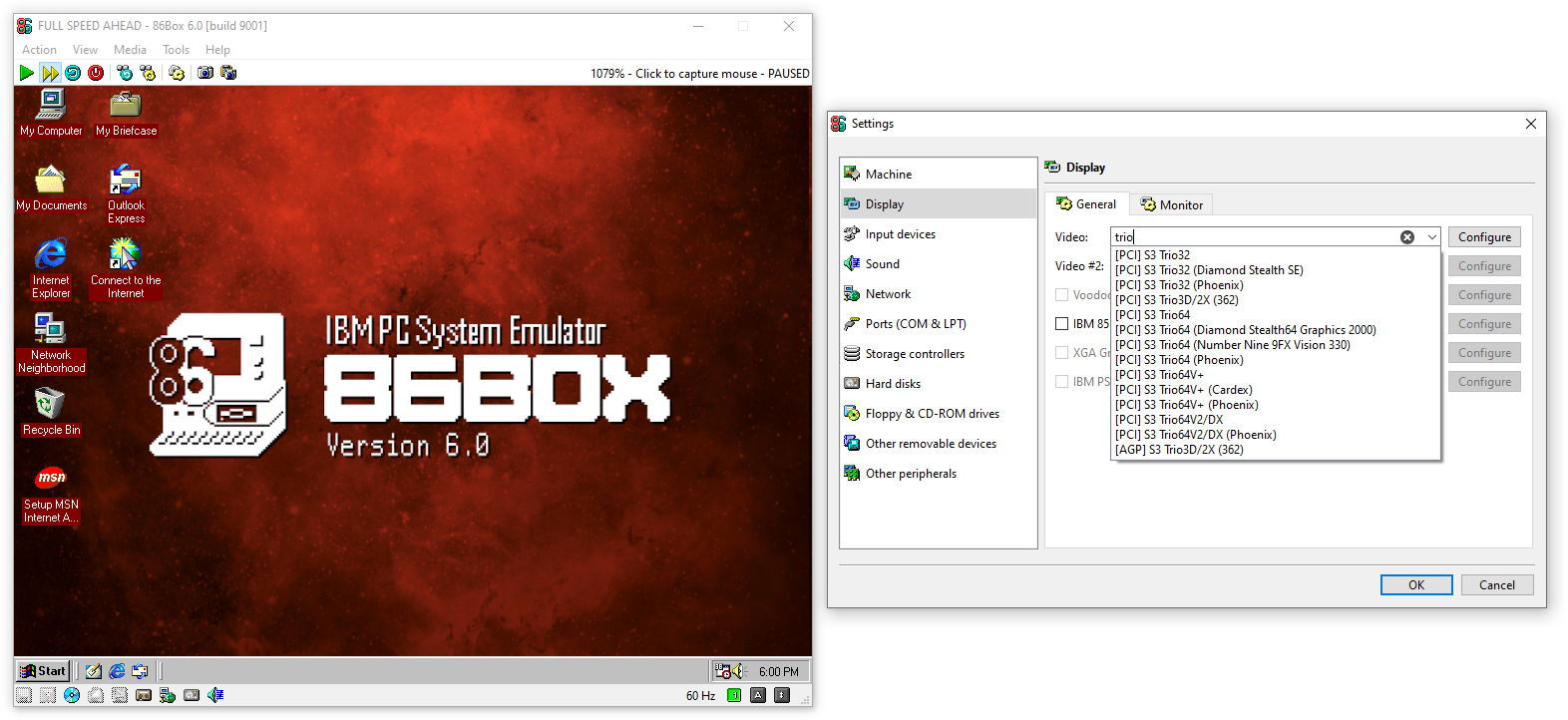
The interface exposes machine settings and a built-in virtual machine manager. Version 6.0 organizes many settings into tabs, adds searchable device selectors and provides a local switch for connecting emulated machines on one host or across a real network. The Windows download linked here is the Intel/AMD 64-bit ZIP package; Windows ARM64 uses a separate build.
86Box requires hardware ROM dumps in the locations and filenames expected by the emulator. Emulation speed depends on the host processor and chosen guest hardware, with most emulation logic running in a single thread. Treat it as a configurable retro PC emulator, not a promise that every old application or high-clock-speed configuration will run at full speed.
What it offers
- Configure retro IBM PC and compatible systems with selectable processors and peripherals.
- Run older operating systems such as MS-DOS, Windows and OS/2 on emulated PC hardware.
- Choose video adapters, sound cards, network adapters and storage controllers.
- Use tabbed settings and searchable device selectors introduced in version 6.0.
- Connect emulated machines through the local switch on the same host or across hosts.
Good to know
- Requires hardware ROM dumps with the filenames and directory layout expected by the emulator.
- Most emulation logic is single-threaded; achievable guest speed varies with host CPU and machine configuration.
- MDS v2 and MDX image support on Windows requires the included mdsx.dll alongside the executable; that optional component has separate license terms.
Product images
More in utilities
View category ↗
1.1.1.1 with WARP 2026.8.2115.0
Encrypt traffic from your Mac to Cloudflare’s network with WARP, or use DNS-only mode for encrypted DNS queries to the 1.1.1.1 resolver.
1.1.1.1 with WARP 2026.8.2115.0
Encrypt traffic between your Windows PC and Cloudflare, or use encrypted DNS only, with the free 1.1.1.1 with WARP app.

3uTools 9.12.005
Manage iPhone and iPad photos, music, apps and backups from Windows with 3uTools, a free utility that also includes device checks and firmware flashing tools.