
Utilities Windows
A1 Website Download
Copy websites to local files for offline browsing with A1 Website Download for Windows. Filter the crawl, rewrite links for local use and keep up to 500 page URLs per website in free mode.
- Operating system
- Windows 11, 10, 8, 7, Vista, XP; Windows Server 2019, 2012, 2008 and 2003 listed by publisher
- Architecture
- Not specified on the publisher product page
- Download package
- Windows EXE installer
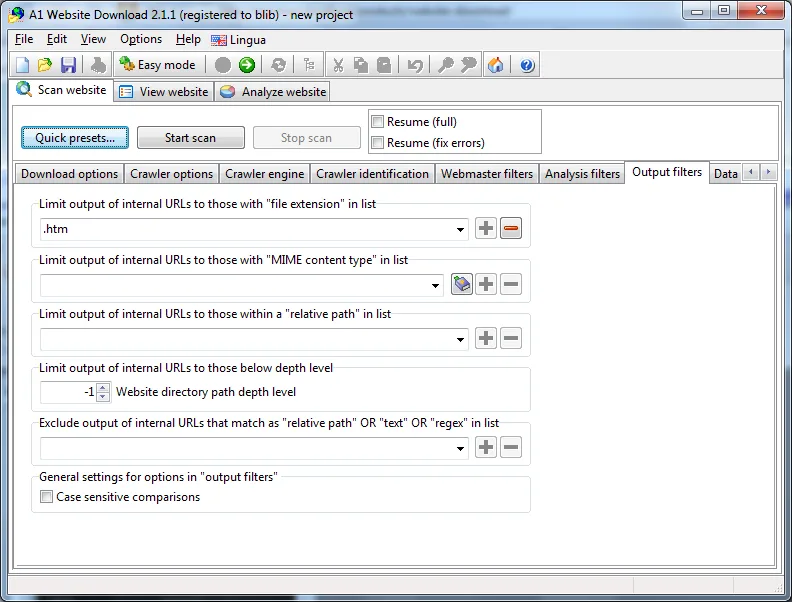
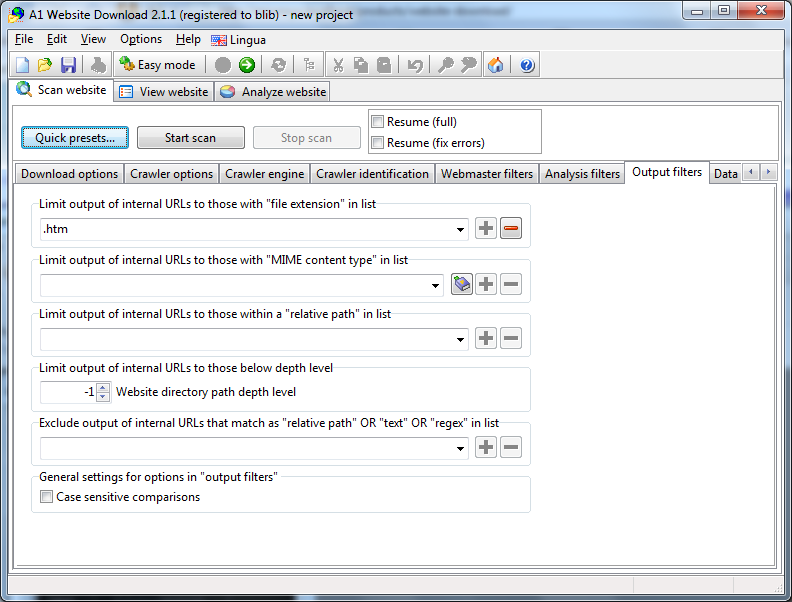
Operating-system support is publisher-listed, not independently tested. The retained screenshot depicts version 2.1.1 on Windows 7.
Link checked · Download guidance
What is A1 Website Download?
A1 Website Download saves website pages and files to disk so you can browse a copy without an internet connection. It is intended for keeping reference material available while travelling, archiving a site or showing a website to clients offline. The publisher says downloaded links can be converted to relative file paths, allowing the copy to move onto a USB drive and open in a browser rather than a proprietary database.
Include and exclude filters control which pages and files the crawler follows or downloads. Multiple starting paths help cover sections that are not linked together. The publisher also documents simultaneous connections, scheduled downloads and support for some login forms with sessions and cookies. These are publisher-described capabilities, not a guarantee that every protected or interactive website can be copied.
The fully functional trial lasts 30 days. After that, free mode limits each website to 500 page URLs; the professional license removes that fixed crawl limit and includes command-line support. The screenshot shows the publisher's older Windows 7 interface from version 2.1.1, not the current 12.0.2 interface. This entry links to the official Windows EXE installer; no installer was downloaded or run for this entry.
What it offers
- Save website pages and files to disk for offline browsing and portable copies.
- Convert downloaded links to relative paths for use in a local browser.
- Choose crawl and download scope with include/exclude filters and multiple starting paths.
- Configure simultaneous connections and schedule website downloads.
- Handle sessions, cookies and some website login forms, according to the publisher.
Good to know
- Free mode is limited to 500 page URLs per website after the 30-day fully functional trial.
- Command-line support is listed for trial and paid use, not free mode.
- Publisher documentation describes support for some login systems, not universal compatibility with every authenticated website.
- The available publisher Windows screenshot shows version 2.1.1 on Windows 7, not version 12.0.2.
Product images
Sources
References used for this listing. Retrieval dates do not indicate hands-on testing.
More in utilities
View category ↗
1.1.1.1 with WARP 2026.8.2115.0
Encrypt traffic from your Mac to Cloudflare’s network with WARP, or use DNS-only mode for encrypted DNS queries to the 1.1.1.1 resolver.
1.1.1.1 with WARP 2026.8.2115.0
Encrypt traffic between your Windows PC and Cloudflare, or use encrypted DNS only, with the free 1.1.1.1 with WARP app.

3uTools 9.12.005
Manage iPhone and iPad photos, music, apps and backups from Windows with 3uTools, a free utility that also includes device checks and firmware flashing tools.