

Utilities Windows
ActivityWatch for Windows
Automatically track time spent in Windows applications with ActivityWatch, a free, open-source tracker that stores activity locally and displays it in a browser dashboard.
- Operating system
- Windows
- Architecture
- x86_64 (64-bit Intel/AMD)
- Download package
- EXE installer
The publisher also lists a separate Windows ZIP package. A minimum Windows version was not established from the cited catalog; no installation or runtime compatibility test was performed.
Link checked · Download guidance
What is ActivityWatch?
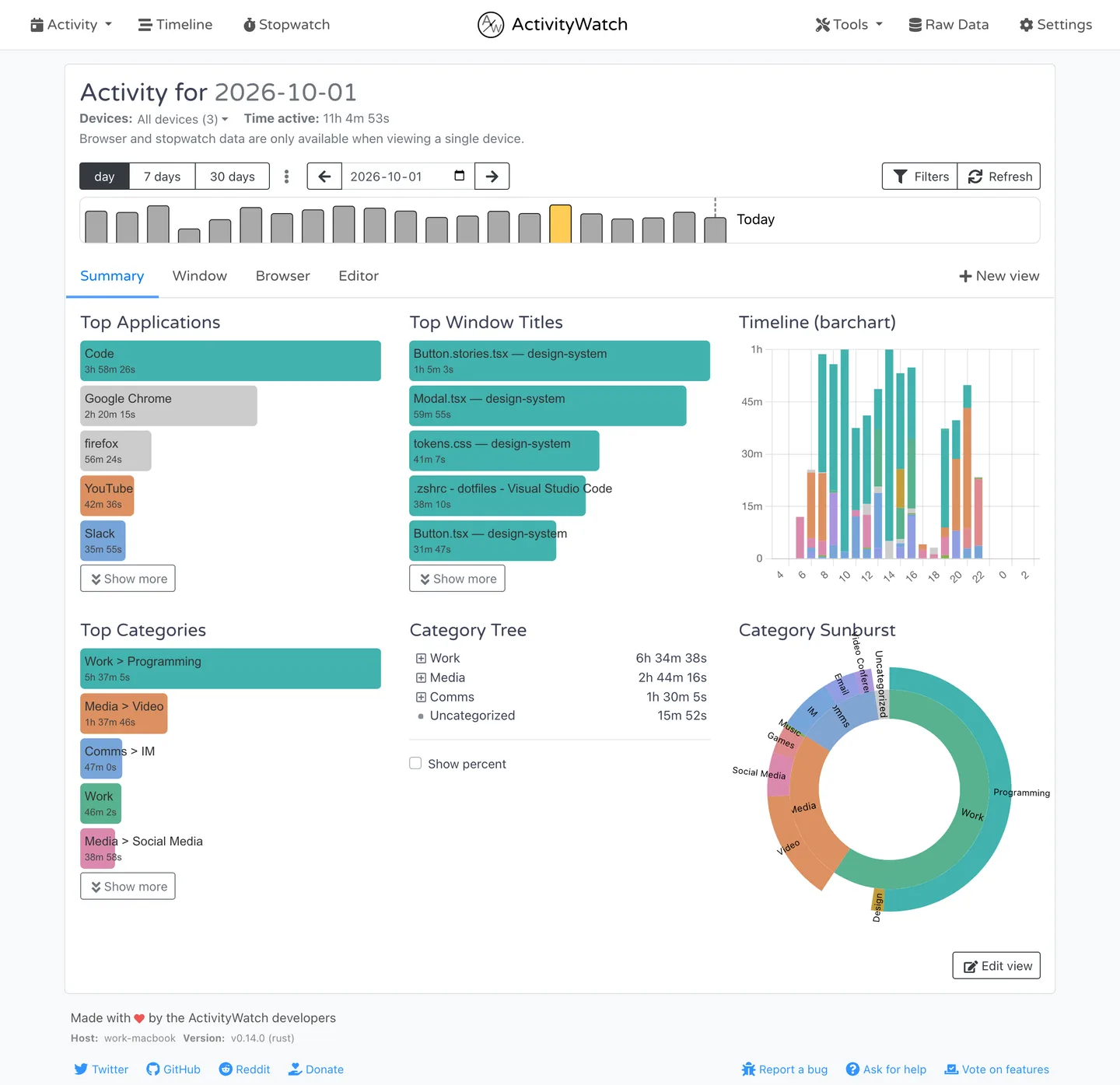
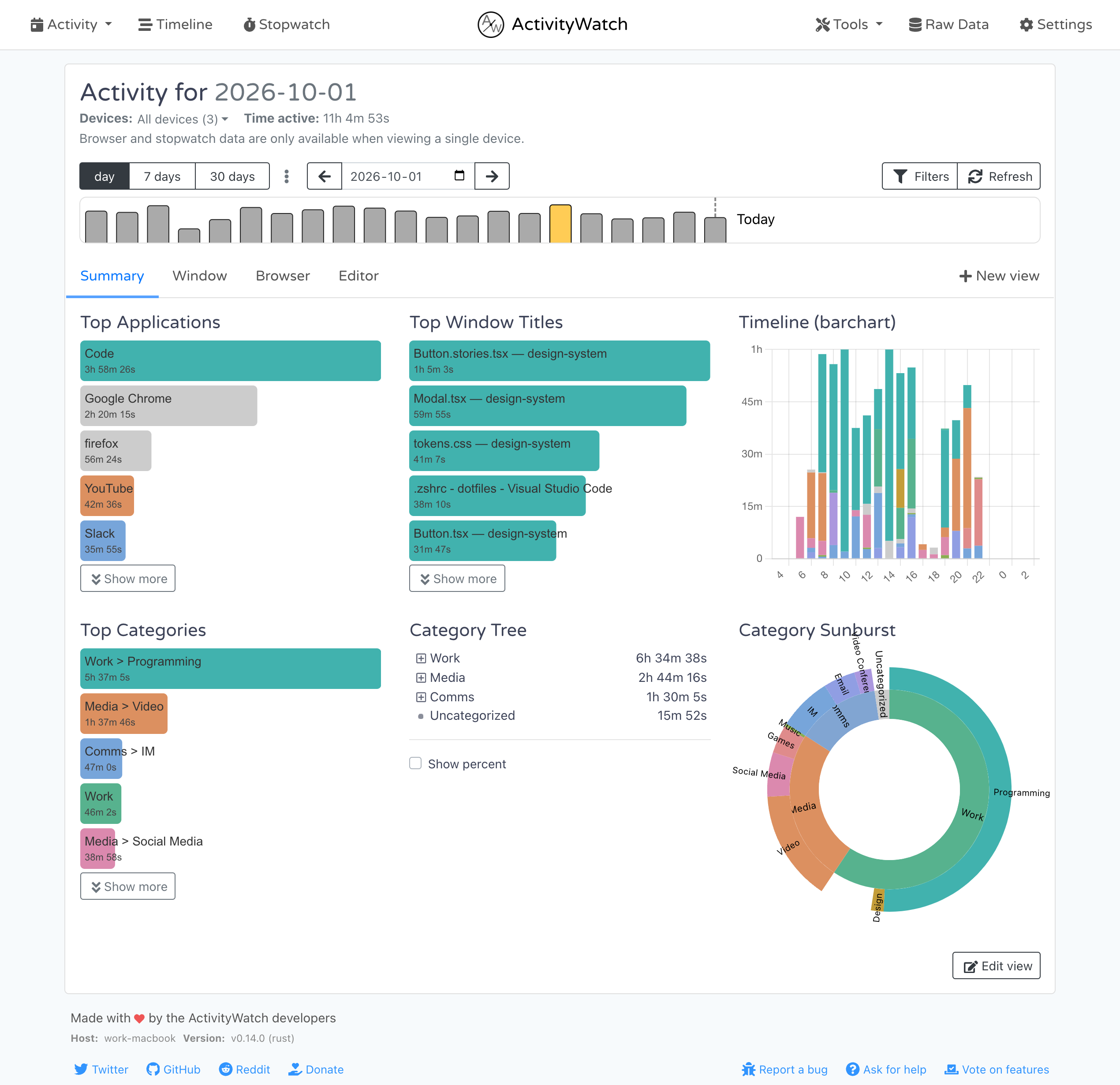
ActivityWatch records which application and window are active so you can review where your computer time went. Its Windows package includes a window watcher and an AFK watcher, which uses mouse and keyboard activity to distinguish active time from time away. The browser-based dashboard groups recorded activity into categories and shows application usage, window titles and timelines.
Activity data is stored on your device rather than uploaded to a hosted tracking service. While the application is running, its interface is available in your browser at localhost:5600. This makes it useful for reviewing screen-time habits or the time spent across different applications without manually starting a timer for each one.
Detailed website tracking needs the separate Chrome or Firefox browser extension; the bundled window watcher is not a substitute for that extension. The linked download is the Windows x86_64 EXE installer for version 0.14.1. The screenshot illustrates the shared v0.14.0 web interface with publisher demo data, not a Windows installation test.
What it offers
- Automatically record the active application and window title.
- Separate active computer use from time away with the included AFK watcher.
- Review application usage, categories and activity timelines in a local browser dashboard.
- Keep recorded activity data on your device.
- Add more detailed website tracking with the separate Chrome or Firefox extension.
Good to know
- Detailed website activity requires a separate browser extension; it is not provided by the bundled window watcher alone.
Product images
More in utilities
View category ↗
1.1.1.1 with WARP 2026.8.2115.0
Encrypt traffic from your Mac to Cloudflare’s network with WARP, or use DNS-only mode for encrypted DNS queries to the 1.1.1.1 resolver.
1.1.1.1 with WARP 2026.8.2115.0
Encrypt traffic between your Windows PC and Cloudflare, or use encrypted DNS only, with the free 1.1.1.1 with WARP app.

3uTools 9.12.005
Manage iPhone and iPad photos, music, apps and backups from Windows with 3uTools, a free utility that also includes device checks and firmware flashing tools.