
Utilities Windows
Advanced OCR Free
Extract text from pictures and scanned PDFs with Advanced OCR Free for Windows. Copy recognized words, export text or create a searchable PDF.
- Operating system
- Windows 10 and Windows 11
- Architecture
- 64-bit
- Download package
- EXE installer; 136,112,760 bytes
Required application runtimes are included with setup. Optional third-party software offer can be declined.
Link checked · Download guidance
What is Advanced OCR Free?
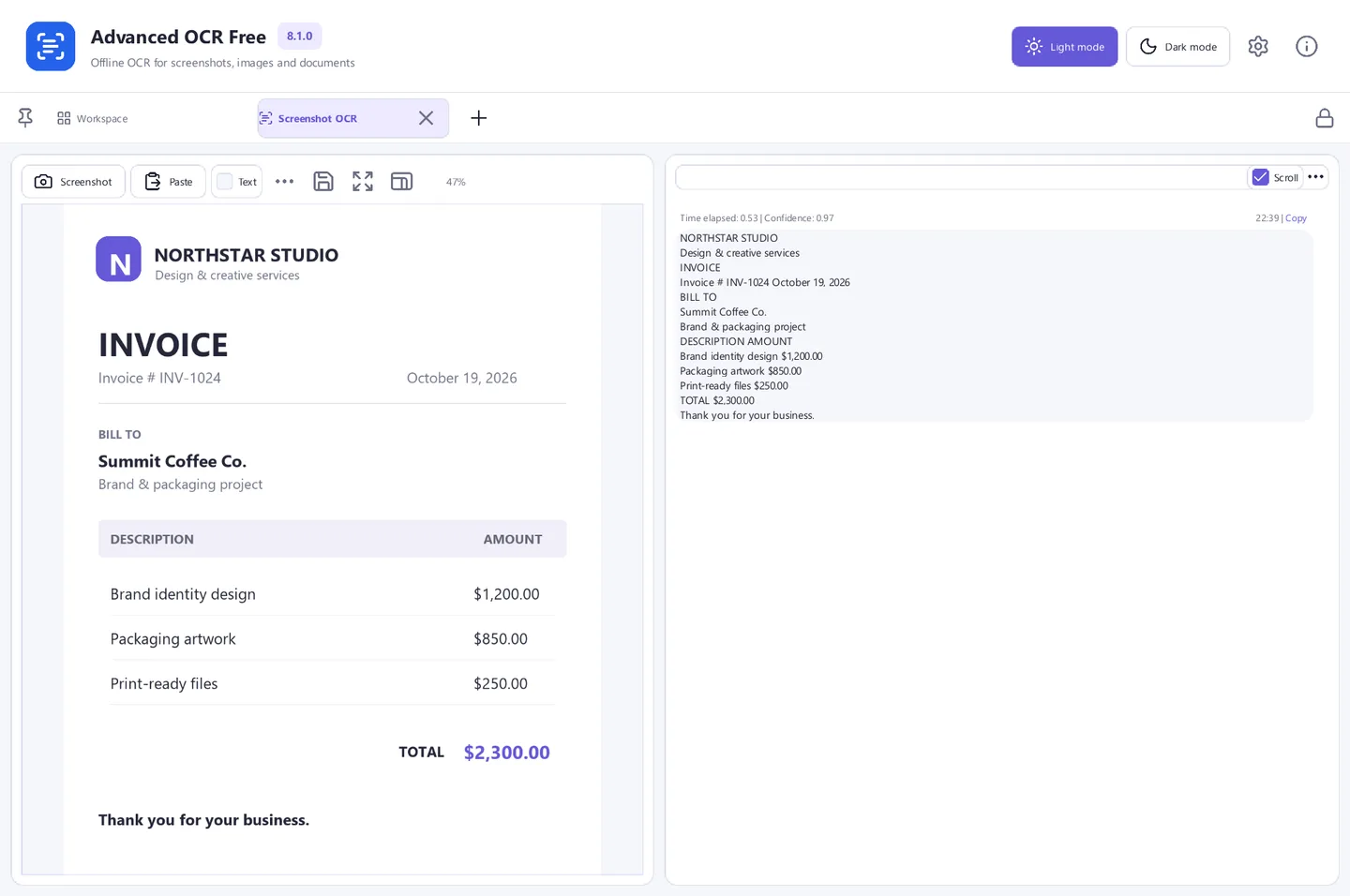
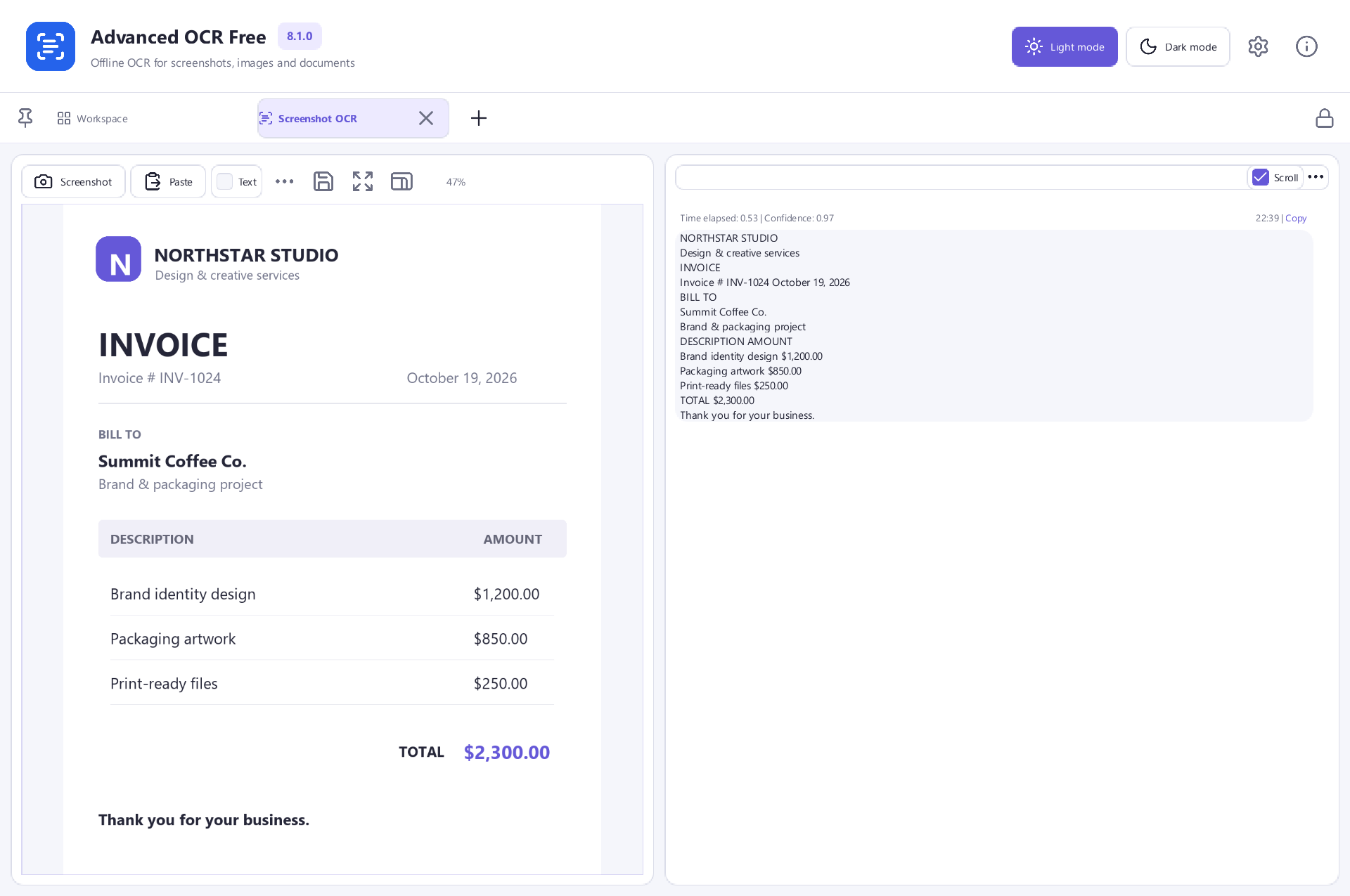
Advanced OCR Free turns document images and scanned PDF pages into text you can reuse. Open a picture or use the PDF OCR workflow, run recognition, and compare the result with the original before copying or exporting it. The publisher lists TXT, CSV and JSONL text output, batch processing for document images, and searchable PDF creation. OCR runs on your PC rather than requiring a document upload to PDFCore.
A searchable PDF preserves the scanned page image and adds a text layer for finding words. It is not a fully editable Word document, and the current application does not export DOCX. Blurred scans, unusual fonts, complex tables and handwriting can reduce recognition accuracy, so check important names, dates and numbers.
The publisher offers version 8.1.0 for 64-bit Windows 10 and 11 with all included features free to use. The linked EXE is 136,112,760 bytes according to both the publisher and the download HEAD response. Setup includes an optional third-party software offer; declining it does not prevent installation of Advanced OCR Free.
What it offers
- Recognize text in document images and scanned PDF pages.
- Copy recognized words or export TXT, CSV and JSONL results.
- Create a searchable PDF that retains the page image with an added text layer.
- Process a group of document images together.
- Run OCR locally on your PC without uploading documents to PDFCore.
Good to know
- No DOCX export: searchable PDF output preserves the scan rather than recreating an editable Word layout.
- Blurred pictures, unusual fonts, complex tables and handwriting can reduce OCR accuracy; review important text against the original.
- Setup includes an optional third-party software offer that can be declined without blocking installation.
Product images
More in utilities
View category ↗
1.1.1.1 with WARP 2026.8.2115.0
Encrypt traffic from your Mac to Cloudflare’s network with WARP, or use DNS-only mode for encrypted DNS queries to the 1.1.1.1 resolver.
1.1.1.1 with WARP 2026.8.2115.0
Encrypt traffic between your Windows PC and Cloudflare, or use encrypted DNS only, with the free 1.1.1.1 with WARP app.

3uTools 9.12.005
Manage iPhone and iPad photos, music, apps and backups from Windows with 3uTools, a free utility that also includes device checks and firmware flashing tools.