

Utilities Android
Aegis Authenticator for Android
Manage two-step verification codes on Android with Aegis Authenticator, a free, open-source app with an encrypted vault, QR-code entry and automatic backups.
What is Aegis Authenticator?
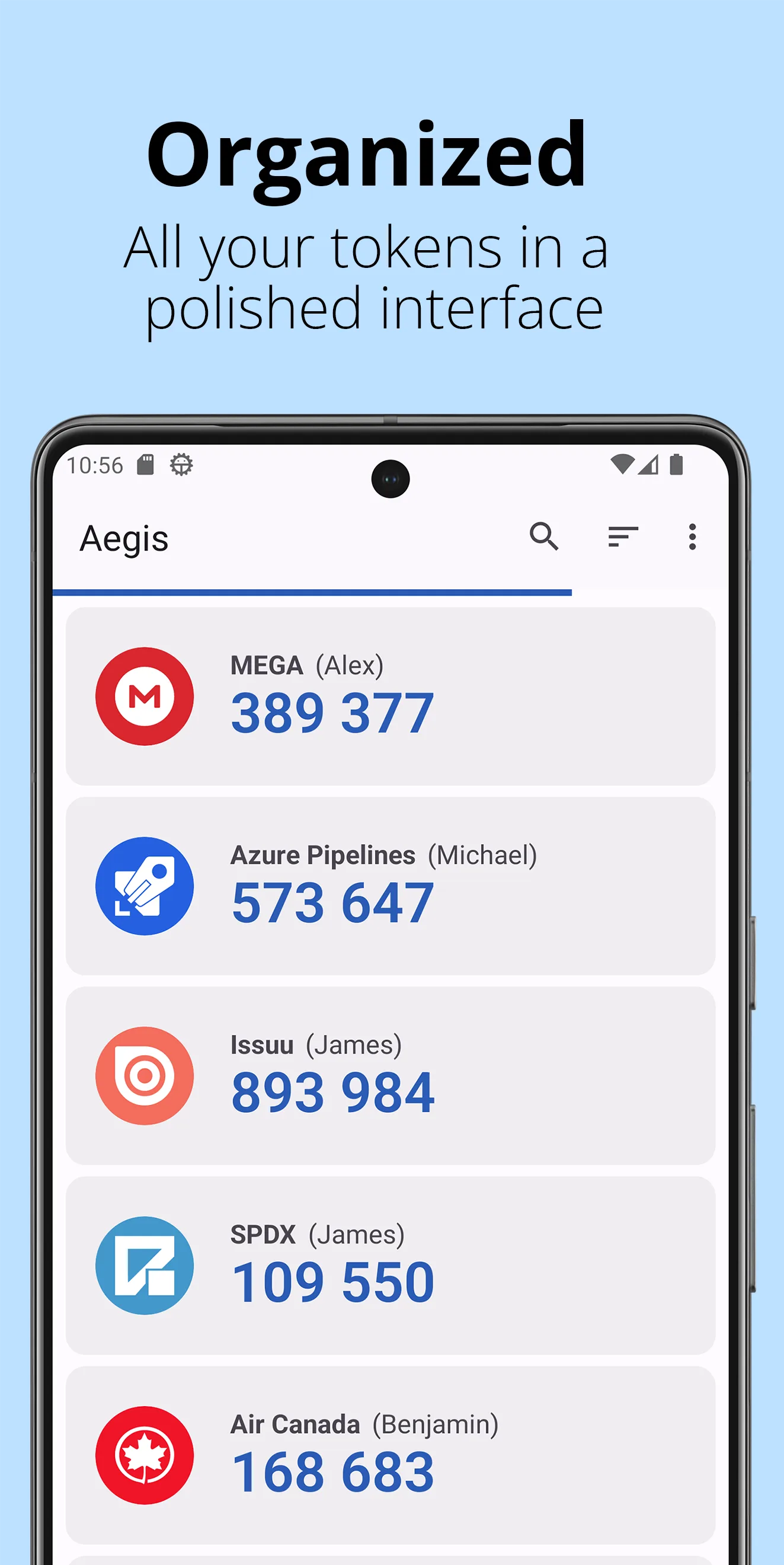
Aegis Authenticator keeps HOTP and TOTP verification tokens in an Android app. Add accounts by scanning a QR code, entering the details manually or importing a supported export from another authenticator. Groups, sorting and search help organize accounts, while light, dark and AMOLED themes let you change how the token list looks.
The vault supports AES-256-GCM encryption with a password and optional biometric unlock. You can export entries in plaintext or encrypted form, or configure automatic vault backups to a location you choose. The linked publisher APK is version 3.4.3; its release notes add support for encrypted Proton Authenticator exports.
Aegis is not a built-in cloud-sync service. The publisher says the app has no internet access: automatic cloud backups require an installed provider app that supports Android's Storage Access Framework, or a separate app that syncs a local backup folder. Some direct imports from other authenticator apps require root access.
What it offers
- Generate verification codes for services that support the HOTP or TOTP standards.
- Add accounts from QR codes, manual entry or supported authenticator imports.
- Protect the vault with AES-256-GCM encryption, a password and optional biometric unlock.
- Organize entries with groups, custom sorting and search; choose light, dark or AMOLED themes.
- Export the vault in plaintext or encrypted form and configure automatic backups to a chosen location.
Good to know
- Cloud backup depends on a compatible installed storage-provider app or a separate folder-sync app; Aegis itself has no internet access.
- Some direct imports from other authenticator apps require a rooted device.
Product images
Sources
References used for this listing. Retrieval dates do not indicate hands-on testing.
More in utilities
View category ↗
1.1.1.1 with WARP 2026.8.2115.0
Encrypt traffic from your Mac to Cloudflare’s network with WARP, or use DNS-only mode for encrypted DNS queries to the 1.1.1.1 resolver.
1.1.1.1 with WARP 2026.8.2115.0
Encrypt traffic between your Windows PC and Cloudflare, or use encrypted DNS only, with the free 1.1.1.1 with WARP app.


3uTools 9.12.005
Manage iPhone and iPad photos, music, apps and backups from Windows with 3uTools, a free utility that also includes device checks and firmware flashing tools.