

Utilities Windows
AkelPad for Windows
Edit plain-text files with Unicode encoding support, column selection and search-and-replace in AkelPad, a free open-source Windows editor.
- Operating system
- Windows
- Architecture
- 32-bit (PE32); separate x64 package available
- Download package
- Multilingual EXE installer with plugins
This link selects the standard setup package, not the separate x64 build. No installation or current-Windows compatibility test was performed.
Link checked · Download guidance
What is AkelPad?
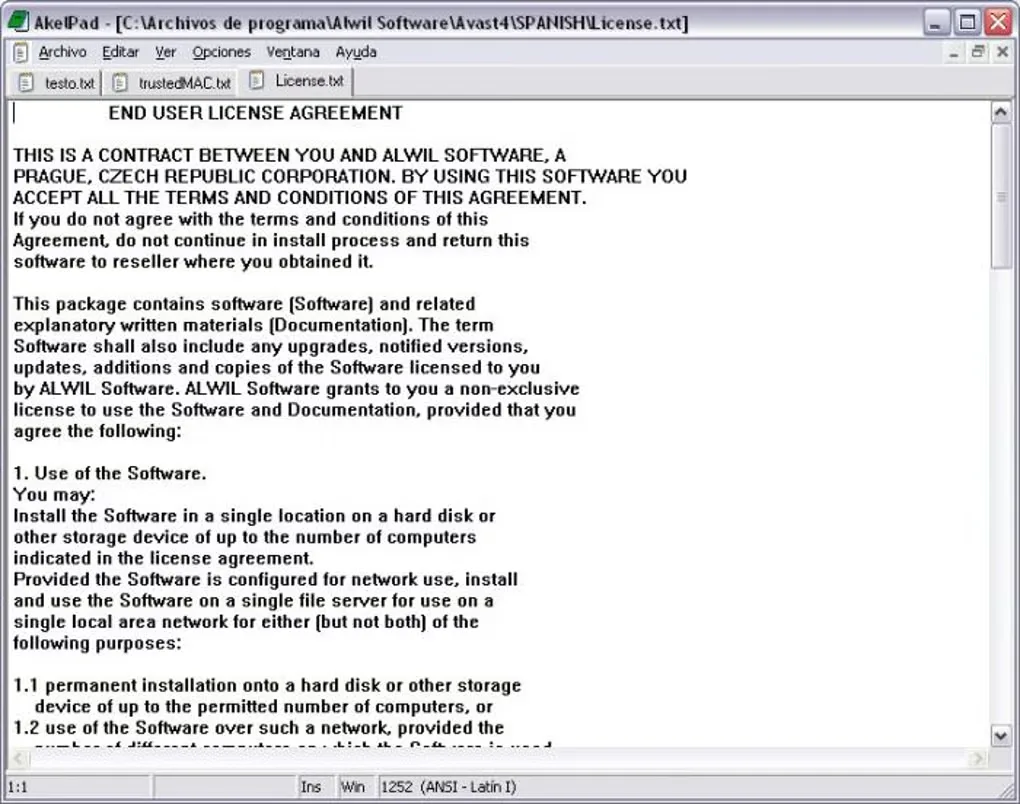
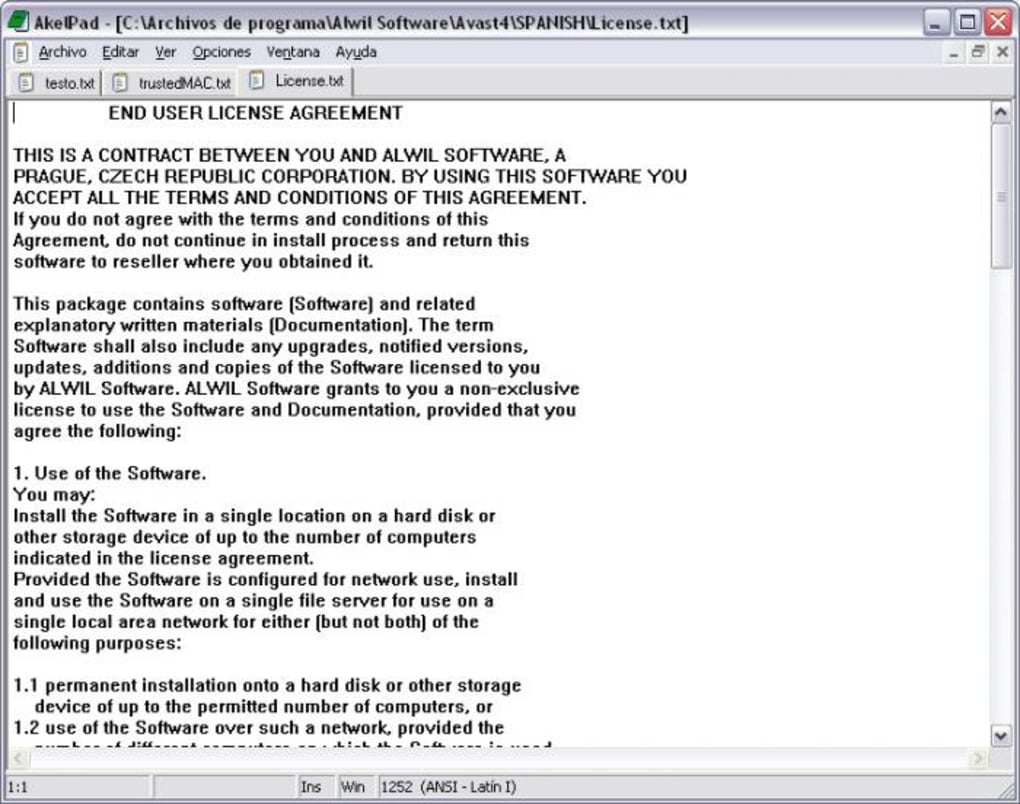
AkelPad is a plain-text editor for working with notes and other text files on Windows. It supports single-window and multi-document modes, so you can choose between a focused editing window and keeping several documents open. Unicode encodings, installed system codepages and different newline formats help when files come from different environments.
Column selection, multi-level undo and search-and-replace cover everyday text changes. The editor can remember a file's codepage and caret position, and includes printing with print preview. Syntax highlighting, folding, auto-completion and keyboard macros are provided through plugins; those capabilities depend on the plugins you use.
This entry links to the publisher-listed AkelPad 4.9.9 multilingual Windows installer with plugins. The publisher provides a separate x64 package. AkelPad edits plain text rather than formatted word-processing documents, so it is not a substitute for a page-layout or rich-text editor.
What it offers
- Choose single-window, multi-window or pseudo multi-window editing modes.
- Read and write UTF-8, UTF-16 and UTF-32 text, with support for installed system codepages.
- Handle DOS/Windows, Unix and Mac newline formats.
- Edit using column selection, multi-level undo and search-and-replace.
- Extend editing with plugins for syntax highlighting, folding, auto-completion and keyboard macros.
Good to know
- Designed for plain-text editing, not rich-text formatting or document page layout.
- Syntax highlighting, folding and auto-completion depend on plugins rather than being unconditional core-editor features.
Product images
Sources
References used for this listing. Retrieval dates do not indicate hands-on testing.
More in utilities
View category ↗
1.1.1.1 with WARP 2026.8.2115.0
Encrypt traffic from your Mac to Cloudflare’s network with WARP, or use DNS-only mode for encrypted DNS queries to the 1.1.1.1 resolver.
1.1.1.1 with WARP 2026.8.2115.0
Encrypt traffic between your Windows PC and Cloudflare, or use encrypted DNS only, with the free 1.1.1.1 with WARP app.

3uTools 9.12.005
Manage iPhone and iPad photos, music, apps and backups from Windows with 3uTools, a free utility that also includes device checks and firmware flashing tools.