
Multimedia & graphics Windows
AKVIS Coloriage AI
Colorize black-and-white photos or replace colors in existing pictures with AKVIS Coloriage AI for Windows, using AI processing or manually marked color zones.
- Operating system
- Windows 10 and Windows 11, 64-bit
- Architecture
- x64
- Download package
- EXE installer containing plugin and standalone editions
Minimum listed: Intel Core Duo, 8 GB RAM, 8 GB disk space and DirectX 9-compatible graphics. Plugin use also requires a compatible photo editor; included editions depend on the license.
Link checked · Download guidance
What is AKVIS Coloriage AI?
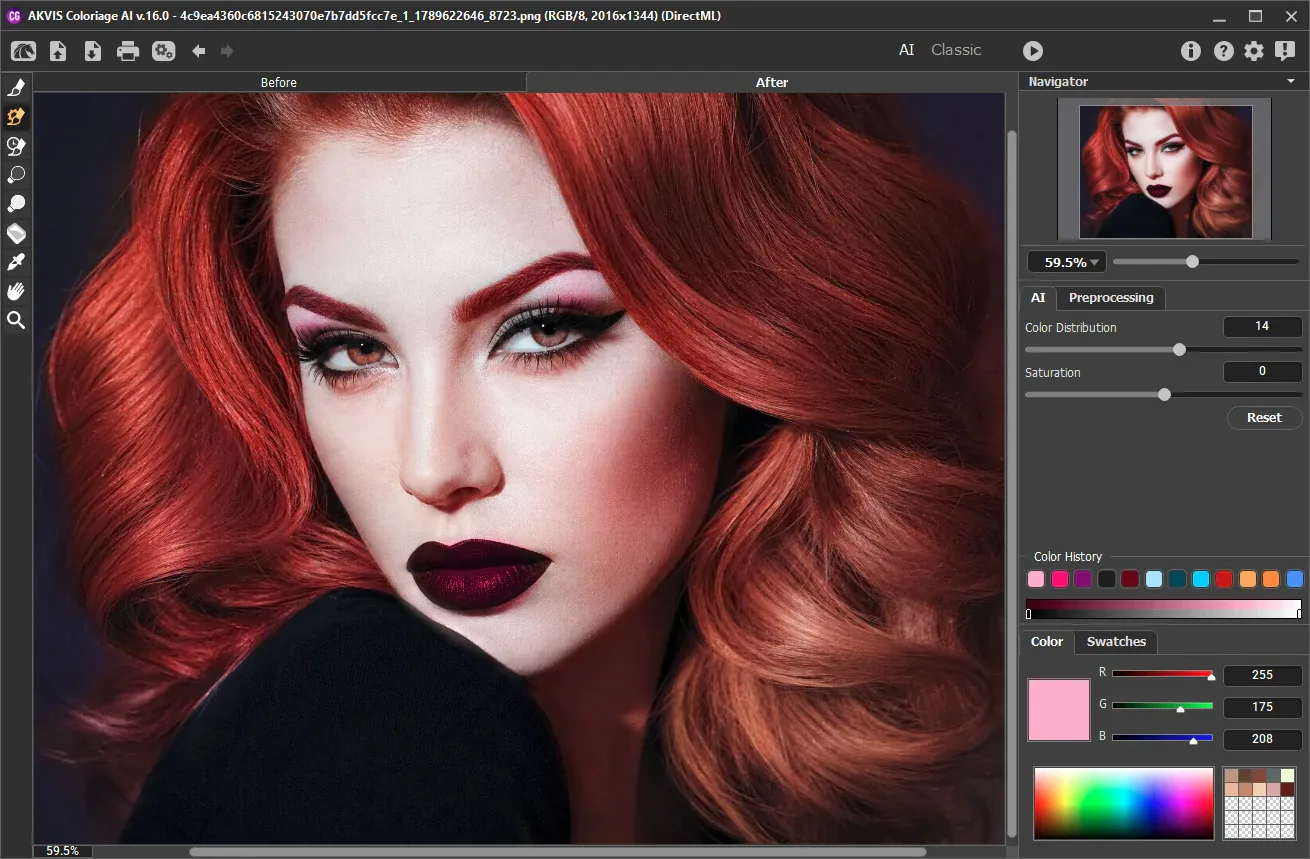
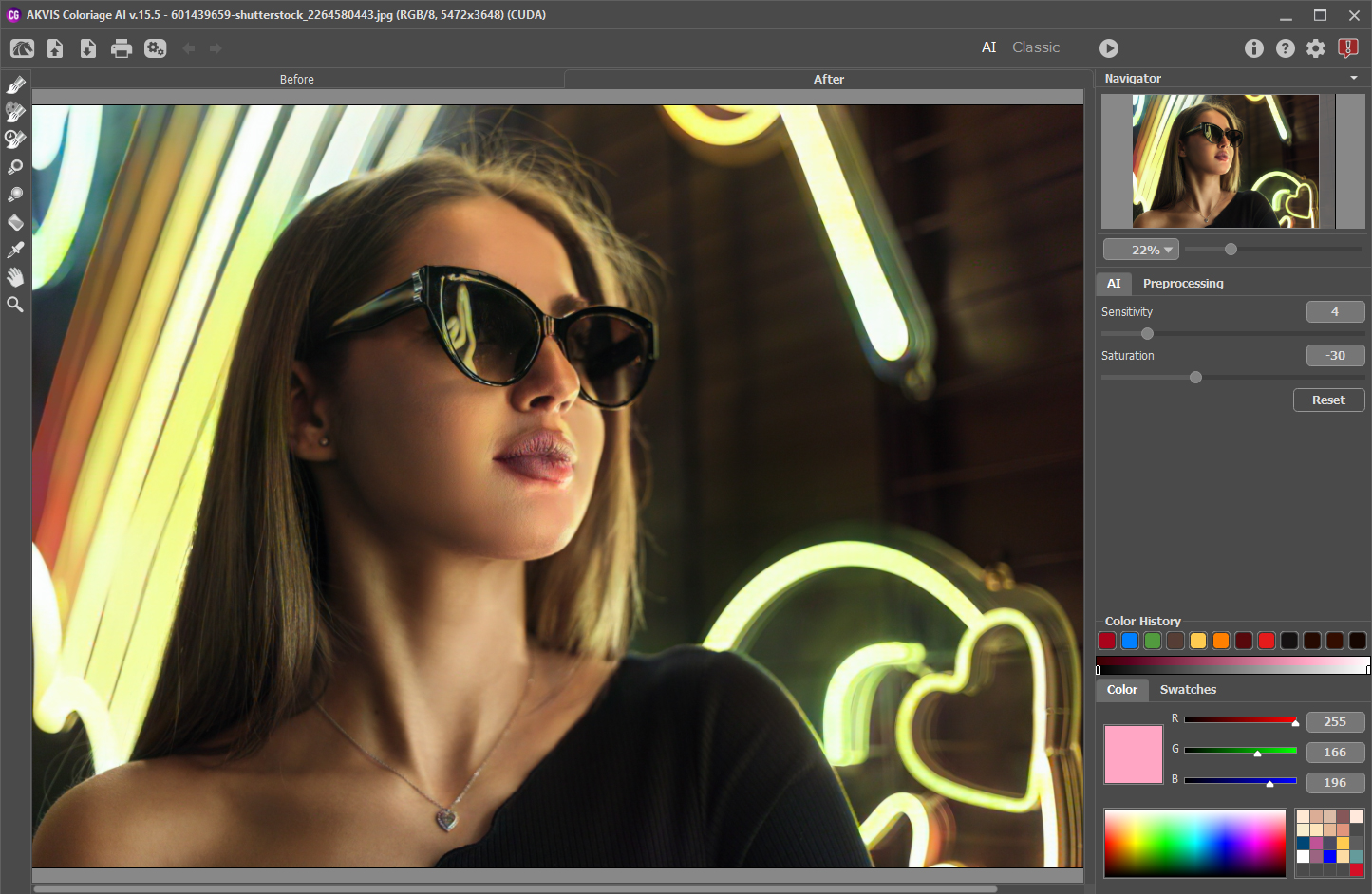
AKVIS Coloriage AI gives you two ways to add color to a photograph. AI mode colorizes a black-and-white image automatically, while Classic mode lets you mark areas with colored pencil strokes and have the program fill them according to the image boundaries and grayscale tones. You can take colors from a reference photo and refine the result with post-processing brushes. The publisher states that image colorization works without an Internet connection.
Use the standalone application when you do not need a separate photo editor, or the plugin with a compatible host. The Windows x64 installer includes both editions, but the license determines which editions and features you can use: Home covers either the standalone or plugin, while Home Deluxe and Business include both. The free evaluation lasts 10 days; Home and Home Deluxe prohibit commercial use. For grayscale images opened through the plugin, convert to RGB in the host editor first; the standalone application performs that conversion automatically.
What it offers
- Colorize black-and-white photos with AI processing or assign colors manually using Classic mode pencil strokes.
- Replace colors in existing color photos and sample colors from a reference image.
- Refine results with Recolor, Tuning, Darken, Lighten, Saturation and History brushes.
- Run as a standalone application or as a plugin in a compatible photo editor, subject to the selected license.
- Process photo colorization without an Internet connection, according to the publisher.
Good to know
- The free trial lasts 10 days; continued use requires a paid license.
- Home and Home Deluxe licenses are for non-commercial personal use. Commercial work requires Business; Home covers only one edition, and some features require Home Deluxe or Business.
- The plugin requires a compatible host editor and grayscale images must be converted to RGB before calling it. The standalone edition converts grayscale images automatically.
- The current Windows release is listed for 64-bit Windows 10 and 11, with at least 8 GB RAM and 8 GB disk space.
Product images
Sources
References used for this listing. Retrieval dates do not indicate hands-on testing.
More in multimedia & graphics
View category ↗
SoftOrbits Photo Retoucher 14.1
Restore scanned photos on Windows with scratch removal, face restoration, noise reduction and black-and-white colorization in SoftOrbits Photo Retoucher, a paid editor with a trial.
PhotoGlory 8.0
Restore old photos on Windows with PhotoGlory: colorize black-and-white pictures, repair scratches and stains, and adjust faded colors.
Picture Window Pro 8.0.578
Edit photographs with a non-destructive image tree, reusable scripts, masking and color management in Picture Window Pro, free for personal or commercial use on 64-bit Windows.

XnSketch
Turn photos into pencil sketches, pastel pictures or cartoon-style images with XnSketch, a free photo-effects application. This download is the publisher's Windows x64 ZIP.
HitPaw FotorPea
Enhance portraits, reduce photo noise, upscale images and colorize old pictures with HitPaw FotorPea for Windows, a commercial photo editor with a trial.