

Development Windows
Alice for Windows
Learn object-oriented programming by arranging 3D scenes and dragging code blocks in Alice 3. The Windows download is the publisher’s 64-bit installer.
- Operating system
- Windows; publisher requirements list Windows 10 and older releases
- Architecture
- x64 (64-bit)
- Download package
- EXE installer
Publisher download label specifies Windows 64 Bit. The requirements section contains older OS listings; Windows 11 compatibility was not independently established.
Link checked · Download guidance
What is Alice?
Alice 3 introduces programming through animated 3D worlds. Arrange models in a scene, then build their actions with drag-and-drop code blocks. The environment emphasizes object-oriented concepts and lets learners view generated Java alongside their visual program. A NetBeans integration offers a route to extending Alice worlds in Java.
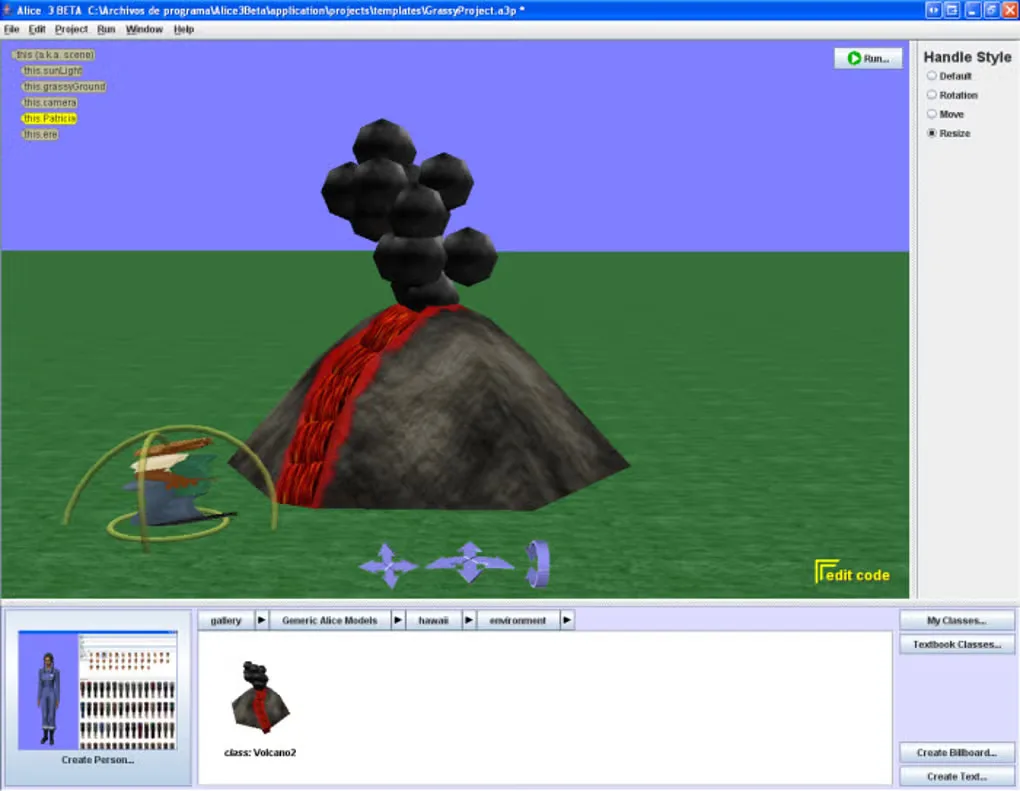
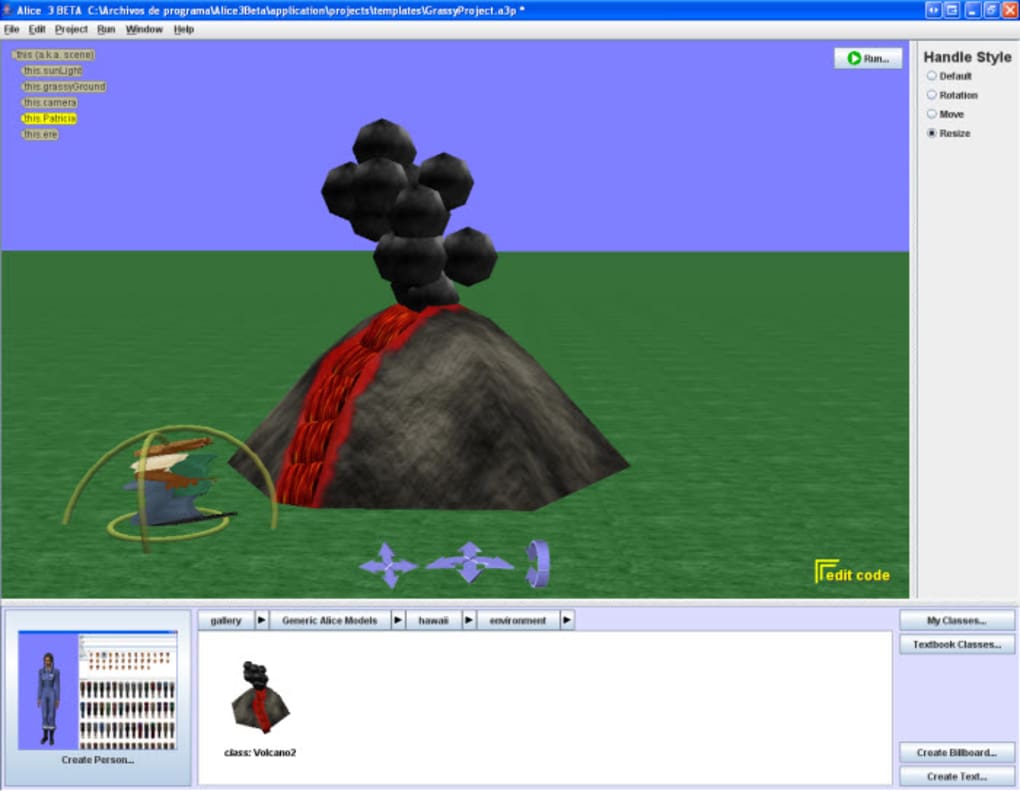
This entry links to the publisher’s Alice 3.9.1.0 Windows 64-bit EXE installer, rather than the older 3.7.0.0 version listed on the discovery page. The screenshot is a historical Alice 3 beta scene editor from the Windows gallery, not a capture of version 3.9.1.0.
The bundled art is not unrestricted stock content: the publisher limits its Electronic Arts gallery assets to personal, non-commercial and academic use. Check the Alice EULA and gallery terms before redistributing projects that use them.
This product includes software developed by Carnegie Mellon University. This program/product includes art and animations developed by Electronic Arts Inc.
What it offers
- Build programs by dragging code blocks rather than typing every statement.
- Arrange 3D models in scenes and program their actions.
- Explore object-oriented concepts and view generated Java in a side-by-side display.
- Extend Alice worlds in Java through the publisher’s NetBeans integration.
Good to know
- Electronic Arts gallery assets are limited to personal, non-commercial and academic use; redistribution has additional license conditions.
- The selected Windows installer is 64-bit; it is not a 32-bit Windows package.
Product images
More in development
View category ↗
010 Editor 17.0
Inspect and edit binary files on Mac with 010 Editor, a paid text and hex editor with Binary Templates, file comparison and a 30-day trial.
010 Editor 17.0
Inspect and edit binary files with 010 Editor for Windows, a text and hex editor with Binary Templates, file comparison and scripting. Includes a 30-day trial.

Abyss Web Server X1 2.16.22
Host a website on your Mac with Abyss Web Server X1, a free personal web server with a browser-based console, HTTPS and CGI/FastCGI support. X1 serves one host; multi-site virtual hosting requires X2.