
Multimedia & graphics macOS
Amadine
Draw vector illustrations, edit paths and arrange multi-sheet designs on Mac with Amadine. Exporting, printing and image tracing require a paid license.
- Operating system
- macOS 11 or higher
- Architecture
- Apple silicon or Intel processor
- Download package
- DMG disk image
This is the Mac edition. iPad and iPhone editions are separate. Publisher requirements, not an installation or compatibility test.
Link checked · Download guidance
What is Amadine?
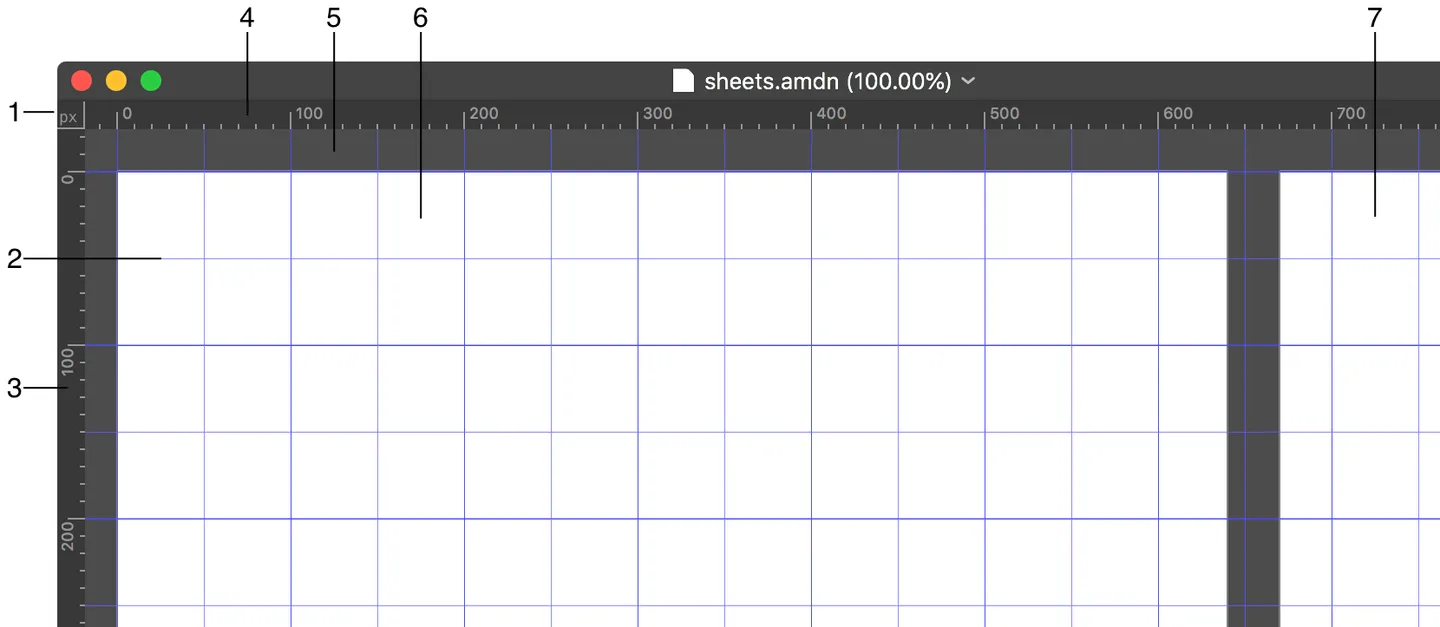
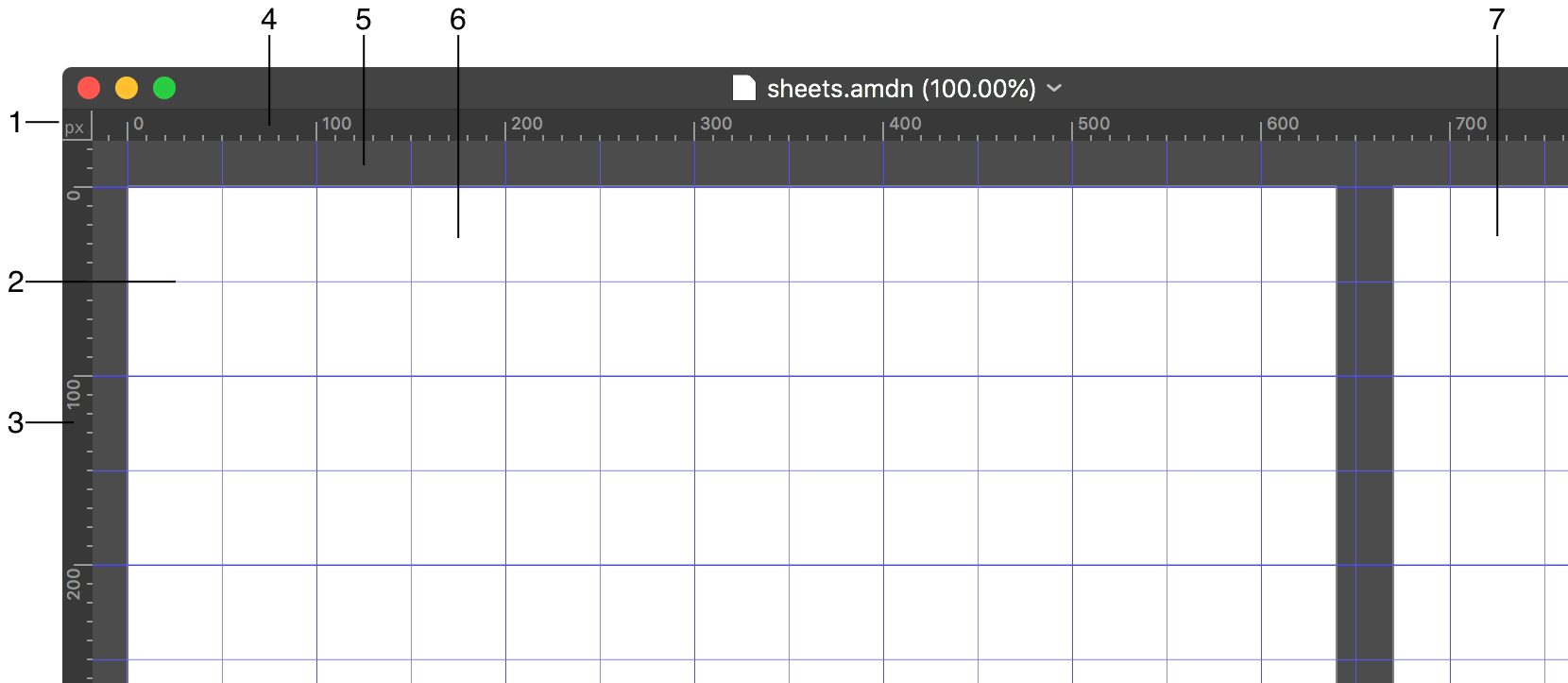
Amadine is a vector graphics editor for Mac from BeLight Software. Use it to draw illustrations, combine shapes and lay out designs with editable paths, text and layers. Its Pen and Draw tools handle path creation, while variable-width strokes, gradient fills and Boolean operations help refine the result. Multiple sheets keep related designs in one document.
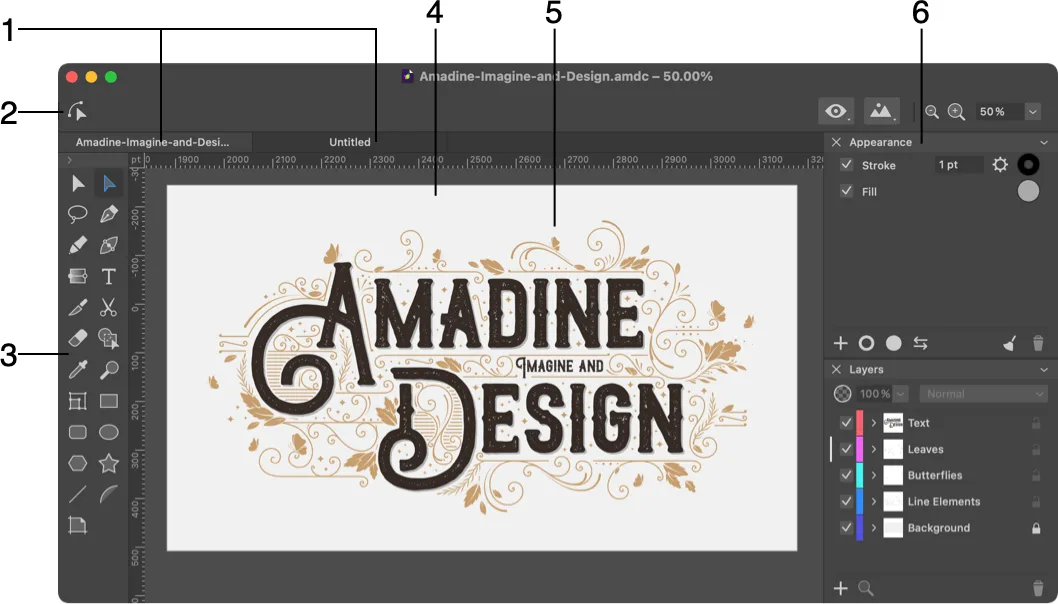
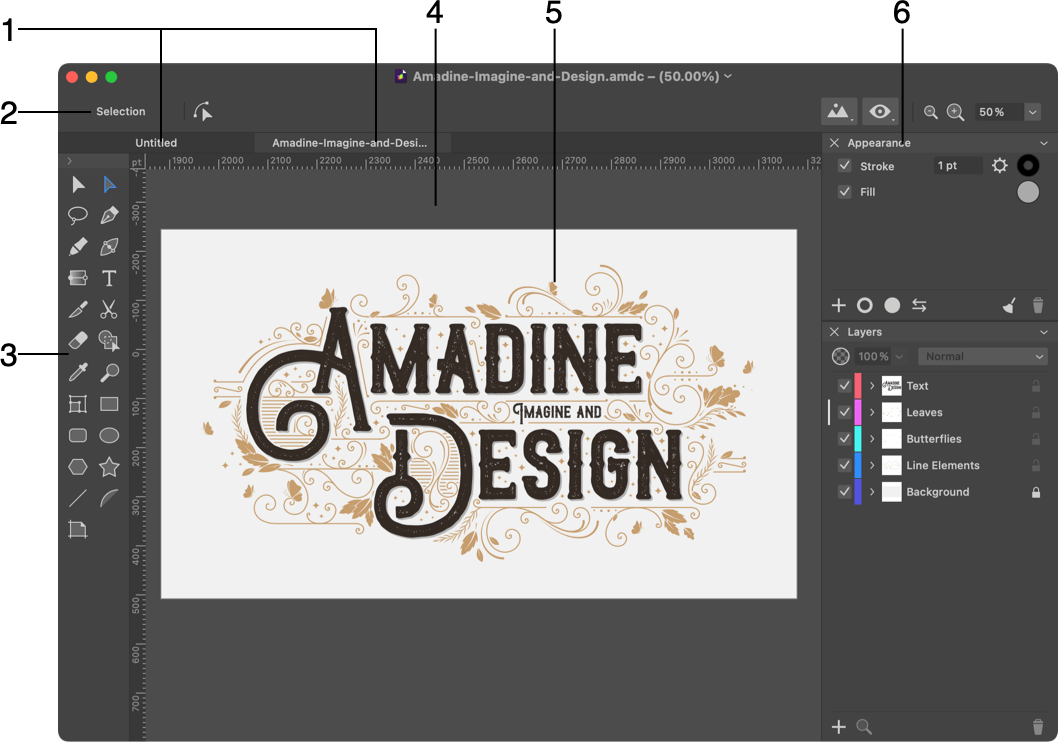
For exchanging artwork, the publisher lists SVG, PDF and AI imports, plus common raster image formats. Vector output is SVG or PDF; raster output includes JPEG, TIFF and PNG. Do not assume that importing an AI file means the app exports that same format. The Mac workspace supports attached or detached panels, with Outline and Pixel Preview modes for inspecting designs.
The unlicensed app does not allow exporting, printing or image tracing. A lifetime license or a Mac App Store subscription unlocks those functions. The linked publisher DMG is for the Mac edition; the support page lists version 1.8.5, build 420, for macOS 11 or higher on Apple silicon or Intel. The screenshots come from the publisher’s Mac documentation, whose index is labeled version 1.8.3; they illustrate the interface rather than proving the appearance of build 420.
What it offers
- Draw and edit vector paths with Pen, Draw and variable-width stroke tools.
- Combine shapes with Boolean operations and organize artwork in layers and multiple sheets.
- Add editable text, linked text boxes, gradients and multiple fills or strokes.
- Import SVG, PDF and AI; export SVG or PDF vectors and JPEG, TIFF or PNG images with a license.
- Switch between Outline, Pixel Preview and Retina Preview; attach or detach Mac workspace panels.
Good to know
- Exporting, printing and image tracing are unavailable in the unlicensed app.
- The current Mac download requires macOS 11 or higher; the separately listed older release is not this download.
- Publisher documentation screenshots are from a help index labeled 1.8.3, not a verified capture of build 420.
Product images
Sources
References used for this listing. Retrieval dates do not indicate hands-on testing.
- Amadine Support | Vector Graphic Software for Mac, iPad and iPhone Support ↗Retrieved
- All Features–Amadine | Vector Graphic Design Software for Mac, iPad and iPhone ↗Retrieved
- Licensing | Amadine for Mac Help ↗Retrieved
- Store–Amadine | Purchase graphic design software for Mac, iPad and iPhone ↗Retrieved
- Workspace | Amadine for Mac Help ↗Retrieved
- The Main Window | Amadine for Mac Help ↗Retrieved
- Amadine for Mac - Help ↗Retrieved
- Terms & Conditions — Amadine ↗Retrieved
More in multimedia & graphics
View category ↗
Sweet Home 3D 7.5
Draw a floor plan, arrange furniture and preview rooms in 3D with Sweet Home 3D for Mac. This download is the free desktop edition, with a smaller bundled catalog than the paid Mac App Store edition.

Inkscape 1.4.4
Create SVG logos, illustrations and diagrams with Inkscape, a free, open-source vector graphics editor. This Mac download is the Apple silicon DMG.

CorelDRAW Graphics Suite
Create vector illustrations, page layouts and edited photos with CorelDRAW Graphics Suite for Mac. Paid software with a 15-day trial; the publisher-linked DMG is named CDGS2025.dmg.

Sketch 2026.3.1
Design app interfaces, reusable components and interactive prototypes with Sketch for Mac. Work locally or use a subscription Workspace for collaboration.

DrawPad Graphics Editor
Draw, paint and compose graphics with raster and vector tools in DrawPad for Mac. Work with layers, shapes and text; a free version is available for non-commercial use.