

Development Windows
Android Studio for Windows
Build Android apps on Windows with Google's IDE, including Kotlin and Java editing, Compose previews, Gradle builds and Android Emulator support.
- Operating system
- 64-bit Windows; Windows 10 minimum
- Architecture
- x64 (Intel/AMD)
- Download package
- EXE installer
Studio: 8 GB RAM and 8 GB free disk space; with Emulator: 16 GB RAM, 16 GB free space and 4 GB VRAM GPU. BIOS-enabled VT-x/AMD-V required by Windows specifications. SDK License Agreement applies.
Link checked · Download guidance
What is Android Studio?
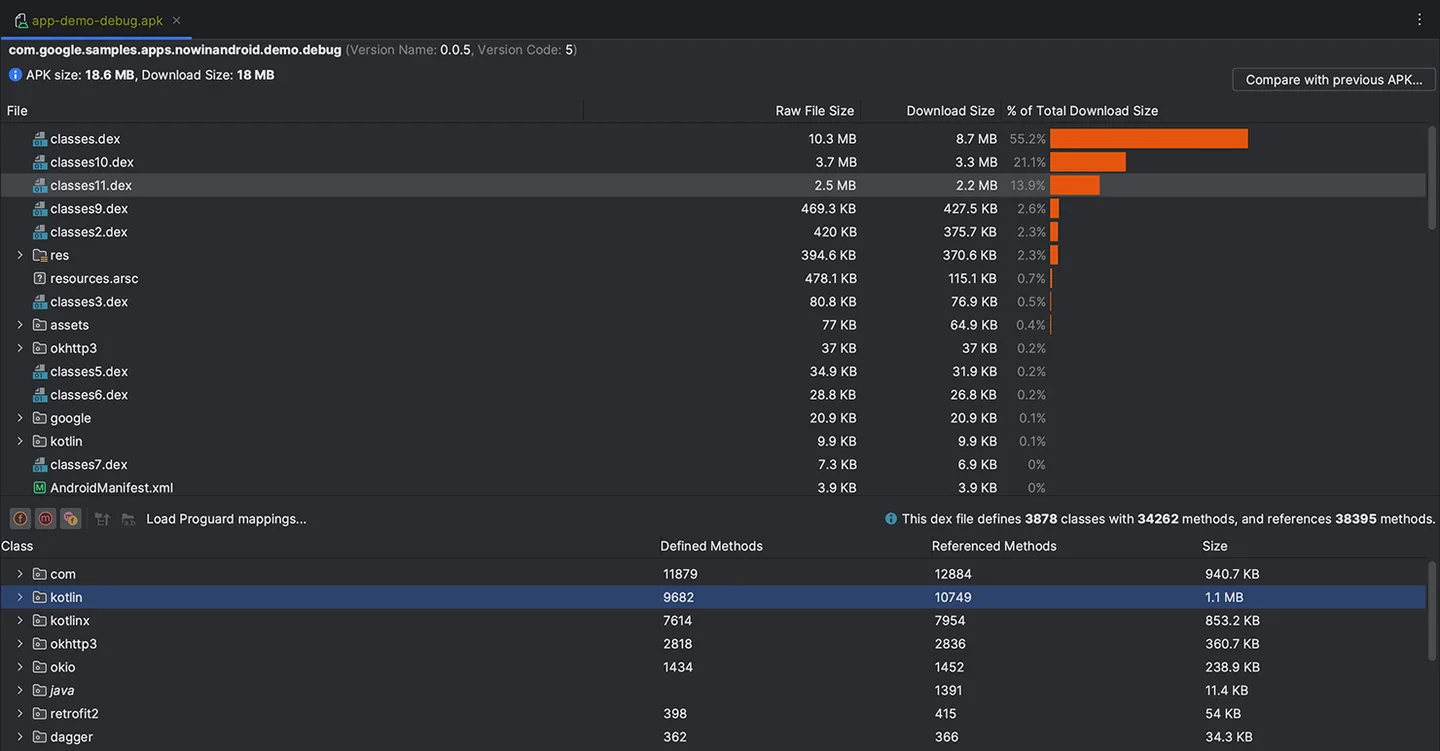
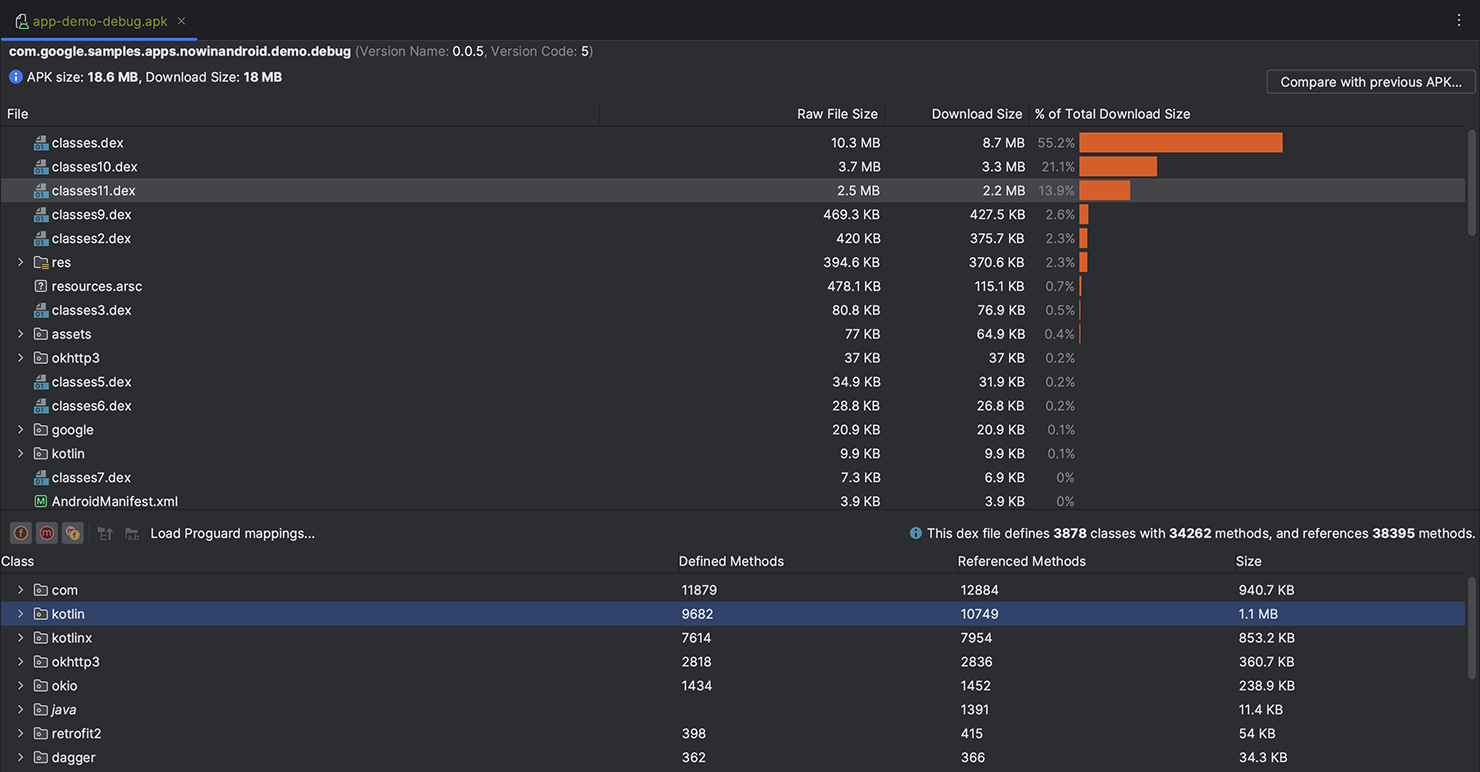
Android Studio brings Android app editing, interface previews, builds and device testing into one development environment. Use its Kotlin, Java and C/C++ code completion to work on an app, preview Jetpack Compose layouts at different screen sizes, and create build variants with Gradle. The APK Analyzer lets you inspect an APK or Android App Bundle to understand what contributes to its size.
This download is the Windows 64-bit EXE installer for Android Studio Rabbit 1, not an Android APK, a preview build or the separate command-line-tools ZIP. Follow the setup wizard to install the SDK packages your work needs. Google requires acceptance of the Android SDK License Agreement; open-source components have their own license terms.
Check hardware before choosing emulator-based testing. Google lists 8 GB RAM and 8 GB free disk space for Studio alone, rising to 16 GB RAM and 16 GB free disk space with the Emulator. The Windows requirements also specify Intel VT-x or AMD-V virtualization enabled in BIOS; the emulator configuration calls for a GPU with 4 GB VRAM. You can use a physical Android device instead of the Emulator.
What it offers
- Code completion for Kotlin, Java and C/C++ development.
- Preview Jetpack Compose layouts at different screen sizes and inspect animations.
- Create multiple build variants with Gradle and investigate build performance with Build Analyzer.
- Run apps on virtual Android devices through the Android Emulator.
- Inspect APK and Android App Bundle contents, including manifests, resources and DEX files.
Good to know
- Emulator use raises the minimum to 16 GB RAM and 16 GB free disk space; Google's Windows requirements also list BIOS-enabled Intel VT-x or AMD-V virtualization and a 4 GB VRAM GPU for Studio with the Emulator. A physical Android device is an alternative to emulator testing.
Product images
More in development
View category ↗
010 Editor 17.0
Inspect and edit binary files on Mac with 010 Editor, a paid text and hex editor with Binary Templates, file comparison and a 30-day trial.
010 Editor 17.0
Inspect and edit binary files with 010 Editor for Windows, a text and hex editor with Binary Templates, file comparison and scripting. Includes a 30-day trial.

Abyss Web Server X1 2.16.22
Host a website on your Mac with Abyss Web Server X1, a free personal web server with a browser-based console, HTTPS and CGI/FastCGI support. X1 serves one host; multi-site virtual hosting requires X2.