

Utilities Windows
Anki for Windows
Study with flashcards that schedule reviews around your recall. Anki for Windows supports media-rich cards, customizable decks and free AnkiWeb synchronization.
- Operating system
- 64-bit Windows 10 version 1703 or newer, or Windows 11
- Architecture
- x64 (Intel or AMD)
- Download package
- MSI installer
This link is the x64 package. The publisher provides a separate ARM64 installer for Windows 11.
Link checked · Download guidance
What is Anki?
Anki is a flashcard program for reviewing material over time. Group cards into decks, answer a prompt and rate how well you remembered it; Anki uses that feedback to schedule the next review. Cards can include audio, images, video and scientific markup, so a deck need not be limited to plain text.
The Windows desktop application is free and open source. You can adjust card layouts and review timing, extend the application with add-ons and synchronize cards across devices through the free AnkiWeb service. This entry links to the publisher’s Windows x64 MSI for version 26.09.3, not to the AnkiWeb website or a mobile app.
The x64 release requires 64-bit Windows 10 version 1703 or newer, or Windows 11. Windows on ARM uses a separate Windows 11 ARM64 installer. Add-ons can stop working after an upgrade, so compatibility with an essential add-on should be checked before changing versions.
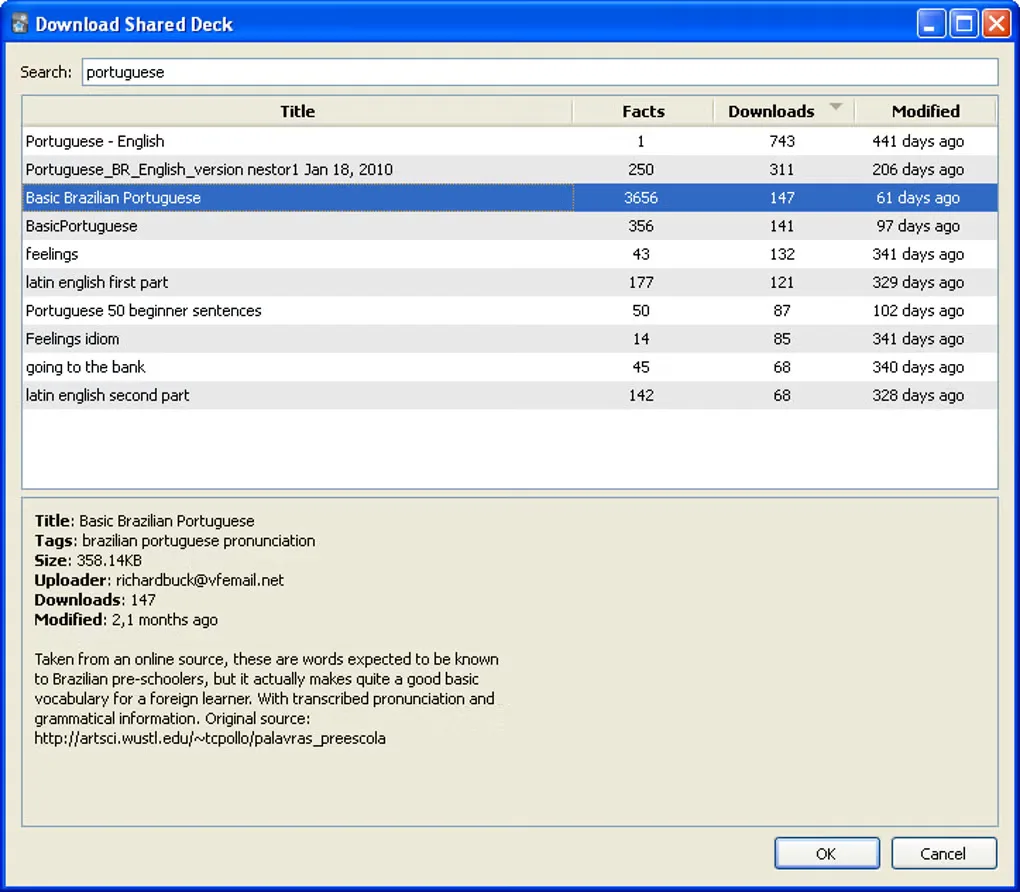
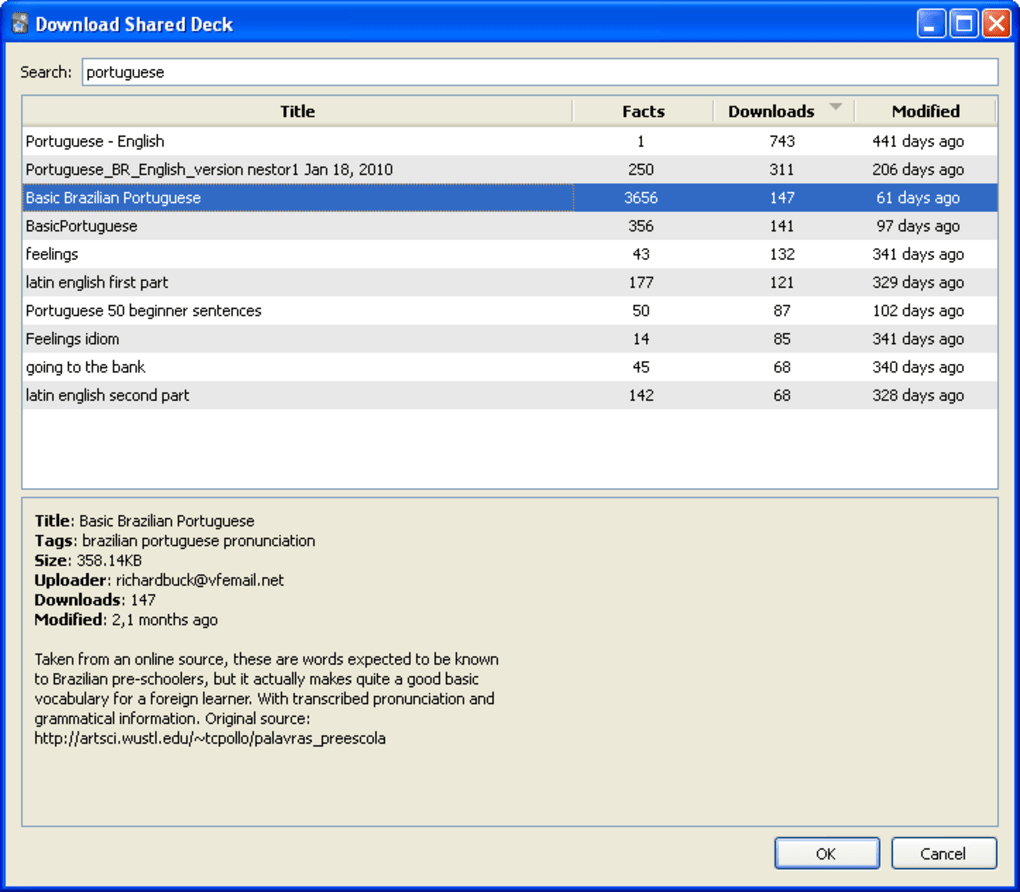
The source-gallery screenshot shows an older Windows shared-deck dialog. It illustrates a historical interface and is not a verified screenshot of version 26.09.3.
What it offers
- Schedule flashcard reviews using your recall ratings.
- Organize flashcards into decks and customize card layouts and review timing.
- Include audio, images, video and scientific markup in cards.
- Synchronize cards across devices with the free AnkiWeb service.
- Extend the desktop application with add-ons.
Good to know
- Some add-ons may not work after an Anki upgrade.
- This x64 installer does not support 32-bit Windows or Windows 7/8.1; Windows ARM devices require the separate Windows 11 ARM64 installer.
Product images
Sources
References used for this listing. Retrieval dates do not indicate hands-on testing.
More in utilities
View category ↗
1.1.1.1 with WARP 2026.8.2115.0
Encrypt traffic from your Mac to Cloudflare’s network with WARP, or use DNS-only mode for encrypted DNS queries to the 1.1.1.1 resolver.
1.1.1.1 with WARP 2026.8.2115.0
Encrypt traffic between your Windows PC and Cloudflare, or use encrypted DNS only, with the free 1.1.1.1 with WARP app.

3uTools 9.12.005
Manage iPhone and iPad photos, music, apps and backups from Windows with 3uTools, a free utility that also includes device checks and firmware flashing tools.