

Utilities Windows
AnLink for Windows
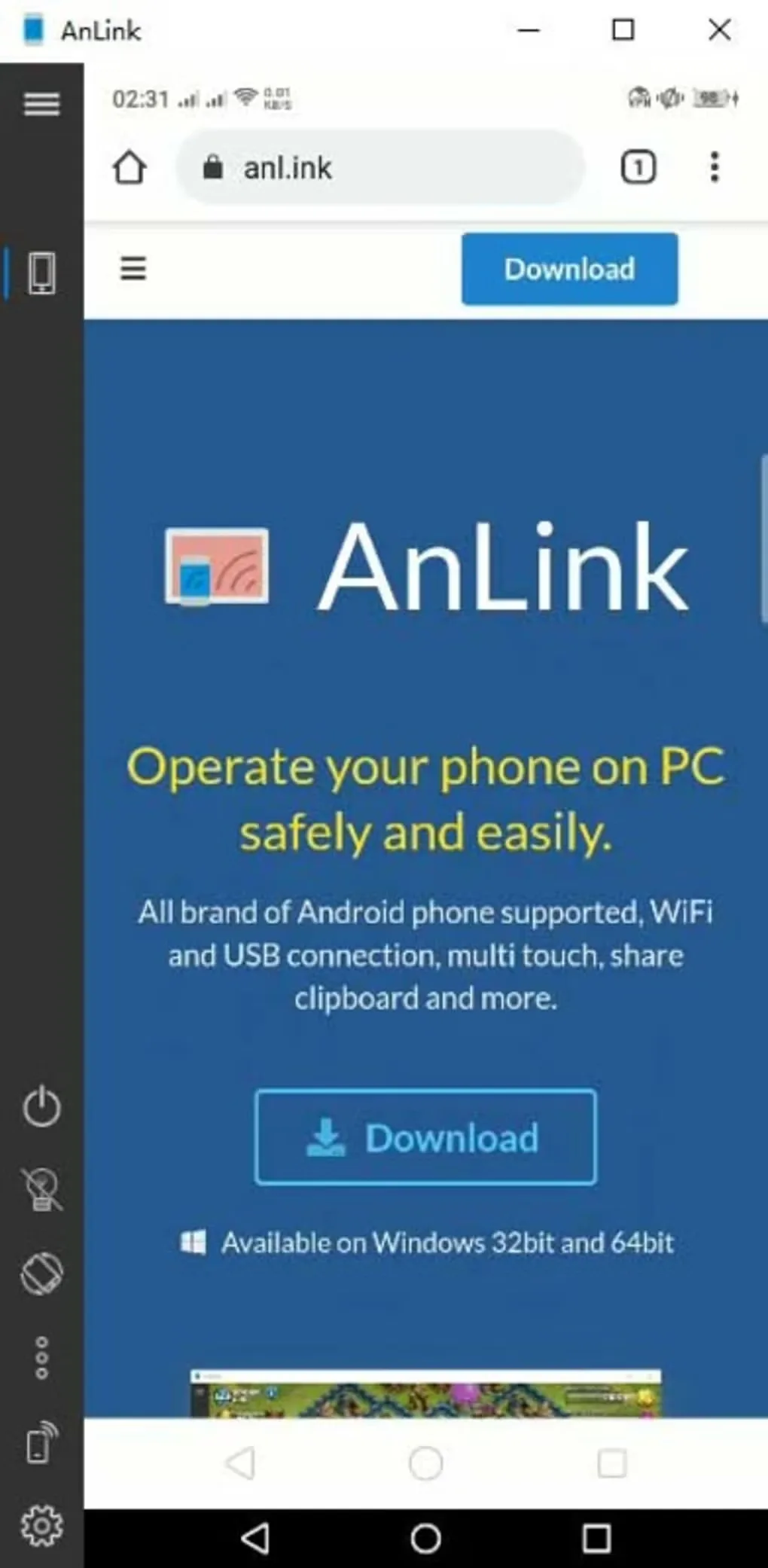
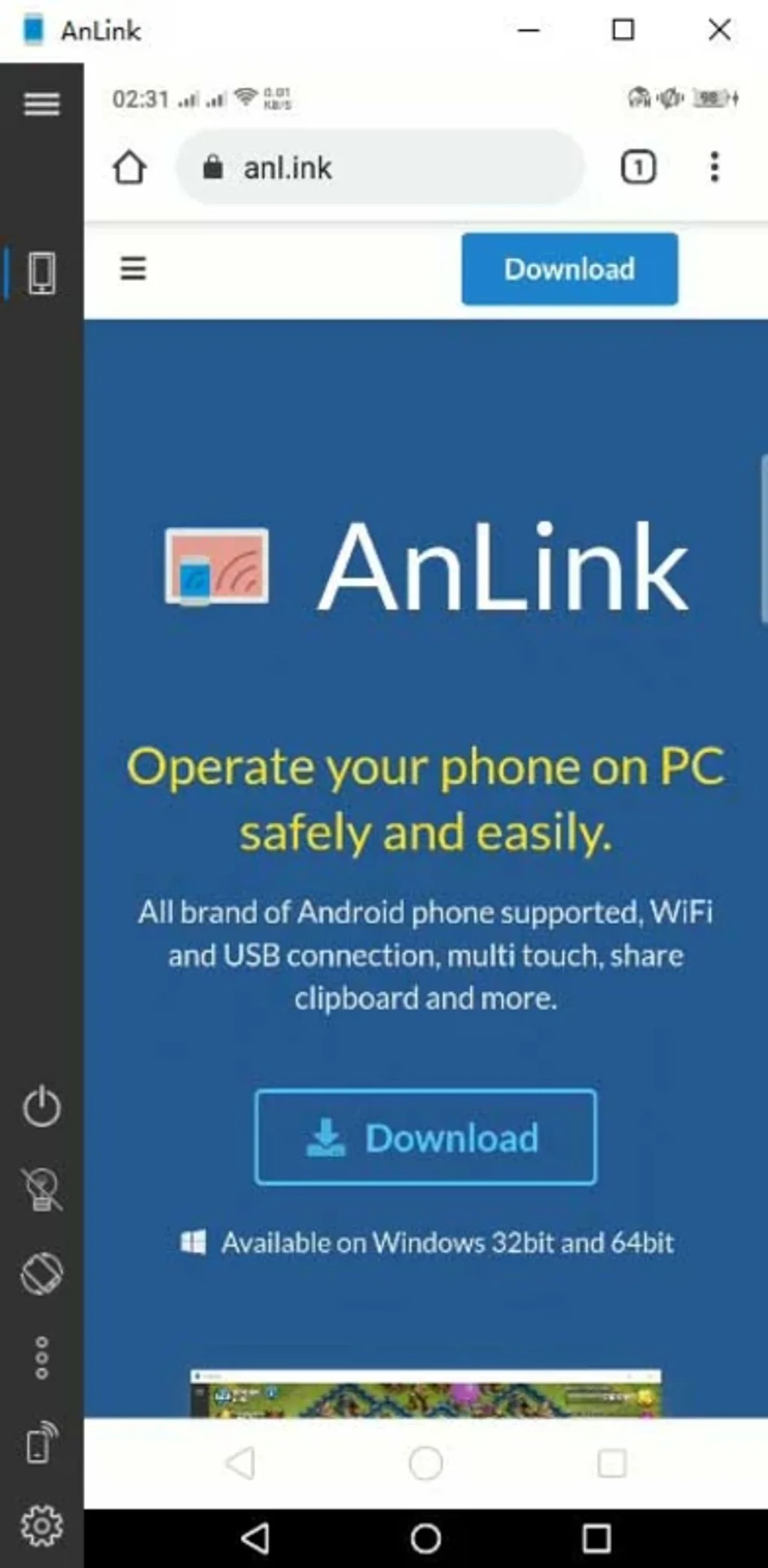
Mirror and control an Android phone from a Windows PC over USB or Wi-Fi, with keyboard input, shared clipboard and drag-and-drop file transfers.
- Operating system
- Windows; exact minimum release not established
- Architecture
- Publisher advertises 32-bit and 64-bit availability; delivered package architecture unconfirmed
- Download package
- ZIP package
Controls a connected Android phone over USB or Wi-Fi. ZIP contents were not downloaded or inspected.
Link checked · Download guidance
What is AnLink?
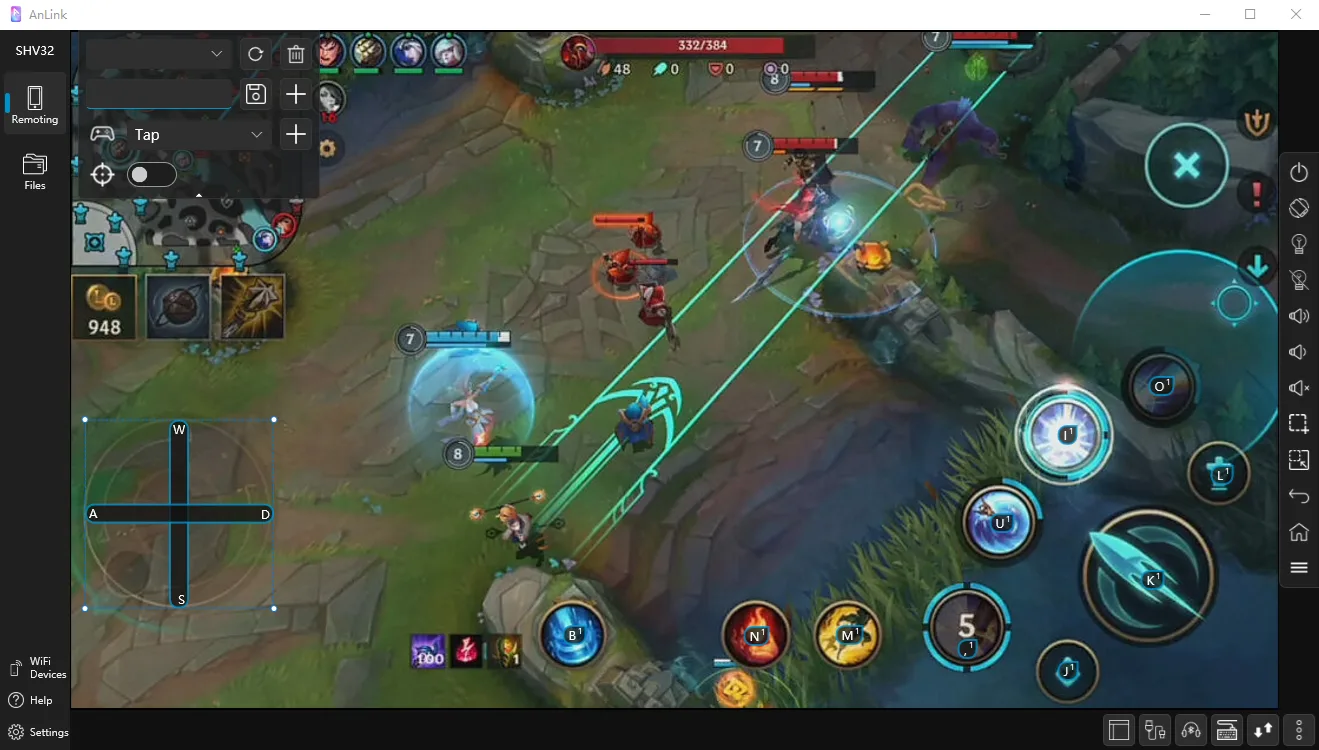
AnLink brings a connected Android phone's screen and controls to a Windows desktop. It is useful for typing with a PC keyboard, viewing phone apps on a larger display and moving files between devices without switching screens. The publisher lists USB and Wi-Fi connections, shared clipboard, screen recording, audio playback through the PC and key mapping for mobile games.
This is a phone-control utility, not a replacement Android environment: the phone remains part of the workflow. Multi-touch gestures require a touch-capable monitor. The publisher describes AnLink as free for personal use; that statement does not establish unrestricted commercial-use rights.
The linked publisher endpoint was verified by HEAD to deliver a ZIP package. Its contents and executable architecture were not inspected. The publisher advertises Windows 32-bit and 64-bit availability, but the accessible pages do not establish a current package version or an exact minimum Windows release.
What it offers
- Mirror and operate a connected Android phone through a Windows desktop window.
- Connect through USB or Wi-Fi.
- Type using the PC keyboard and input method editor, and share clipboard content between devices.
- Transfer files between the phone and PC using drag and drop.
- Record the phone screen, play phone audio through the PC and map keyboard controls for mobile games.
Good to know
- Requires a connected Android phone; it is not a standalone Android environment.
- Multi-touch gestures require a touch-capable monitor.
- Free personal use is advertised; unrestricted commercial-use permission is not established by that statement.
- The current package version, exact minimum Windows release and architecture of the delivered ZIP were not established.
Product images
Sources
References used for this listing. Retrieval dates do not indicate hands-on testing.
More in utilities
View category ↗
1.1.1.1 with WARP 2026.8.2115.0
Encrypt traffic from your Mac to Cloudflare’s network with WARP, or use DNS-only mode for encrypted DNS queries to the 1.1.1.1 resolver.
1.1.1.1 with WARP 2026.8.2115.0
Encrypt traffic between your Windows PC and Cloudflare, or use encrypted DNS only, with the free 1.1.1.1 with WARP app.


3uTools 9.12.005
Manage iPhone and iPad photos, music, apps and backups from Windows with 3uTools, a free utility that also includes device checks and firmware flashing tools.