

Utilities Android
AnyDesk for Android
Access remote computers from your Android phone or tablet with AnyDesk. Share files and receive remote support; controlling an Android device requires a compatible plugin and permissions.
- Operating system
- Android 5 and later; Android 7 and later for remote input control
- Architecture
- Not specified in the inspected publisher download evidence
- Download package
- APK
Input control depends on a suitable plugin and permissions. Android screen-sharing consent may still require local acceptance. APK CPU architectures were not inspected.
Link checked · Download guidance
What is AnyDesk?
AnyDesk connects an Android phone or tablet to remote computers and other supported devices. Use it to work with a desktop while away from it, transfer files, synchronize the clipboard or provide remote support. The Android client can start sessions and receive connections, so the same app can be used on either side of a support session.
Touchscreen session controls include mouse and touchpad input modes, a special keyboard and monitor selection. The session menu provides controls for the connection without requiring a physical keyboard or mouse.
Viewing an Android screen is not the same as controlling it. Remote input requires Android 7 or later, a suitable control plugin and the relevant system permissions; available input functions depend on the device. On Android 10 and later, screen sharing may still need someone at the device to accept an operating-system prompt, even when unattended access is configured.
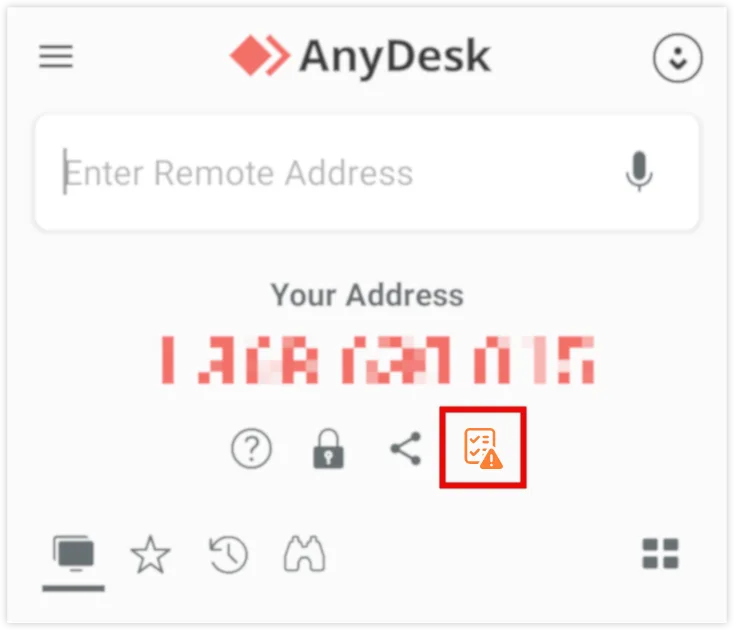
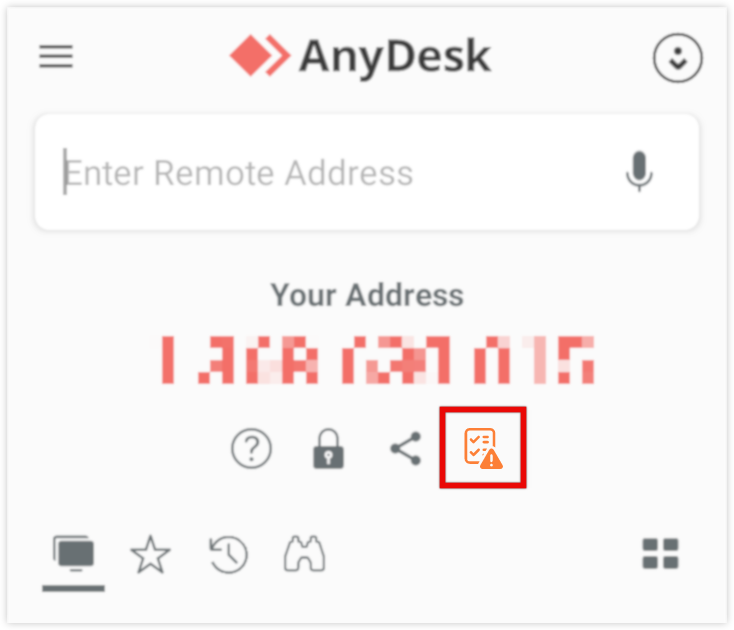
The publisher provides an APK download as well as app-store options. AnyDesk Free is limited to personal, non-commercial use; business and professional use requires a paid license. The screenshot shows the publisher documentation’s Android home screen, including its original setup-checklist highlight, rather than a locally installed or tested copy.
What it offers
- Start and receive cross-platform remote desktop sessions from Android.
- Transfer files and synchronize the clipboard between connected devices.
- Use mouse, touchpad and special-keyboard controls during a remote session.
- Configure unattended access, subject to Android screen-sharing consent requirements.
Good to know
- Remote input control of an Android device requires Android 7 or later, a compatible control plugin and permissions; some plugins provide only limited input functions.
- On Android 10 and later, a screen-sharing prompt may require someone physically present even with unattended access configured.
- The free offering is for personal, non-commercial use only; business and professional use requires a paid license.
Product images
Sources
References used for this listing. Retrieval dates do not indicate hands-on testing.
More in utilities
View category ↗
1.1.1.1 with WARP 2026.8.2115.0
Encrypt traffic from your Mac to Cloudflare’s network with WARP, or use DNS-only mode for encrypted DNS queries to the 1.1.1.1 resolver.
1.1.1.1 with WARP 2026.8.2115.0
Encrypt traffic between your Windows PC and Cloudflare, or use encrypted DNS only, with the free 1.1.1.1 with WARP app.

3uTools 9.12.005
Manage iPhone and iPad photos, music, apps and backups from Windows with 3uTools, a free utility that also includes device checks and firmware flashing tools.