
Utilities Windows
AOMEI Cyber Backup
Manage VMware, Hyper-V and SQL database backups from one web console with AOMEI Cyber Backup for Windows. The Free Edition has workload limits.
What is AOMEI Cyber Backup?
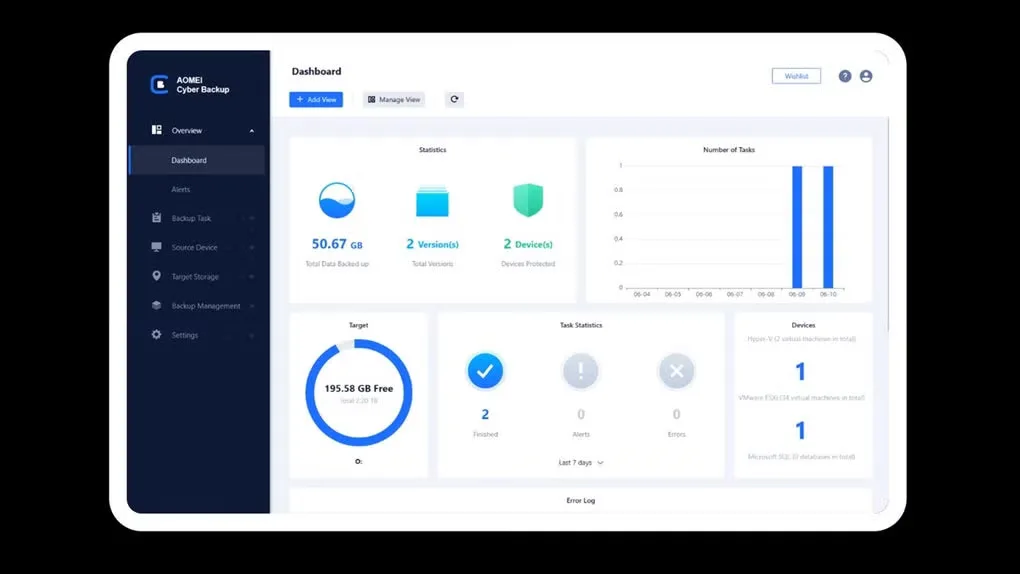
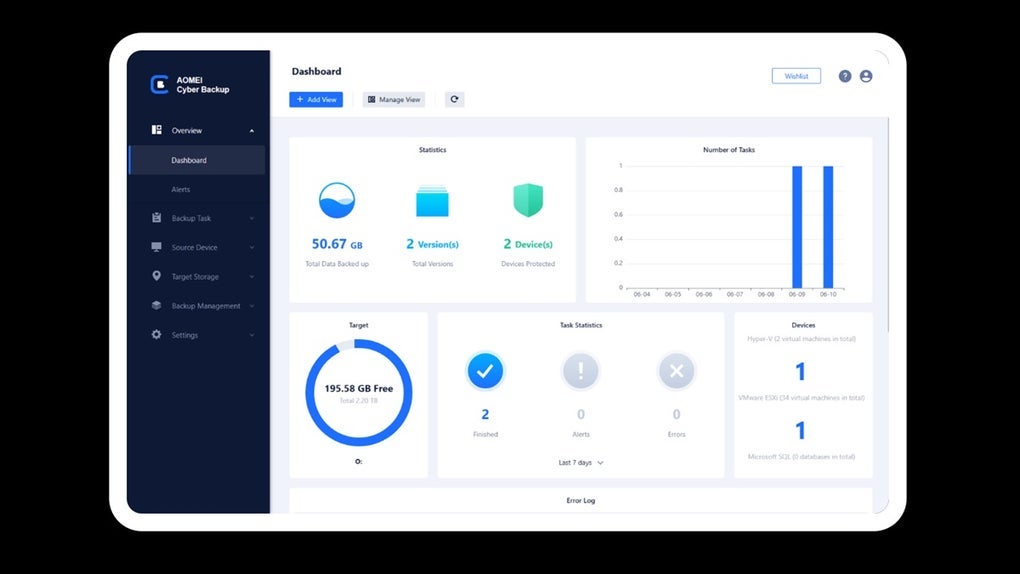
AOMEI Cyber Backup brings virtual-machine and SQL database backup tasks into a centralized web console. It is aimed at administrators managing VMware ESXi, Hyper-V or Microsoft SQL Server workloads, with schedules, incremental backups and recovery from saved backup points. Agentless VM backup avoids installing a separate backup agent inside each virtual machine.
The console combines task monitoring, activity logs and role-based permissions so a team can assign backup and restore responsibilities. Network-shared folders can serve as backup destinations. VMware and Hyper-V hot backups let the protected virtual machines remain powered on during backup.
The linked Windows download is the publisher's Free Edition, not the Advanced trial. The publisher lists a maximum of three Hyper-V VMs, three VMware ESXi VMs and three SQL databases for the free plan. Automatic backup cleanup and restoration to a new location require the Advanced Edition. Check those edition differences before choosing it for a larger environment.
What it offers
- Manage VMware, Hyper-V and Microsoft SQL database backup tasks through a centralized web console.
- Schedule backups and use incremental backups to capture changed data.
- Back up VMware and Hyper-V virtual machines without installing an agent in each VM or powering them off.
- Store backups on network-shared folders and recover from saved backup points.
- Monitor tasks and activity logs, with role-based permissions for team members.
Good to know
- The publisher limits the Free Edition to three Hyper-V VMs, three VMware ESXi VMs and three Microsoft SQL databases.
- Automatic backup cleanup and restoration to a new location are Advanced Edition features, not Free Edition features.
Product images
Sources
References used for this listing. Retrieval dates do not indicate hands-on testing.
More in utilities
View category ↗
1.1.1.1 with WARP 2026.8.2115.0
Encrypt traffic from your Mac to Cloudflare’s network with WARP, or use DNS-only mode for encrypted DNS queries to the 1.1.1.1 resolver.
1.1.1.1 with WARP 2026.8.2115.0
Encrypt traffic between your Windows PC and Cloudflare, or use encrypted DNS only, with the free 1.1.1.1 with WARP app.

3uTools 9.12.005
Manage iPhone and iPad photos, music, apps and backups from Windows with 3uTools, a free utility that also includes device checks and firmware flashing tools.