

Development Windows
Arduino CLI for Windows
Compile and upload Arduino sketches from the Windows command line, manage board cores and libraries, and automate development tasks with Arduino CLI.
- Operating system
- Windows; Softonic lists Windows 11
- Architecture
- x64 (64-bit)
- Download package
- ZIP archive containing the Windows command-line executable
This is the Windows 64-bit ZIP, not the separate MSI or 32-bit archive. Board cores and libraries are managed separately.
Link checked · Download guidance
What is Arduino CLI?
Arduino CLI brings Arduino development tasks to a text-based interface. It can create a sketch, detect connected boards, install board cores and libraries, compile code, and upload the result to a board. It suits developers who want to use their own editor or repeat these steps in scripts rather than work through the Arduino IDE. A gRPC daemon also provides an interface for other software.
The selected download is the Windows 64-bit ZIP archive for version 1.5.1, not the Arduino IDE or Arduino Flasher CLI. Extract it to use the executable; add its directory to PATH if you want to call it from any location. Board support is a separate setup step: install the appropriate core, select the board's fully qualified board name (FQBN), and specify the connected port for uploads. Sketch source is edited in a separate editor.
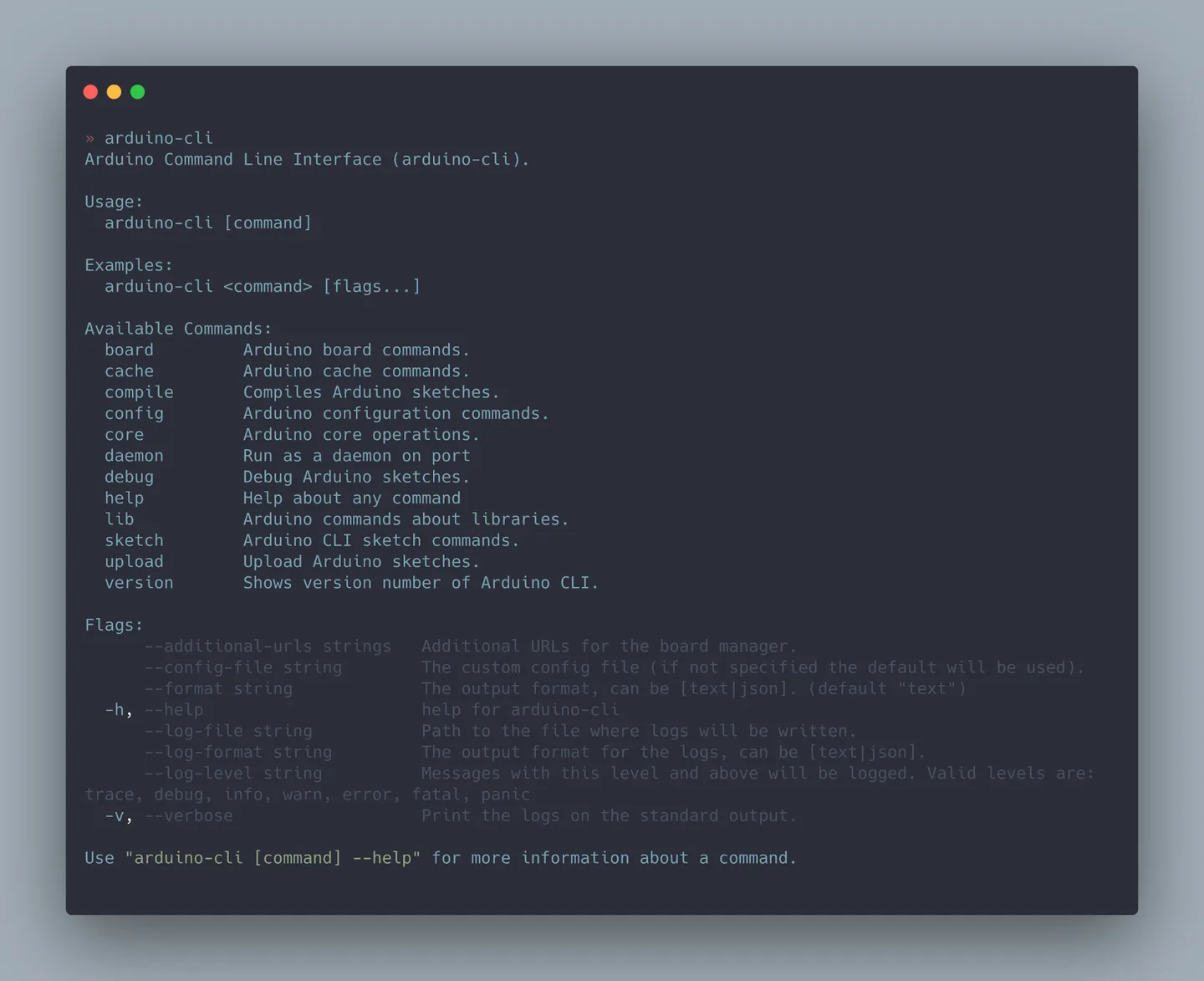
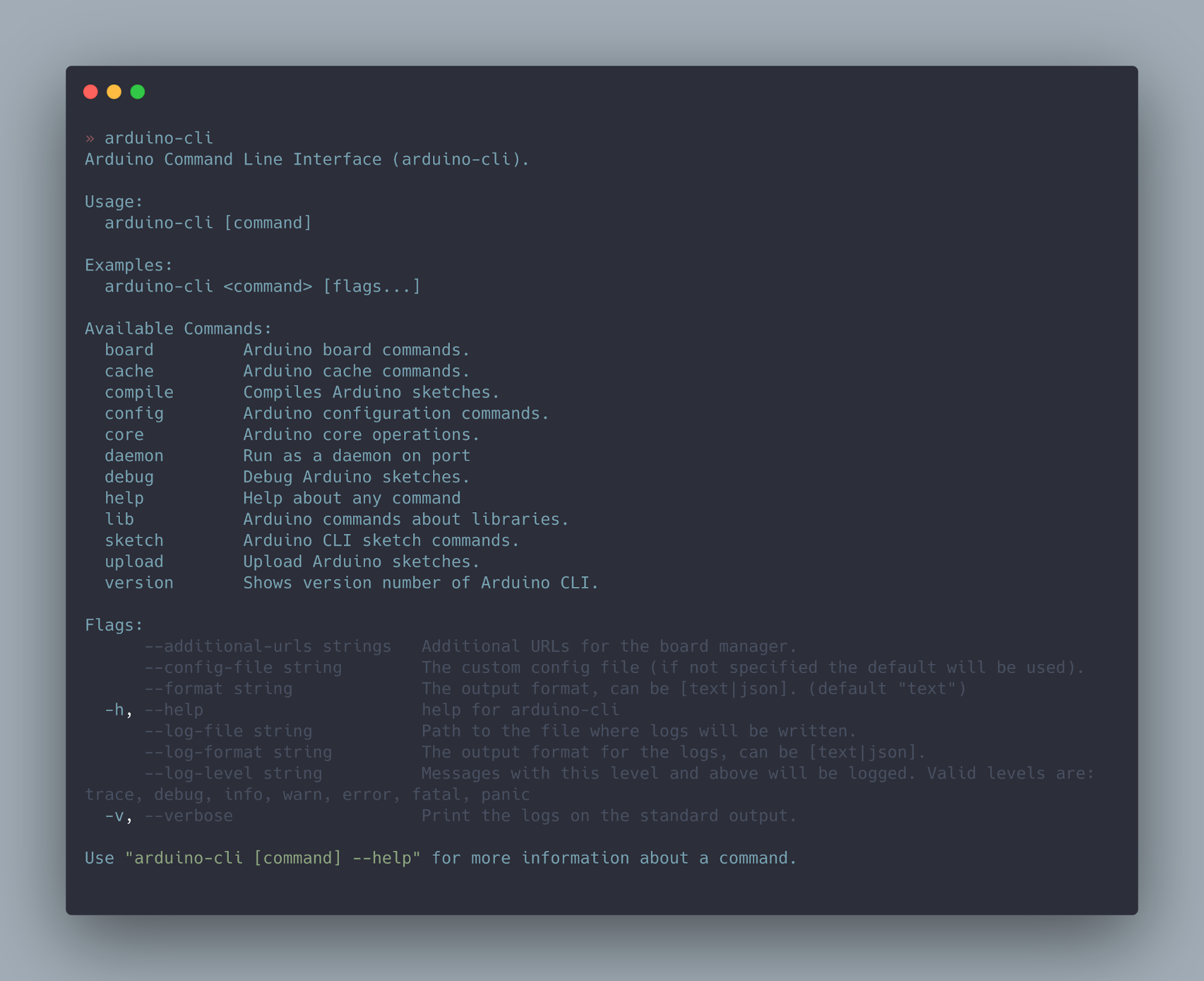
The publisher screenshot illustrates Arduino CLI's terminal help in a macOS-style window. It is not a Windows capture or a verified view of version 1.5.1; command options can differ from that older illustration.
What it offers
- Create sketches and compile them for a selected Arduino-compatible board.
- Detect connected boards and upload compiled sketches to a selected port.
- Search for and install board platform cores and Arduino libraries.
- Use command-line commands in scripts or expose a gRPC server through daemon mode.
- Read command-specific help and request JSON output for supported command-line workflows.
Good to know
- You must install the appropriate board core and identify the correct FQBN and port before compiling and uploading for your hardware.
- The CLI is a text-based tool, not the Arduino IDE's graphical editor; edit sketch source in a separate editor.
Product images
More in development
View category ↗
010 Editor 17.0
Inspect and edit binary files on Mac with 010 Editor, a paid text and hex editor with Binary Templates, file comparison and a 30-day trial.
010 Editor 17.0
Inspect and edit binary files with 010 Editor for Windows, a text and hex editor with Binary Templates, file comparison and scripting. Includes a 30-day trial.

Abyss Web Server X1 2.16.22
Host a website on your Mac with Abyss Web Server X1, a free personal web server with a browser-based console, HTTPS and CGI/FastCGI support. X1 serves one host; multi-site virtual hosting requires X2.