

Utilities Windows
Argus Monitor for Windows
Control supported PC fans with temperature-based curves and monitor CPU, GPU and drive sensors using Argus Monitor for Windows, available as a 30-day trial.
- Operating system
- Windows 11; Windows 10 22H2
- Architecture
- 64-bit
- Download package
- EXE installer
Publisher history identifies 7.2.01 onward as 64-bit; 7.1.06 was the last release supporting 32-bit Windows. Fan control varies by hardware.
Link checked · Download guidance
What is Argus Monitor?
Argus Monitor combines fan control with hardware monitoring for Windows PCs. Set a fixed speed or build fan curves around CPU, GPU, drive or motherboard temperatures on supported hardware. Profiles let you switch between fan settings, while temperature averaging, hysteresis and rate limits help avoid abrupt speed changes.
Its monitoring views include temperature graphs and S.M.A.R.T. drive attributes, with selected readings available in system-tray icons or a desktop gadget. Hardware support matters: an accessible temperature sensor does not mean every fan can be controlled, and some configurations require an appropriate BIOS fan-control mode.
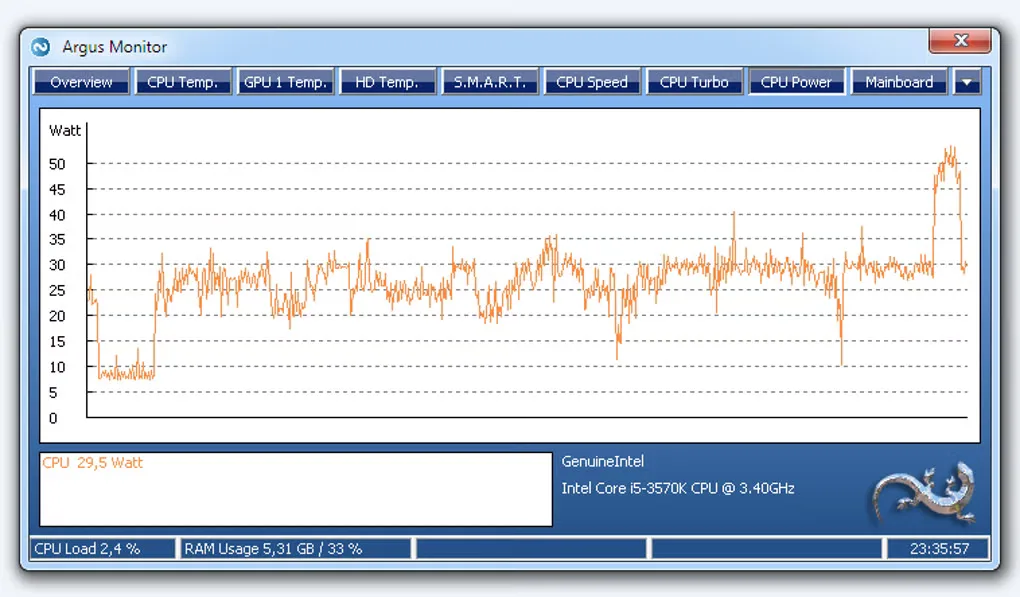
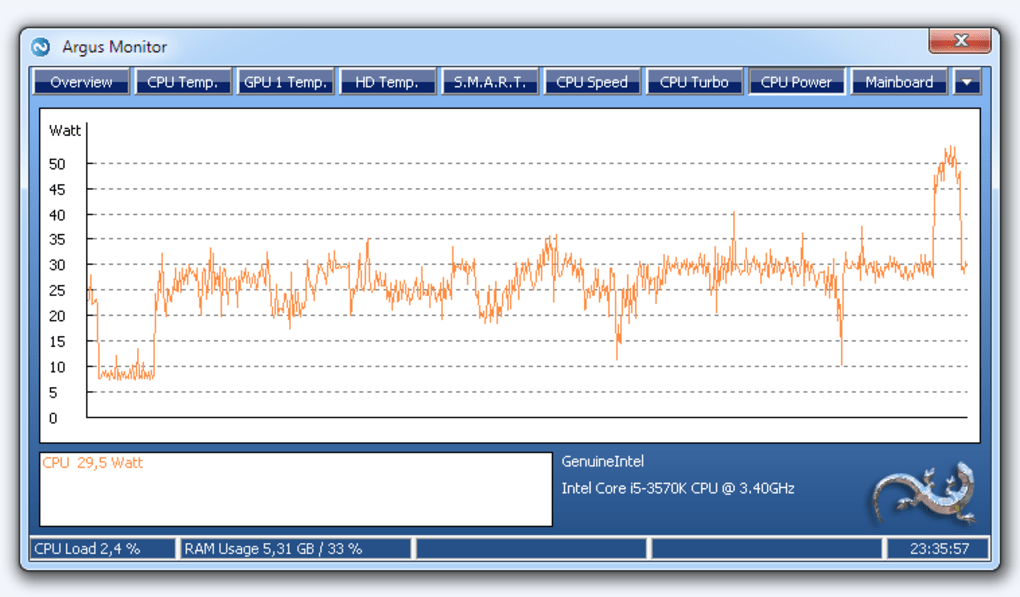
The publisher offers a fully functional 30-day evaluation, not an unrestricted free edition. A purchased license covers versions released during its one- or three-year update period; those covered versions remain usable after that period ends. The gallery image shows an older Argus Monitor CPU-power view, not a verified capture of version 7.4.03.
What it offers
- Configure fixed fan speeds or temperature-based curves on supported motherboard, GPU, AIO and external-controller hardware.
- Switch fan-control profiles and use averaging, hysteresis or rate limits to moderate speed changes.
- Monitor CPU, GPU, drive and supported motherboard temperatures, with S.M.A.R.T. attributes for supported drives.
- Display selected hardware readings in system-tray icons or a desktop gadget.
Good to know
- Fan control depends on supported hardware and may require the correct BIOS fan-control mode; sensor visibility alone does not guarantee fan control.
- The fully functional evaluation lasts 30 days; continued licensed use requires purchase. Updates released after the purchased license period require renewed update coverage.
Product images
Sources
References used for this listing. Retrieval dates do not indicate hands-on testing.
- Argus Monitor - Download ↗Retrieved
- Fan Control for Windows ↗Retrieved
- Argus Monitor - Version History ↗Retrieved
- Frequently Asked Questions ↗Retrieved
More in utilities
View category ↗
1.1.1.1 with WARP 2026.8.2115.0
Encrypt traffic from your Mac to Cloudflare’s network with WARP, or use DNS-only mode for encrypted DNS queries to the 1.1.1.1 resolver.
1.1.1.1 with WARP 2026.8.2115.0
Encrypt traffic between your Windows PC and Cloudflare, or use encrypted DNS only, with the free 1.1.1.1 with WARP app.

3uTools 9.12.005
Manage iPhone and iPad photos, music, apps and backups from Windows with 3uTools, a free utility that also includes device checks and firmware flashing tools.