

Utilities Windows
ArsClip for Windows
Keep a clipboard history and reuse text, pictures and saved snippets with ArsClip, a free Windows clipboard manager with popup pasting and macros.
- Operating system
- Windows XP through Windows 10, as listed by the publisher
- Architecture
- Not specified in the cited publisher requirements
- Download package
- ZIP archive (acv547a.zip); optional setup program included
Installation is optional. Download hosted by SnapFiles, which labels the archive 5.47a; publisher release notes call the version 5.47. Windows 11 support is unconfirmed.
Link checked · Download guidance
What is ArsClip?
ArsClip keeps track of items copied to the Windows clipboard so you can select an earlier entry instead of copying it again. A popup provides access to stored clips; you can trigger it with a configurable hotkey, by holding right-click or through other supported methods. Permanent Clips/Macros help with reusable snippets and repetitive copy-and-paste tasks.
It supports pictures, RichText, file copies, Unicode and HTML. An optional Clipboard Bar provides a clipboard viewer, while the optional Global Clipboard feature shares clips with other Windows and Android devices. The publisher says installation is not required and an optional setup program is included.
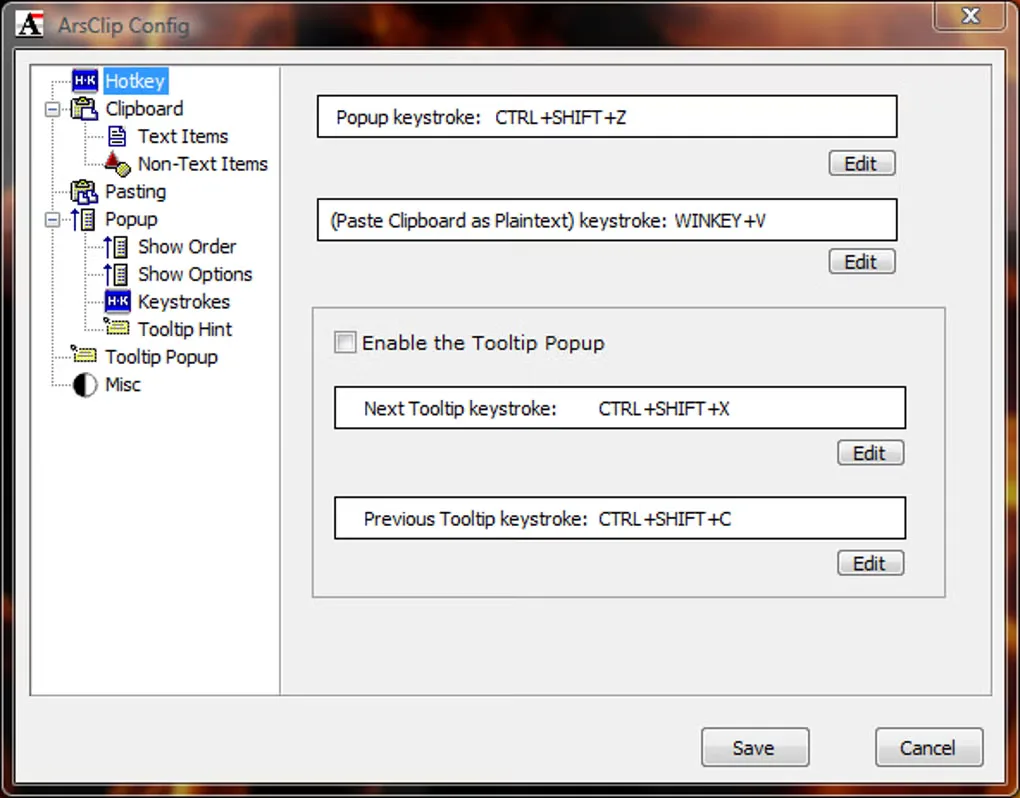
The publisher lists Windows XP through Windows 10; Windows 11 compatibility is not established by that requirements statement. Its 5.47 notes also say the experimental source-window title for newly captured web-link clips is not saved on exit. The download here is the acv547a.zip archive from SnapFiles, a third-party site linked by the publisher. Softonic still lists 5.42, so its older screenshots illustrate the interface rather than proving the appearance of 5.47.
What it offers
- Recall clipboard entries through a popup triggered by a configurable hotkey or other supported methods.
- Store reusable snippets and automate copying and pasting with Permanent Clips/Macros.
- Handle pictures, RichText, file copies, Unicode and HTML clipboard content.
- Use the optional Clipboard Bar viewer or share clips through the optional Global Clipboard feature.
Good to know
- The publisher lists support through Windows 10; Windows 11 compatibility is not established by the cited requirements.
- In the 5.47 notes, experimental source-window title metadata for newly captured web-link clips is not saved on exit.
Product images
Sources
References used for this listing. Retrieval dates do not indicate hands-on testing.
- JoeJoe's freeware utilities - [ArsClip] ↗Retrieved
- ArsClip - Download ↗Retrieved
- ArsClip - clipboard and snippet manager ↗Retrieved
- Download ArsClip 5.47a - SnapFiles ↗Retrieved
More in utilities
View category ↗
1.1.1.1 with WARP 2026.8.2115.0
Encrypt traffic from your Mac to Cloudflare’s network with WARP, or use DNS-only mode for encrypted DNS queries to the 1.1.1.1 resolver.
1.1.1.1 with WARP 2026.8.2115.0
Encrypt traffic between your Windows PC and Cloudflare, or use encrypted DNS only, with the free 1.1.1.1 with WARP app.

3uTools 9.12.005
Manage iPhone and iPad photos, music, apps and backups from Windows with 3uTools, a free utility that also includes device checks and firmware flashing tools.