

Utilities Windows
Ashampoo PDF Pro for Windows
Edit, merge and convert PDFs with Ashampoo PDF Pro for Windows, including OCR for scanned documents and a virtual PDF printer. Paid software with a 30-day trial.
- Operating system
- Windows 11 and Windows 10 (x64)
- Architecture
- x64 (64-bit)
- Download package
- EXE installer
Internet activation and recurring license verification are required.
Link checked · Download guidance
What is Ashampoo PDF Pro?
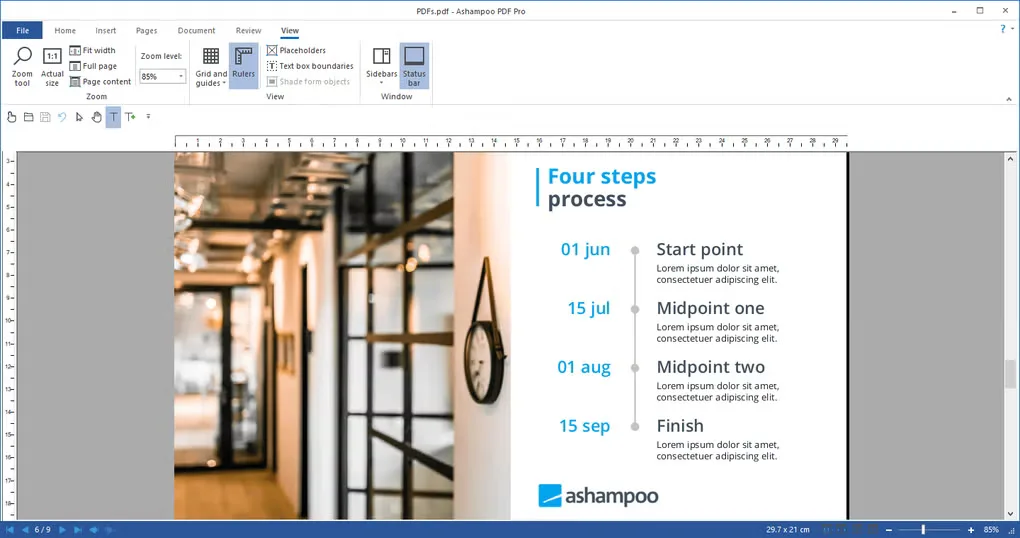
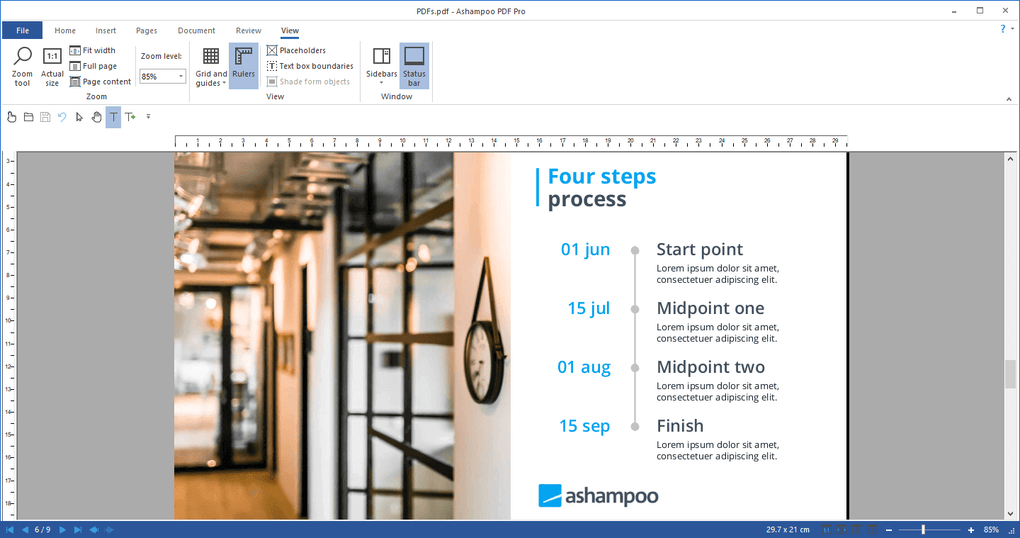
Ashampoo PDF Pro brings PDF editing, conversion and document protection into one Windows application. It can turn PDFs into editable Office documents or export them as HTML, EPUB, JPG and RTF. Optical character recognition makes scanned text searchable and editable, while the included virtual printer creates PDFs from Windows applications that support printing.
For reviewing documents, you can choose tabs, separate windows or a shared workspace, view pages side by side in Book Layout and compare two PDFs by dragging them into the program. Encryption and digital signatures provide additional ways to protect and sign documents.
This is commercial software, not an unrestricted free PDF editor: the publisher offers a 30-day trial and a paid lifetime license. The program requires internet access for activation and checks its license at regular intervals. The listed operating systems are 64-bit Windows 10 and Windows 11.
What it offers
- Edit, create, merge and encrypt PDF documents.
- Convert PDFs to editable Office documents or export HTML, EPUB, JPG and RTF files.
- Use OCR to make scanned documents editable and searchable.
- Create PDFs through the included Windows virtual printer.
- Compare documents, use tabbed or separate-window views and add digital signatures.
Good to know
- The free trial lasts 30 days; continued licensed use requires a paid license.
- An internet connection is required for activation, and the license is verified repeatedly at regular intervals.
Product images
Sources
References used for this listing. Retrieval dates do not indicate hands-on testing.
More in utilities
View category ↗
1.1.1.1 with WARP 2026.8.2115.0
Encrypt traffic from your Mac to Cloudflare’s network with WARP, or use DNS-only mode for encrypted DNS queries to the 1.1.1.1 resolver.
1.1.1.1 with WARP 2026.8.2115.0
Encrypt traffic between your Windows PC and Cloudflare, or use encrypted DNS only, with the free 1.1.1.1 with WARP app.

3uTools 9.12.005
Manage iPhone and iPad photos, music, apps and backups from Windows with 3uTools, a free utility that also includes device checks and firmware flashing tools.