
Utilities Windows
ASTER
Share one Windows PC between multiple independent users with ASTER, assigning each workplace its own monitor, keyboard and mouse. A paid license is required after the 14-day trial.
- Operating system
- Windows 8, 10 and 11
- Architecture
- x64
- Download package
- EXE installer
Publisher lists Windows 11 builds through 26500 inclusive for 2.70.6. Separate displays and input devices are required for additional local workplaces.
Link checked · Download guidance
What is ASTER?
ASTER turns one Windows computer into multiple workplaces so people can work independently at separate screens. It is a multiseat utility rather than a virtual-machine setup: users share the host computer, with displays and input devices assigned to individual workplaces. This can suit a household, classroom or office that already has suitable spare peripherals.
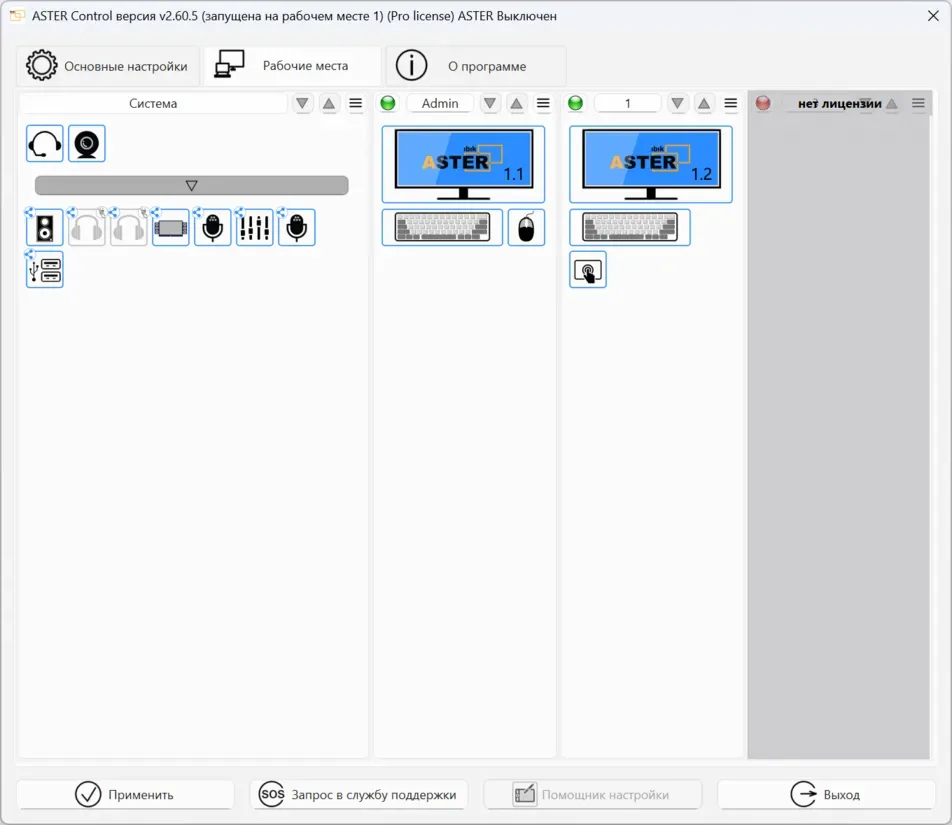
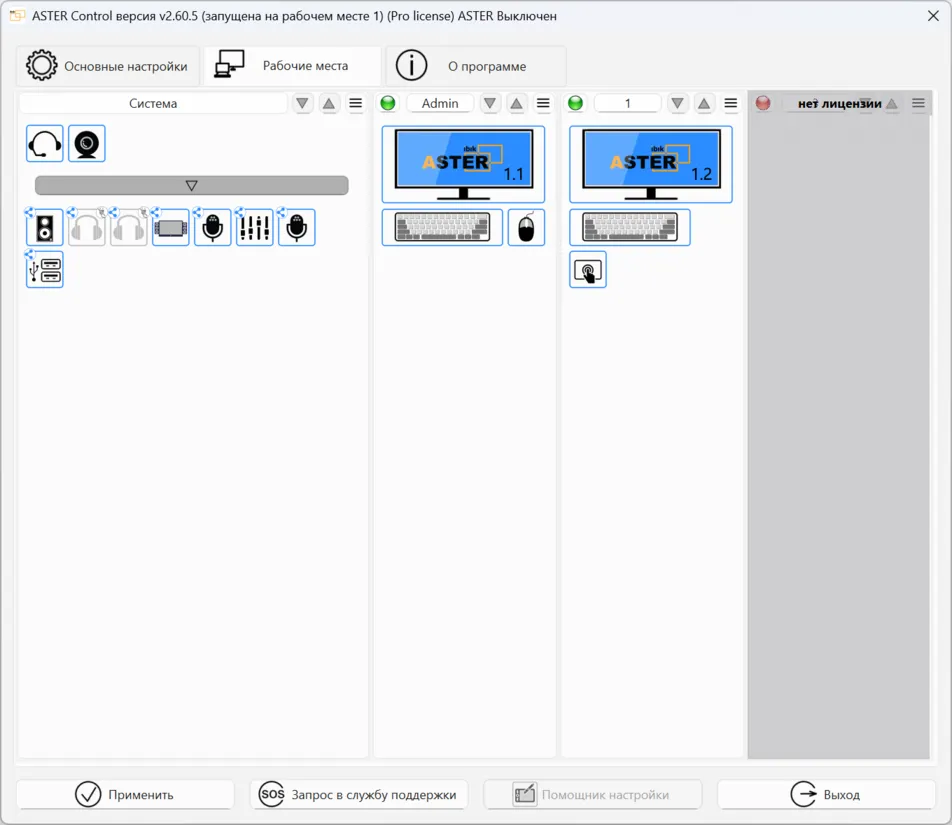
Configuration is more than connecting a second screen. The publisher’s guide calls for Windows extended-display mode, followed by assigning displays and peripherals in the Workplaces tab. Enable ASTER and restart Windows before starting the workplaces. Duplicated displays are not supported, and a workplace needs an assigned display to start.
This entry links to the publisher’s 2.70.6 x64 EXE for Windows 8, 10 and 11. Its release notes list Windows 11 support through build 26500 inclusive; compatibility with later builds is not established here. The 14-day trial is intended for evaluating the actual hardware and applications before buying. Additional workplaces increase system load, and other applications may require their own licenses.
What it offers
- Create independent workplaces on one shared Windows computer without thin clients or virtual machines.
- Assign monitors, keyboards, mice and supported audio peripherals to individual workplaces.
- Organize device assignments visually in the Workplaces tab.
- Evaluate the program for 14 days before purchasing and activating a license.
Good to know
- Each additional local workplace requires its own monitor, keyboard and mouse, plus suitable connections on the shared computer.
- The trial expires after 14 days; continued use requires payment and activation.
- The selected x64 release lists Windows 8, 10 and 11, with Windows 11 build support through 26500 inclusive; later builds are not confirmed here.
- Use extended displays, not duplicated displays. More workplaces increase system load; verify your configuration before purchasing.
- Licenses for other applications may be required separately.
Product images
Sources
References used for this listing. Retrieval dates do not indicate hands-on testing.
More in utilities
View category ↗
1.1.1.1 with WARP 2026.8.2115.0
Encrypt traffic from your Mac to Cloudflare’s network with WARP, or use DNS-only mode for encrypted DNS queries to the 1.1.1.1 resolver.
1.1.1.1 with WARP 2026.8.2115.0
Encrypt traffic between your Windows PC and Cloudflare, or use encrypted DNS only, with the free 1.1.1.1 with WARP app.

3uTools 9.12.005
Manage iPhone and iPad photos, music, apps and backups from Windows with 3uTools, a free utility that also includes device checks and firmware flashing tools.