
Utilities Windows
Atomic Clock Sync
Change the Windows Time Service synchronization interval and access repair tools with Atomic Clock Sync, a free utility from WorldTimeServer.com.
- Operating system
- Windows 8, Windows 7, Vista, Windows Server 2003, Windows XP and Windows 2000
- Architecture
- 32-bit and 64-bit Windows, as listed by the publisher
- Download package
- Standalone EXE; no installation required
Publisher-listed compatibility only; Windows 10/11 support is unverified. Correct time-zone and daylight-saving settings are required.
Link checked · Download guidance
What is Atomic Clock Sync?
Atomic Clock Sync configures the Windows Time Service that checks your PC's clock against an Internet time server. It provides a graphical way to change the synchronization interval instead of editing the Windows Registry, and includes tools intended to repair the service when Internet Time updates stop working. The publisher supplies it as a standalone executable that does not require installation.
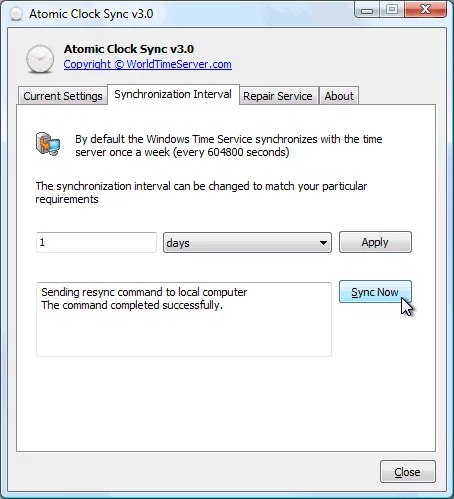
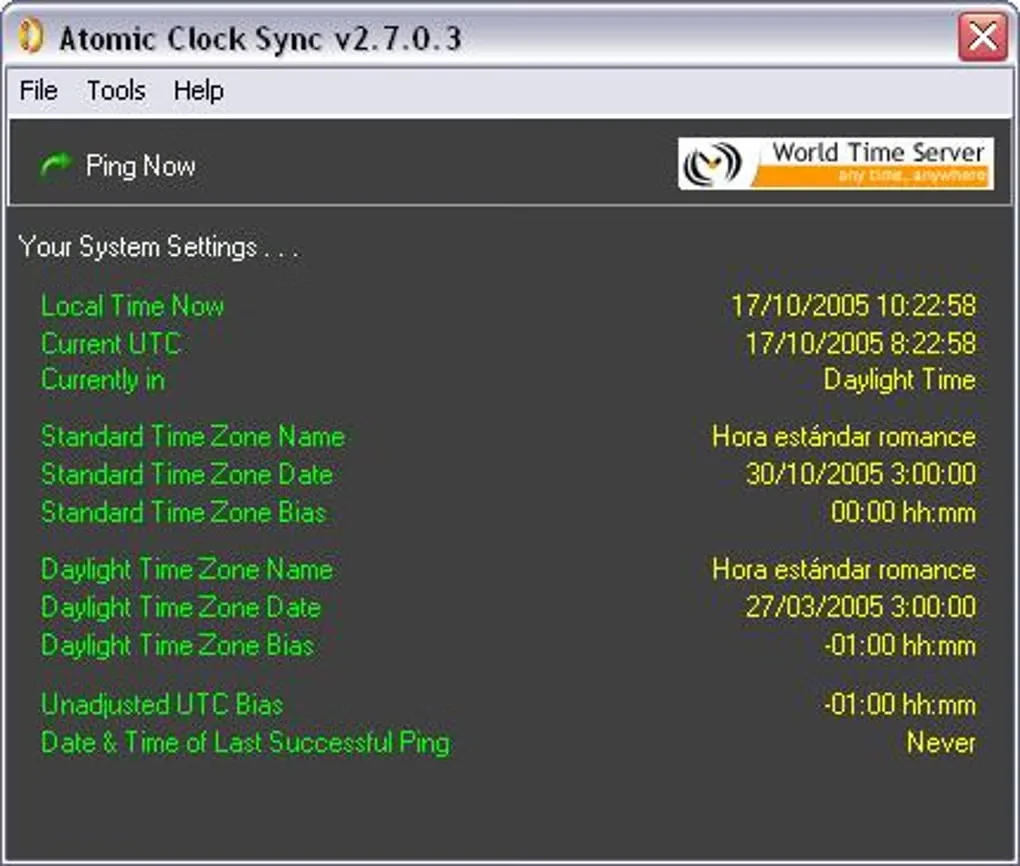
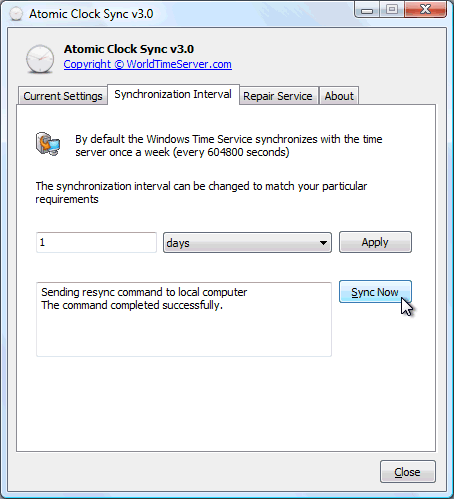
The publisher offers version 3.5, initially released on September 13, 2012, for 32-bit and 64-bit Windows. Its stated system support covers Windows 8, Windows 7, Vista, Server 2003, XP and 2000; the cited publisher page does not establish Windows 10 or Windows 11 compatibility. Correct time-zone settings and operating-system daylight-saving rules are still required. The screenshots are historical illustrations: the publisher's interval-settings image shows v3.0, while the Softonic gallery shows v2.7.0.3, not the offered 3.5 executable.
What it offers
- Change how often the Windows Time Service checks an Internet time server through a graphical interface.
- Review Windows clock synchronization settings without directly editing the Registry.
- Access tools intended to repair the Windows Time Service when Internet Time updates fail.
- Use the publisher's standalone executable without an installation step.
Good to know
- The publisher lists Windows 8 and older systems; Windows 10 and Windows 11 compatibility is not established by the cited sources.
- Synchronization requires the correct Windows time zone and current daylight-saving rules; the utility does not remove those requirements.
Product images
Sources
References used for this listing. Retrieval dates do not indicate hands-on testing.
More in utilities
View category ↗
1.1.1.1 with WARP 2026.8.2115.0
Encrypt traffic from your Mac to Cloudflare’s network with WARP, or use DNS-only mode for encrypted DNS queries to the 1.1.1.1 resolver.
1.1.1.1 with WARP 2026.8.2115.0
Encrypt traffic between your Windows PC and Cloudflare, or use encrypted DNS only, with the free 1.1.1.1 with WARP app.

3uTools 9.12.005
Manage iPhone and iPad photos, music, apps and backups from Windows with 3uTools, a free utility that also includes device checks and firmware flashing tools.