
Utilities Windows
Authme
Keep TOTP two-factor authentication codes on your Windows desktop, import supported authenticator exports and copy codes from one place with Authme.
- Operating system
- Windows; Softonic lists Windows 11
- Architecture
- x64
- Download package
- MSI installer
The official 7.1.1 asset list identifies this as Windows x64. A complete minimum Windows version/build matrix was not established from the consulted publisher pages.
Link checked · Download guidance
What is Authme?
Authme is a desktop two-factor authenticator for people who want their TOTP codes available on a Windows PC. It brings imported accounts into one code list with one-click copying, rather than requiring you to read each code from a phone. The publisher provides a Windows x64 MSI installer for version 7.1.1.
You can add TOTP QR codes or bring over existing codes from Google Authenticator. The publisher also documents imports from 2FAS backups and Aegis vault exports, plus export and backup options within Authme. Check that your existing app can provide a supported export before planning a move.
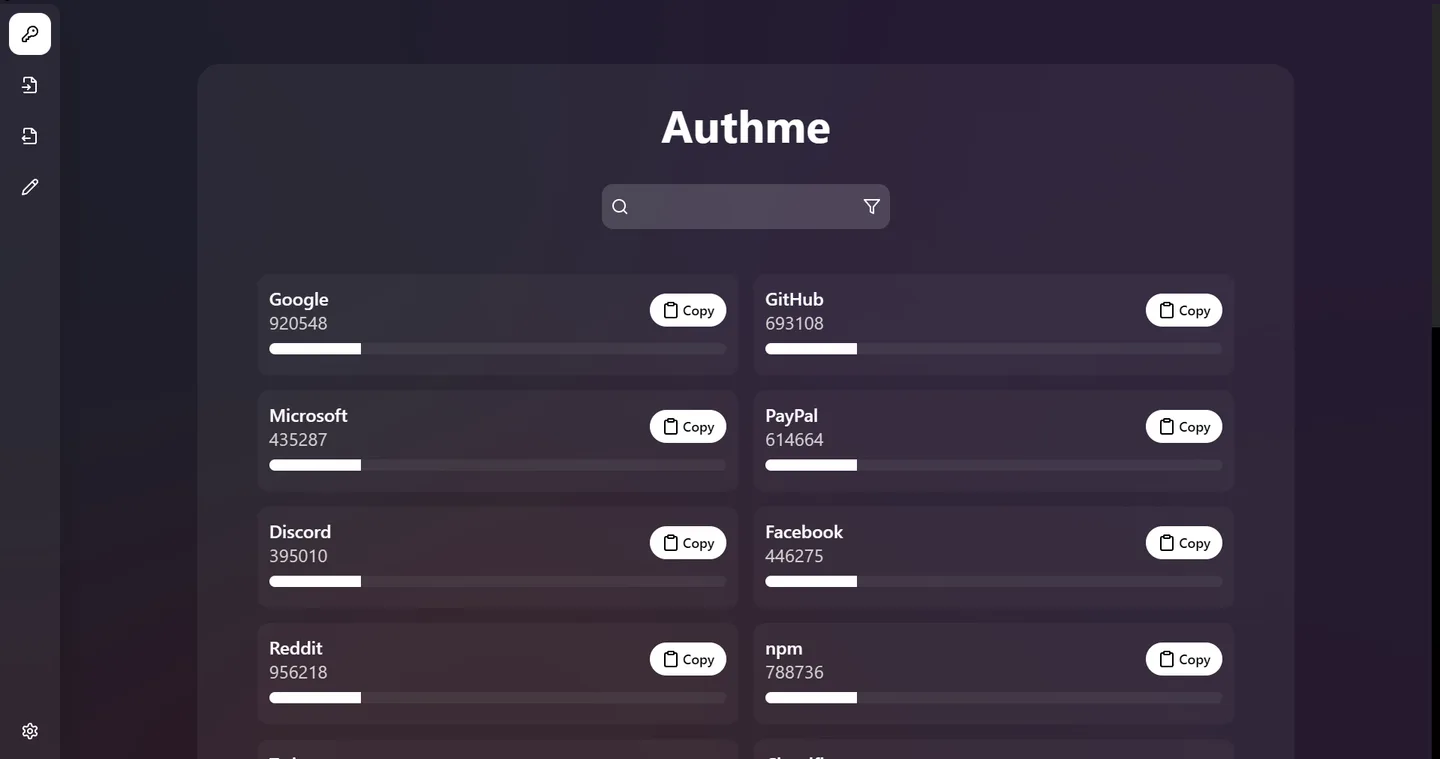
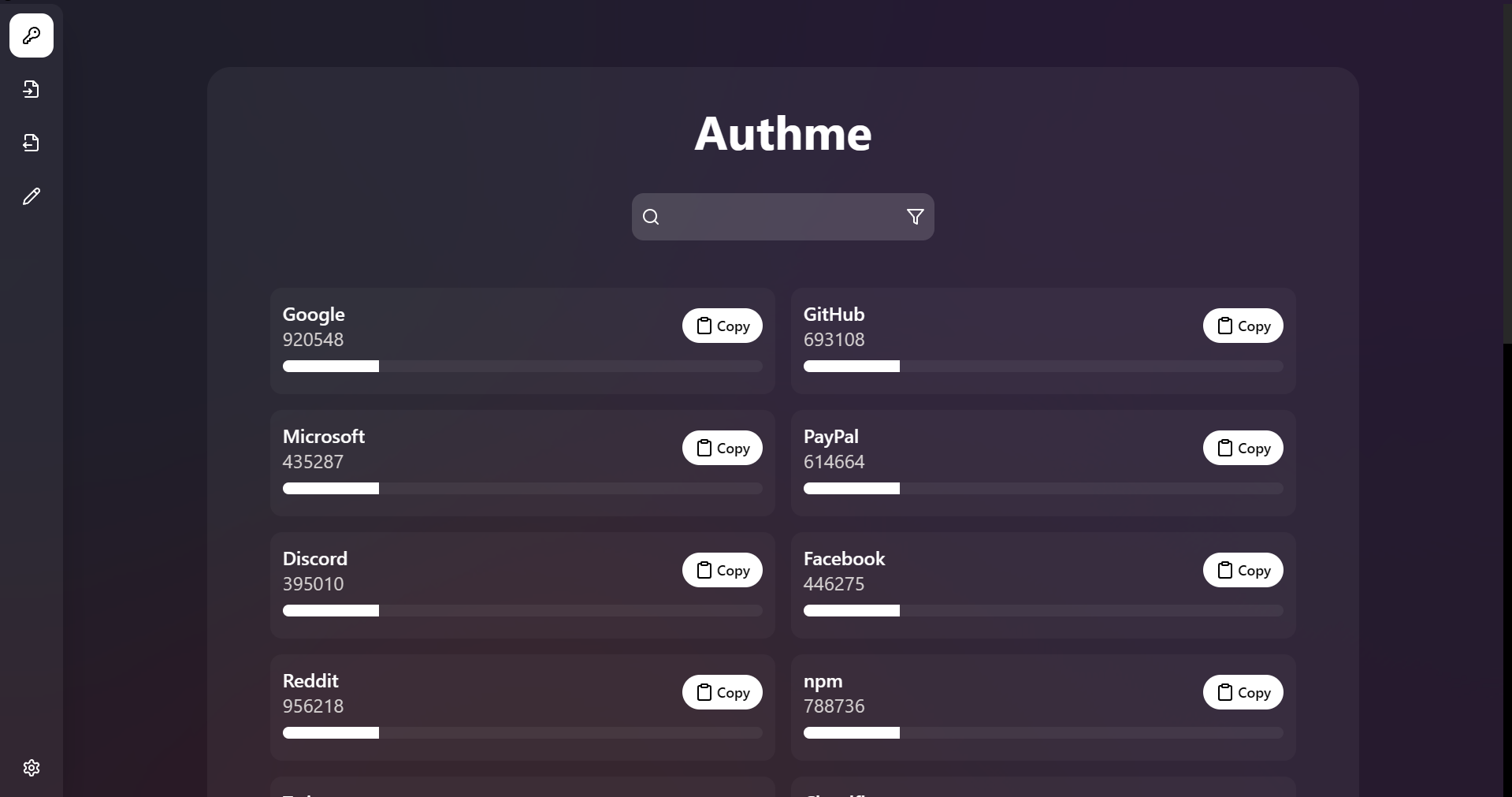
The publisher says stored codes use AES-256 encryption with your password and work offline; an internet connection is still required for updates. These are documented product capabilities, not results of an independent security audit. The screenshot shows the publisher's code-list interface and is not evidence of a locally installed or tested Windows build.
What it offers
- Display imported TOTP accounts together and copy a code with one click.
- Import TOTP QR codes and Google Authenticator exports.
- Import supported 2FAS backups and Aegis vault exports.
- Export authentication codes and create backups.
- Use codes offline, with password-based AES-256 encryption described by the publisher.
Good to know
- An internet connection is required for updates, although the publisher describes code use as offline.
- Imports depend on supported QR codes or export formats; the documented import options are not a promise of compatibility with every authenticator.
Product images
Sources
References used for this listing. Retrieval dates do not indicate hands-on testing.
- Authme — publisher README and license overview ↗Retrieved
- Authme — official product overview ↗Retrieved
- Authme release feed ↗Retrieved
- Release Authme 7.1.1 ↗Retrieved
- Authme 7.1.1 — official asset list ↗Retrieved
- Authme - Download ↗Retrieved
More in utilities
View category ↗
1.1.1.1 with WARP 2026.8.2115.0
Encrypt traffic from your Mac to Cloudflare’s network with WARP, or use DNS-only mode for encrypted DNS queries to the 1.1.1.1 resolver.
1.1.1.1 with WARP 2026.8.2115.0
Encrypt traffic between your Windows PC and Cloudflare, or use encrypted DNS only, with the free 1.1.1.1 with WARP app.

3uTools 9.12.005
Manage iPhone and iPad photos, music, apps and backups from Windows with 3uTools, a free utility that also includes device checks and firmware flashing tools.