

Utilities Windows
AutoHotkey for Windows
Automate Windows tasks with keyboard shortcuts, text expansions and scripts using AutoHotkey, a free, open-source scripting language.
Version 2.0.31 · Direct publisher file
Link checked · Download guidance
What is AutoHotkey?
AutoHotkey lets you turn repeated Windows actions into scripts: launch an application with a shortcut, expand an abbreviation into a phrase, remap a key or send a sequence of keystrokes and mouse clicks. It suits people who want to define their own desktop shortcuts rather than repeat the same input manually.
The workflow starts with a plain-text .ahk file. Write or adapt the instructions in a text editor, then run the script with AutoHotkey. The Dash provides access to new-script templates, documentation, launcher settings and Window Spy, which helps identify windows and controls for automation. Most hotkeys remain available only while their script is running.
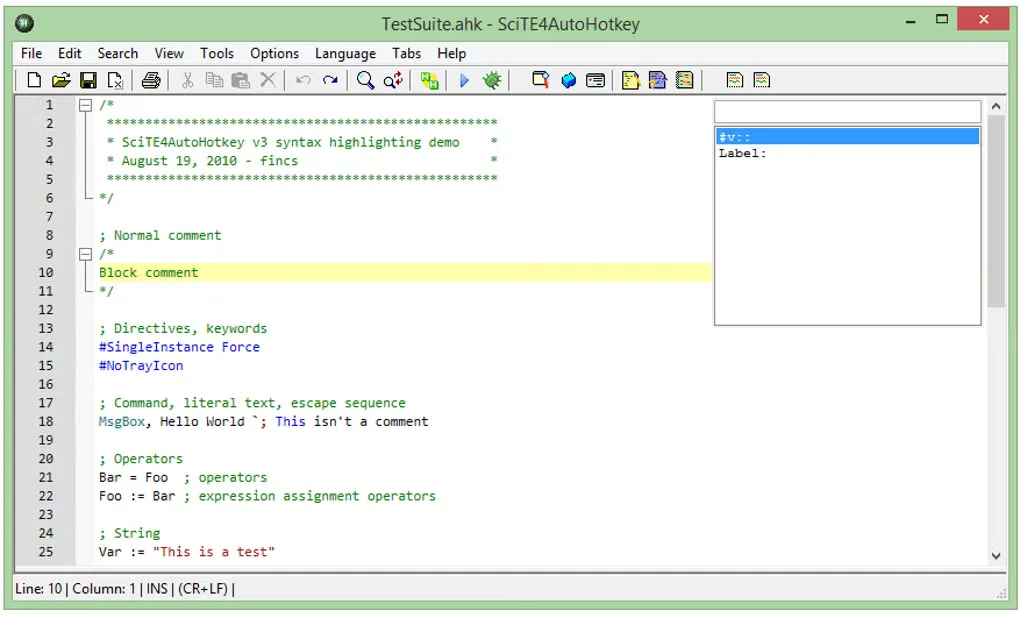
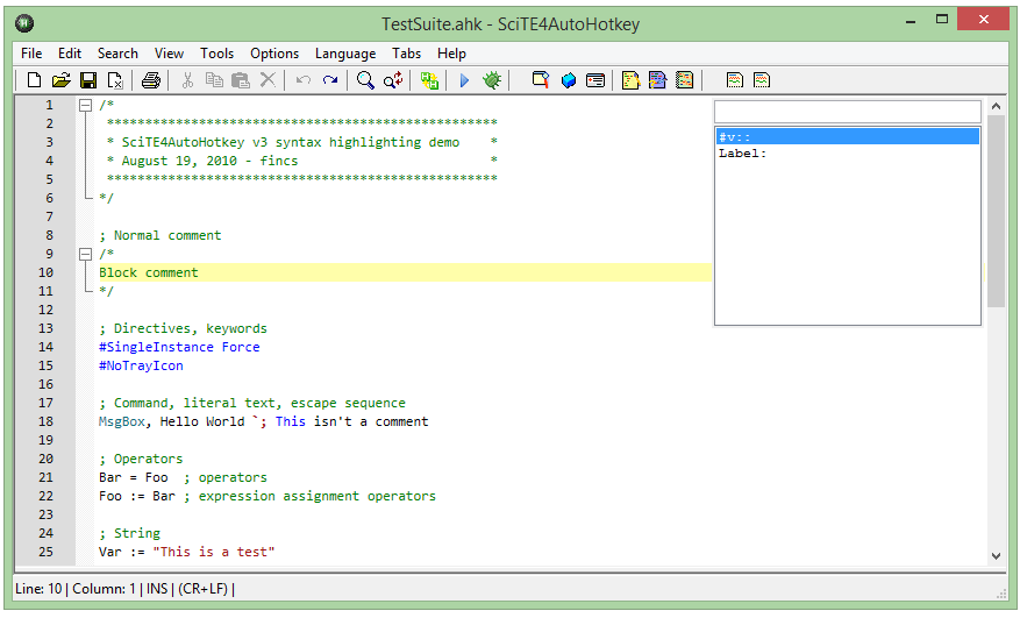
This download is the publisher's 2.0.31 Windows EXE installer, hosted in its official GitHub releases. Match scripts to the interpreter version they require; the launcher can select between installed v1 and v2 interpreters, but its automatic syntax detection has documented limits. The gallery image is an older SciTE4AutoHotkey editor example from the source listing, not the current v2 Dash or evidence that this separate editor is bundled.
AutoHotkey is not a ready-made set of automations: it needs a script to do anything. Windows security boundaries also matter; a normal, non-elevated script cannot automate an elevated application by default. Check the publisher's documentation for the particular task and application you want to automate.
What it offers
- Define keyboard and mouse hotkeys or remap keys and buttons.
- Expand typed abbreviations into longer text with hotstrings.
- Script application launches, keystrokes and mouse clicks for repeated tasks.
- Use Window Spy to inspect window titles, coordinates and control information when writing scripts.
- Create script files from templates and access help, launcher settings and editor settings through the Dash.
Good to know
- Requires scripts written or adapted for your task; installing the interpreter alone does not create an automation.
- By default, non-elevated scripts cannot automate programs running as administrator because of Windows User Account Control.
- The launcher's automatic v1/v2 detection checks only the main script file and syntax, not semantics; ambiguous or mixed syntax can be misidentified.
Product images
Sources
References used for this listing. Retrieval dates do not indicate hands-on testing.
- AutoHotkey — official project homepage ↗Retrieved
- Using the Program | AutoHotkey v2 ↗Retrieved
- Frequently Asked Questions | AutoHotkey v2 — UAC ↗Retrieved
- AutoHotkey Downloads — publisher download and mirror ↗Retrieved
- AutoHotkey official GitHub release metadata — v2.0.31 ↗Retrieved
- AutoHotKey - Download — normal-browser product page and gallery ↗Retrieved
More in utilities
View category ↗
1.1.1.1 with WARP 2026.8.2115.0
Encrypt traffic from your Mac to Cloudflare’s network with WARP, or use DNS-only mode for encrypted DNS queries to the 1.1.1.1 resolver.
1.1.1.1 with WARP 2026.8.2115.0
Encrypt traffic between your Windows PC and Cloudflare, or use encrypted DNS only, with the free 1.1.1.1 with WARP app.

3uTools 9.12.005
Manage iPhone and iPad photos, music, apps and backups from Windows with 3uTools, a free utility that also includes device checks and firmware flashing tools.