
Development Windows
Axialis IconVectors
Create and refine SVG icons for Windows applications and web projects, preview developer code, and batch-process icon sets with Axialis IconVectors. Includes a 30-day trial.
- Operating system
- Windows 7, 8, 10 and 11 (publisher-listed)
- Architecture
- x64; separate x86 build available
- Download package
- EXE installer
This link selects the 64-bit Windows trial. Compatibility and version are publisher statements; the installer was not downloaded or run.
Link checked · Download guidance
What is Axialis IconVectors?
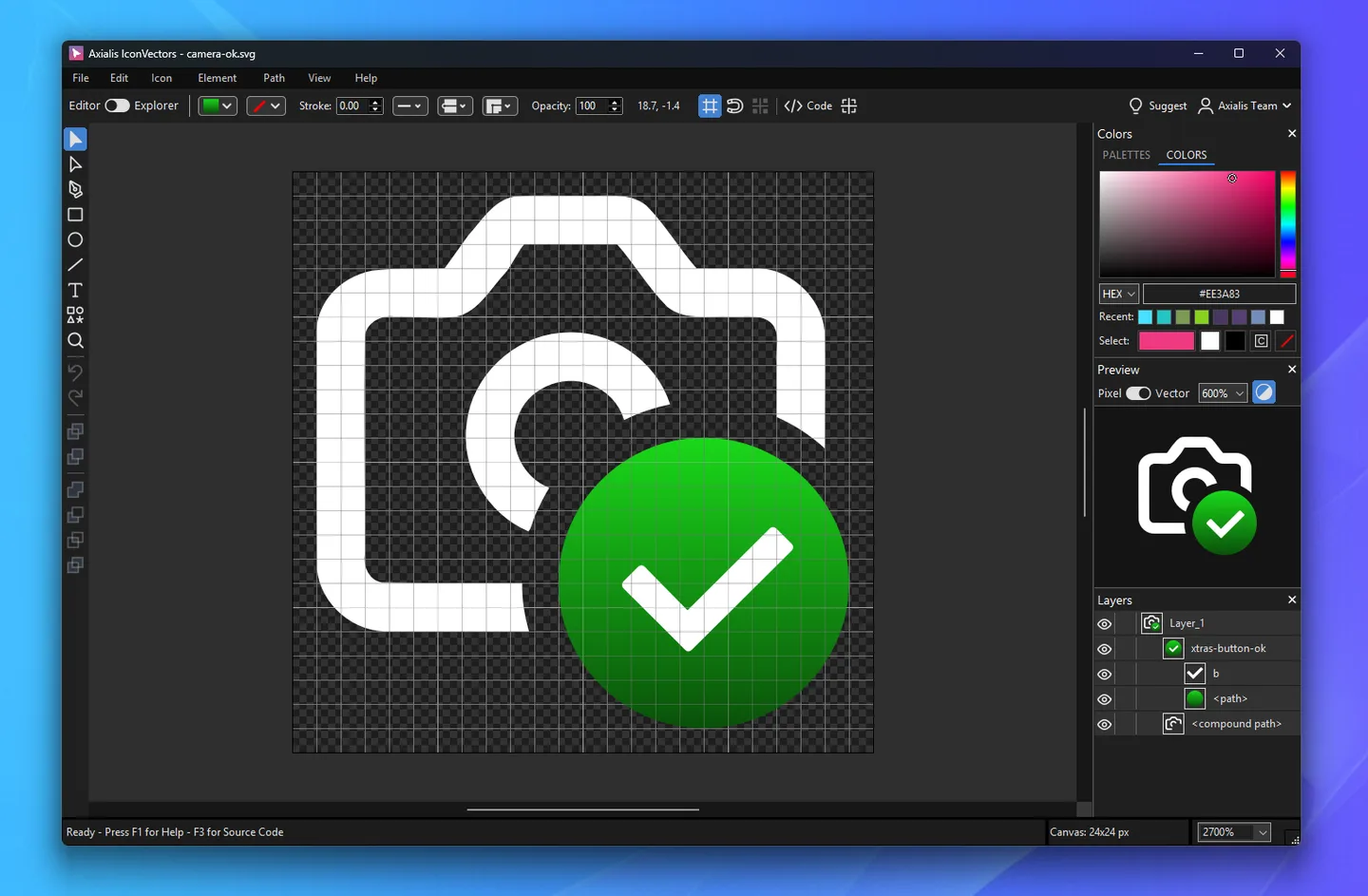
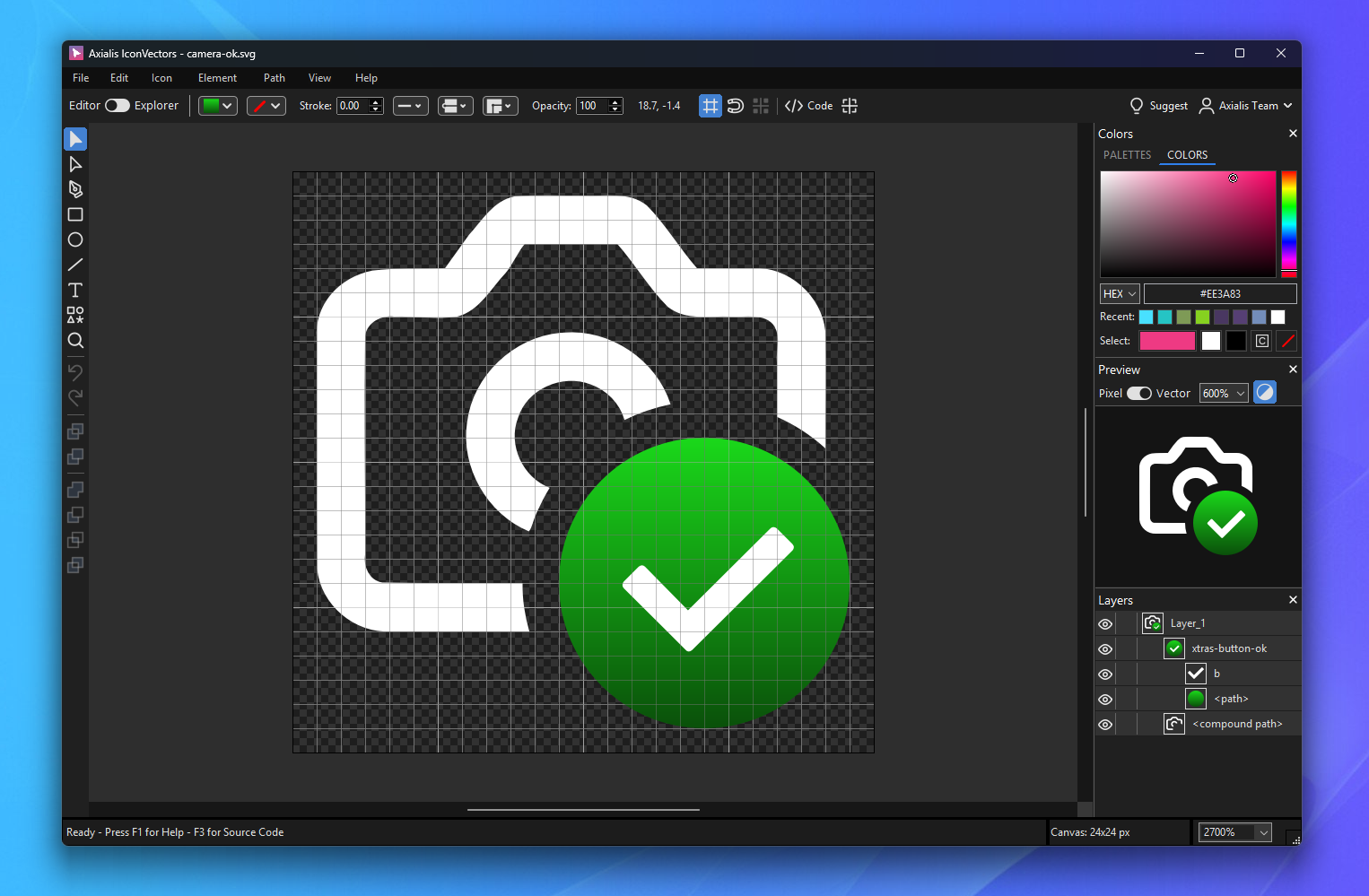
Axialis IconVectors is an SVG icon editor for developers who need artwork for toolbars, menus and application interfaces. Draw or refine vector shapes on a pixel grid, organize the artwork in layers, and inspect the result in the Live Code Viewer. Supported code targets include SVG, minified SVG, XAML, WPF Geometry, VectorDrawable, SwiftUI, React TypeScript, Vue TypeScript and C++.
For a collection rather than one drawing, the Icon Explorer browses folders of SVG files and provides batch operations. Version 2.10 adds a total of 14 commands covering tasks such as recoloring, currentColor conversion, badge overlays, UI-state variants, SVG optimization and PNG or multi-size ICO export. Preview a batch before applying it. Windows users also get a screen eyedropper for applying desktop colors to a fill or stroke.
The built-in local MCP server lets a configured compatible AI client work with the running editor and Explorer. It is an optional automation workflow, not a requirement for drawing icons manually. The linked EXE is the publisher’s Windows x64 installer; a separate x86 build is available from the publisher. This is commercial software with a fully functional 30-day trial, not an indefinitely free editor.
What it offers
- Edit SVG paths, shapes and layers with pixel-grid alignment and an Analyze/Clean Up Icon workflow.
- Inspect live code for SVG, XAML, WPF Geometry, VectorDrawable, SwiftUI, ReactTS, VueTS and C++.
- Browse SVG folders in Icon Explorer and preview batch changes before applying them.
- Batch-convert colors to currentColor, generate state variants, optimize SVGs and export PNG or multi-size ICO files.
- Use the Windows screen eyedropper or connect a configured compatible AI client through the local MCP server.
Good to know
- The fully functional trial lasts 30 days; continued use requires a paid license.
- A perpetual license includes one year of updates. Versions released after that update period require renewal.
- The selected installer is x64; 32-bit Windows requires the publisher’s separate x86 package.
Product images
Sources
References used for this listing. Retrieval dates do not indicate hands-on testing.
- SVG Icon Editor with Built-in MCP Server — IconVectors ↗Retrieved
- Download IconVectors — Free Trial for Windows ↗Retrieved
- IconVectors 2.10 for Windows — 14 Batch Commands, Eyedropper ↗Retrieved
- SVG Icon Editor for Clean App Icons | Axialis ↗Retrieved
- Axialis Perpetual License — IconVectors ↗Retrieved
More in development
View category ↗
010 Editor 17.0
Inspect and edit binary files on Mac with 010 Editor, a paid text and hex editor with Binary Templates, file comparison and a 30-day trial.
010 Editor 17.0
Inspect and edit binary files with 010 Editor for Windows, a text and hex editor with Binary Templates, file comparison and scripting. Includes a 30-day trial.
10x Editor
Edit and navigate C++ projects on Windows with a built-in parser, workspace search and Visual Studio project support. A paid license is required after the 30-day trial.