
Utilities Windows
BabelMap
Find Unicode characters by name or code point, inspect font coverage and copy characters into other applications with BabelMap, a free Windows character map.
- Operating system
- Windows 2000, XP, Vista, 7, 8, 8.1, 10 and 11 (publisher-listed)
- Architecture
- Not specified on the publisher product page
- Download package
- ZIP containing BabelMap.exe; no installer
The publisher recommends recent Windows versions for complex-script rendering. Font coverage depends on locally installed fonts.
Link checked · Download guidance
What is BabelMap?
BabelMap is a Unicode character map for Windows developed by Andrew West. It helps you find a symbol, identify an unfamiliar character or check whether an installed font contains the characters you need. The publisher lists version 16.0.0.6 with Unicode 16.0 support; the separate Unicode 17 beta is not the download selected here.
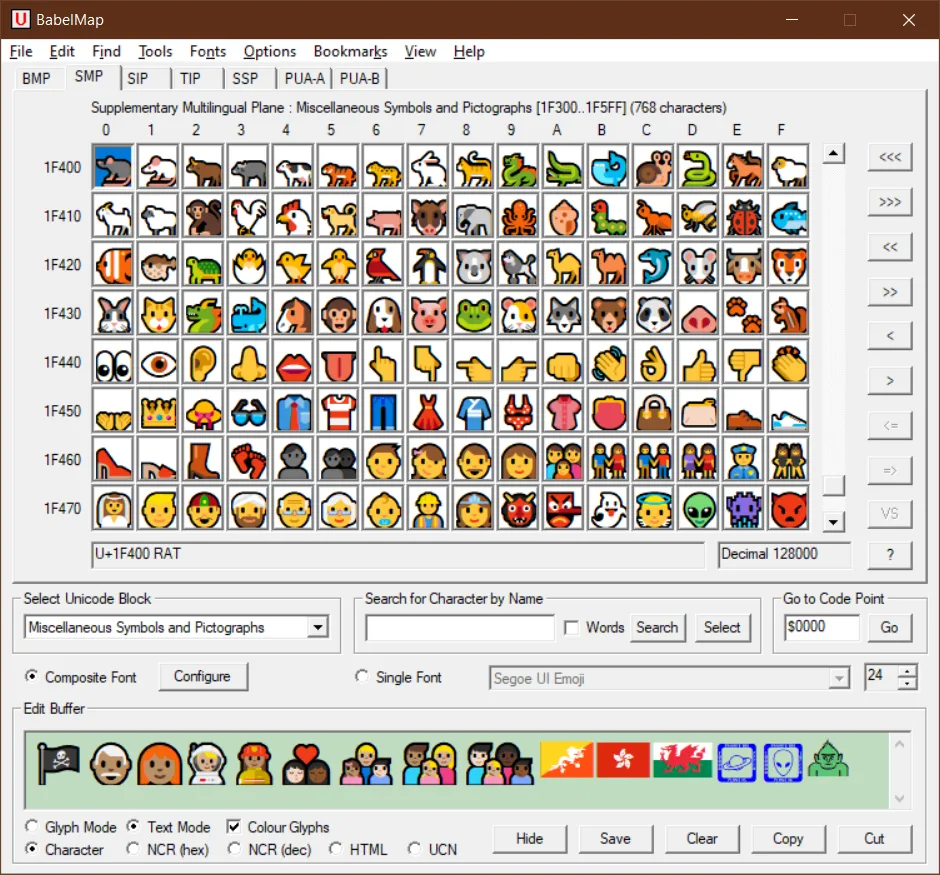
Browse by Unicode plane and block, search by character name, or go directly to a code point. You can also paste an unknown character into the edit buffer and press F2 to locate it. Collect characters in the buffer and copy them into a Unicode-aware application. Single-font and composite-font options let you control which installed fonts supply the glyphs.
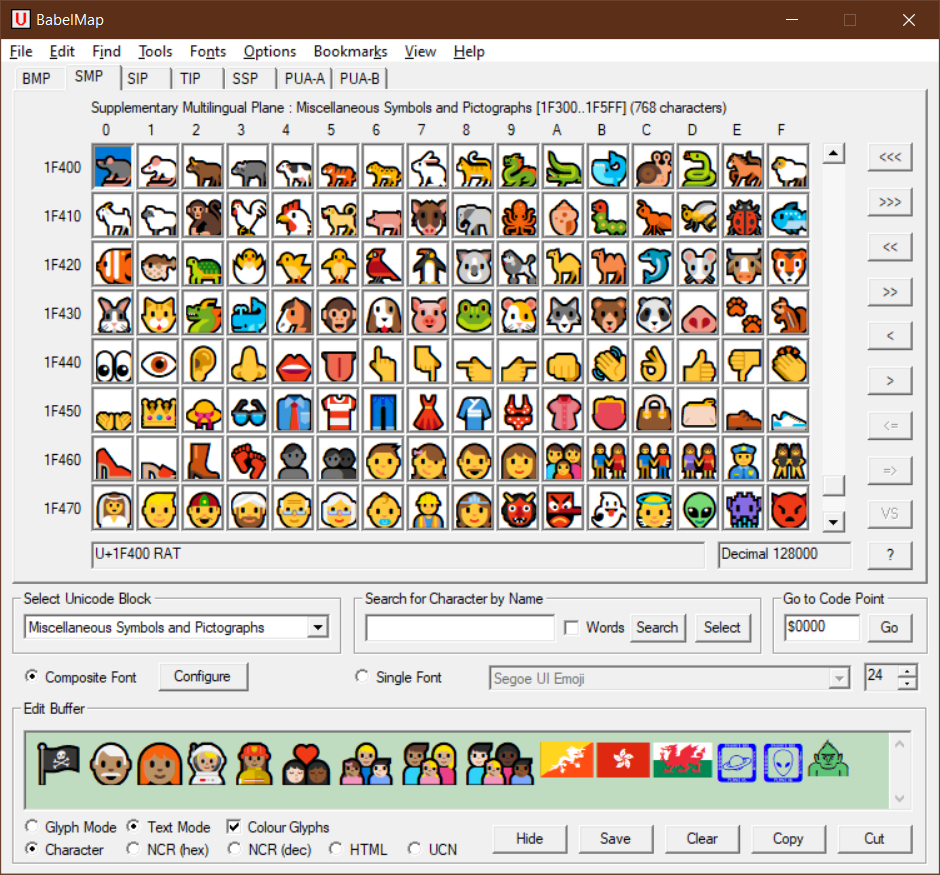
The official ZIP contains BabelMap.exe rather than an installer. The publisher instructs users to extract the executable and run it from their chosen location. BabelMap is free for personal and commercial use. Its character database does not supply missing fonts: visible glyphs depend on installed fonts, while complex-script shaping in Text mode also depends on the Windows version. The screenshot is the publisher's older version 14.0.0.3 illustration, not a capture of the selected release.
What it offers
- Browse Unicode planes and blocks, search character names or jump to a code point.
- Paste an unfamiliar character into the edit buffer and press F2 to locate it.
- Copy characters to Unicode-aware applications, with Glyph and Text rendering modes.
- Inspect installed-font Unicode coverage and configure a composite font for different blocks.
- Use advanced character searches, Han character lookup tools and emoji data; export font glyphs as images.
Good to know
- Characters can only be displayed when appropriate glyphs exist in fonts installed on the computer; Unicode coverage is not a bundled font collection.
- Complex-script shaping and joining in Text mode depend on Windows rendering support and may be incorrect on older Windows versions.
Product images
Sources
References used for this listing. Retrieval dates do not indicate hands-on testing.
More in utilities
View category ↗
1.1.1.1 with WARP 2026.8.2115.0
Encrypt traffic from your Mac to Cloudflare’s network with WARP, or use DNS-only mode for encrypted DNS queries to the 1.1.1.1 resolver.
1.1.1.1 with WARP 2026.8.2115.0
Encrypt traffic between your Windows PC and Cloudflare, or use encrypted DNS only, with the free 1.1.1.1 with WARP app.

3uTools 9.12.005
Manage iPhone and iPad photos, music, apps and backups from Windows with 3uTools, a free utility that also includes device checks and firmware flashing tools.