

Utilities Windows
balenaEtcher for Windows
Flash operating-system images to SD cards and USB drives with balenaEtcher, a free, open-source image writer for Windows.
- Operating system
- Windows 10 and later
- Architecture
- x64 (Intel 64-bit)
- Download package
- EXE installer
Publisher README specifies 64-bit Windows. The website’s broader x86/x64 download label is not used as evidence of current 32-bit support.
Link checked · Download guidance
What is balenaEtcher?
balenaEtcher writes an operating-system image to an SD card or USB drive. It suits preparing a Raspberry Pi card or creating installation media from a bootable image. Its graphical workflow is to select an image, choose a target drive and flash it; write validation checks the result. System drives are hidden by default to reduce accidental selection.
Flashing replaces the entire target drive, so copy any files you need elsewhere before starting. Etcher writes images byte for byte rather than adapting them into a different boot format. Windows installation ISOs need extra treatment that Etcher does not provide, and Etcher does not configure persistent storage for live USB systems.
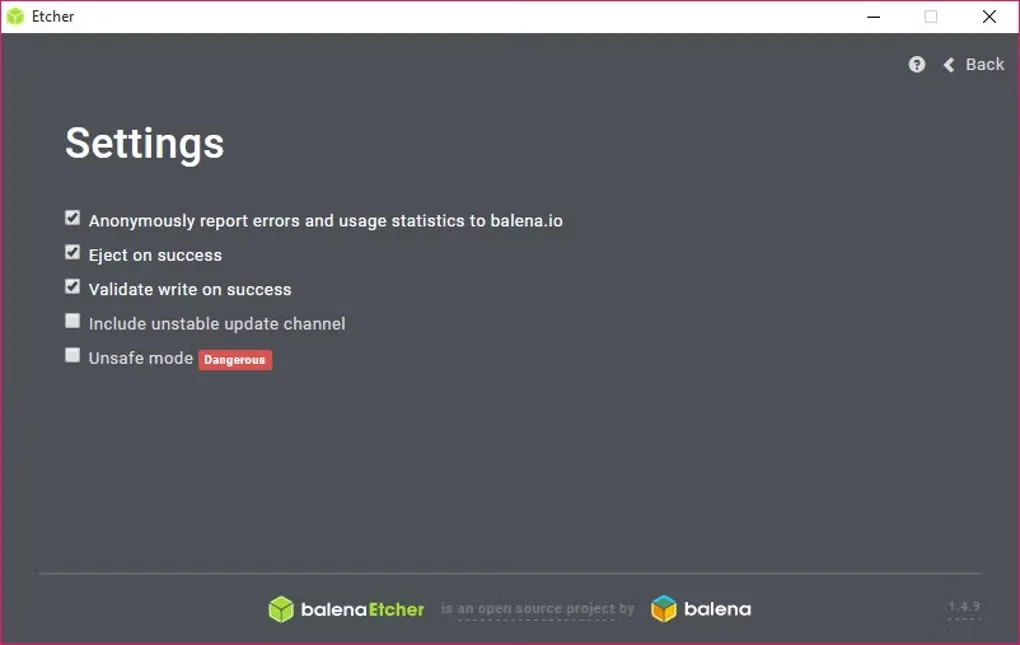
This entry links to the publisher’s 2.1.9 Windows EXE installer for 64-bit systems. The gallery image shows an older Windows Settings screen, not the interface of the linked release.
What it offers
- Write operating-system images to SD cards and USB drives.
- Use a graphical image-selection, target-selection and flashing workflow.
- Validate written data after flashing.
- Hide system drives by default and display drive-selection warnings.
Good to know
- Flashing erases the whole selected drive and replaces its data.
- Windows installation images require extra processing that Etcher does not provide; they will not work out of the box.
- Persistent storage configuration for live USB drives is not supported.
Product images
Sources
References used for this listing. Retrieval dates do not indicate hands-on testing.
- balenaEtcher — official features and FAQs ↗Retrieved
- balena-io/etcher — official README ↗Retrieved
- Etcher — Apache License 2.0 ↗Retrieved
- Etcher User Documentation — bootability and persistence ↗Retrieved
- Official GitHub release metadata — v2.1.9 ↗Retrieved
- Download balenaEtcher - Free - latest version ↗Retrieved
- balenaEtcher - Download — Windows screenshot gallery ↗Retrieved
More in utilities
View category ↗
1.1.1.1 with WARP 2026.8.2115.0
Encrypt traffic from your Mac to Cloudflare’s network with WARP, or use DNS-only mode for encrypted DNS queries to the 1.1.1.1 resolver.
1.1.1.1 with WARP 2026.8.2115.0
Encrypt traffic between your Windows PC and Cloudflare, or use encrypted DNS only, with the free 1.1.1.1 with WARP app.

3uTools 9.12.005
Manage iPhone and iPad photos, music, apps and backups from Windows with 3uTools, a free utility that also includes device checks and firmware flashing tools.