
Development Windows
Balsamiq Wireframes
Sketch interface layouts offline with Balsamiq Wireframes for Windows. The desktop editor saves projects locally and offers a 14-day trial; paid licensing is required for continued editing.
- Operating system
- Windows 10 (fully updated), as listed by the publisher
- Architecture
- x64
- Download package
- EXE installer
Publisher minimums: 4 GB RAM and 250 MB disk space, plus backup space. Separate x86 and MSI packages are listed; this link is the x64 EXE. Future Windows compatibility is not guaranteed.
Link checked · Download guidance
What is Balsamiq Wireframes?
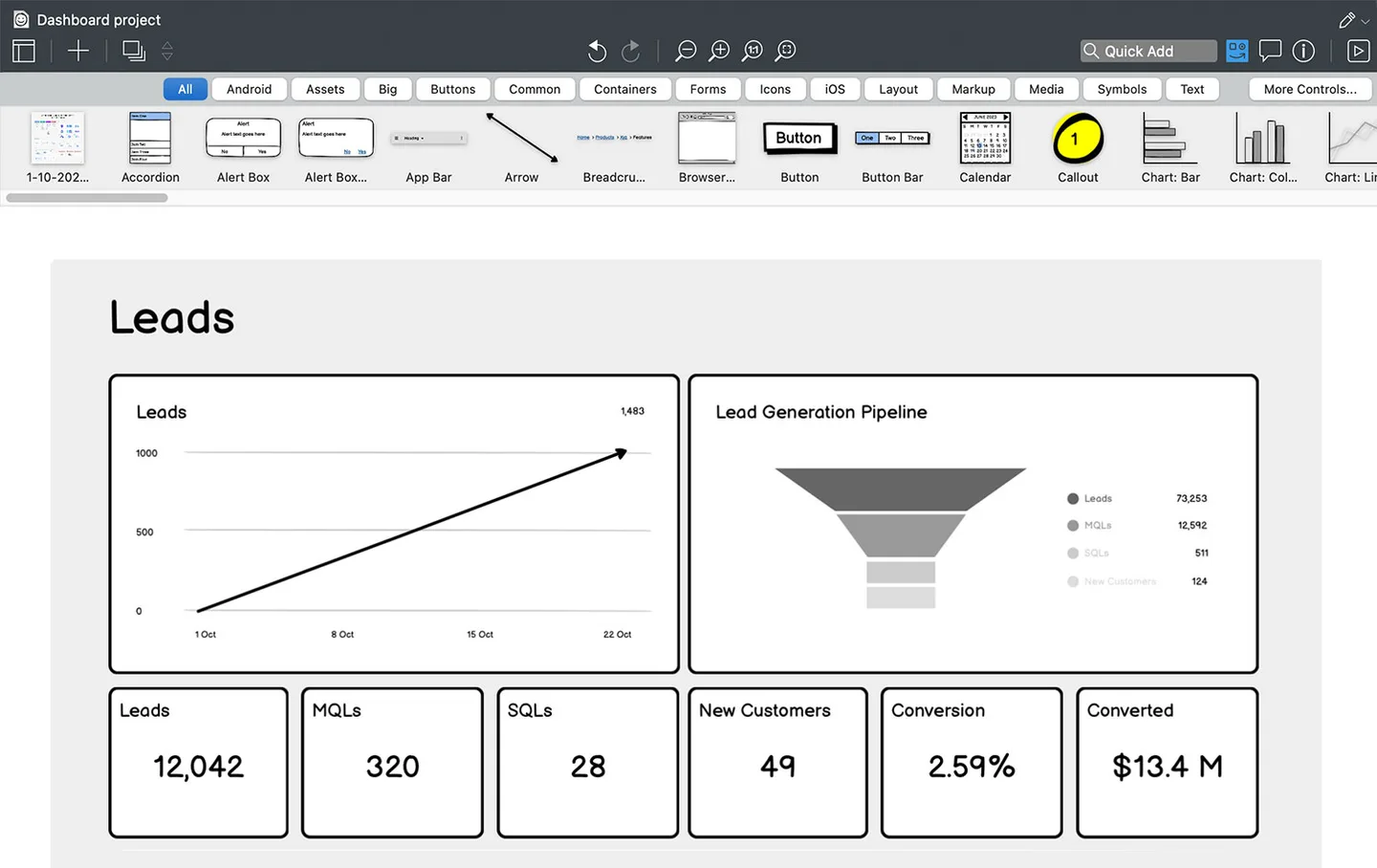
Balsamiq Wireframes, now presented by its publisher as Balsamiq for Desktop, is an offline wireframing editor for planning user interfaces. Its sketch-style canvas and library of controls help you lay out screens before committing to a finished design. The publisher's desktop screenshot shows categories for buttons, forms, icons and layout elements, with a dashboard mockup on the canvas. Projects save locally rather than requiring an Internet connection.
This entry links to the publisher's Windows x64 EXE for version 4.8.6. The fully functional trial lasts 14 days. After that, a paid license is needed to edit projects, although viewing files remains free. Purchased desktop licenses are perpetual.
Choose this edition with its lifecycle limits in view: the publisher has stopped Desktop development and says it receives no security updates. Desktop sales end on December 31, 2026, and email help ends on December 31, 2027. The Desktop edition does not include Balsamiq AI features, and the publisher does not guarantee compatibility with future Windows releases.
What it offers
- Plan interface layouts with a sketch-style wireframing canvas and a library of UI controls.
- Use control categories such as buttons, forms, icons and layout elements, shown in the publisher's desktop UI.
- Save projects locally and work without an Internet connection.
- View files for free after the editing trial ends; a purchased desktop license is perpetual.
Good to know
- Editing requires a paid license after the fully functional 14-day trial.
- Desktop development has stopped and the publisher says there are no security updates; the Windows edition uses the unsupported .NET 6 runtime.
- Desktop sales end December 31, 2026, and email help ends December 31, 2027; future Windows compatibility is not guaranteed.
- The Desktop edition does not include Balsamiq AI features.
Product images
Sources
References used for this listing. Retrieval dates do not indicate hands-on testing.
More in development
View category ↗
010 Editor 17.0
Inspect and edit binary files on Mac with 010 Editor, a paid text and hex editor with Binary Templates, file comparison and a 30-day trial.
010 Editor 17.0
Inspect and edit binary files with 010 Editor for Windows, a text and hex editor with Binary Templates, file comparison and scripting. Includes a 30-day trial.
10x Editor
Edit and navigate C++ projects on Windows with a built-in parser, workspace search and Visual Studio project support. A paid license is required after the 30-day trial.