
Utilities Windows
BatteryCare
Monitor laptop battery capacity, wear and discharge cycles with BatteryCare for Windows, with remaining-time estimates and automatic power-plan switching.
- Operating system
- Publisher lists Windows XP, Vista, 7, 8 and 10; Windows RT excluded
- Architecture
- Not specified by the publisher for the portable ZIP
- Download package
- Portable ZIP archive
Windows 11 unconfirmed. Changelog records a move to .NET Framework 4.6.1 in 0.9.33; the FAQ's older .NET 2.0 advice is not current release guidance. Package contents and runtime compatibility were not tested.
Link checked · Download guidance
What is BatteryCare?
BatteryCare brings laptop battery information into a main window and notification-area popup. It reports capacity, consumption, manufacturer information and wear level, tracks discharge cycles, and estimates remaining runtime from recent battery use. It is useful when the Windows charge percentage alone does not give enough detail about the battery's condition or current use.
Power-plan switching lets you choose different Windows plans for battery and mains power. BatteryCare can select the preferred plan when the power source changes. Its notifications include configurable charge-level alerts and discharge-cycle reminders. These are monitoring and management features, not a repair for worn battery cells: the publisher says normal battery wear cannot be reversed.
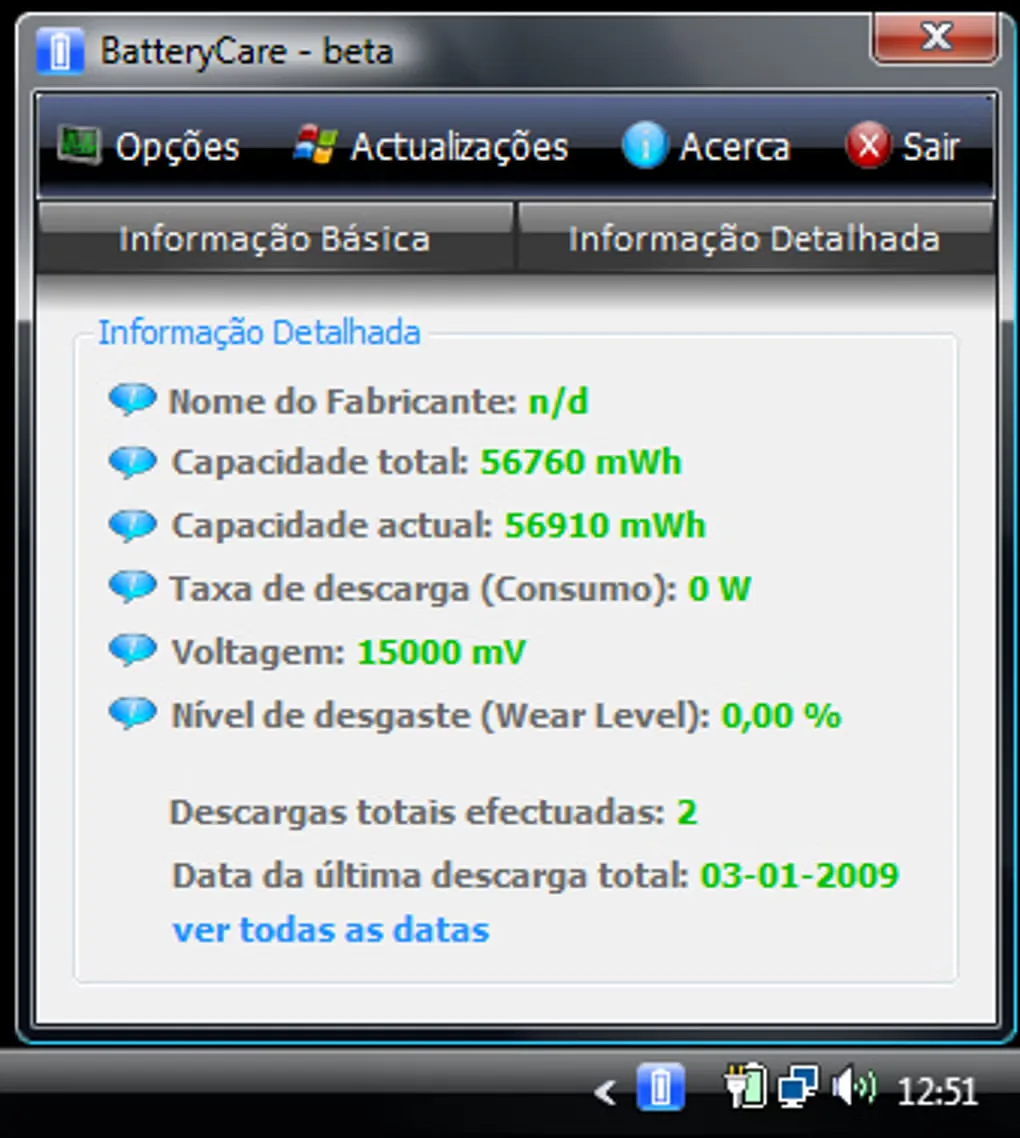
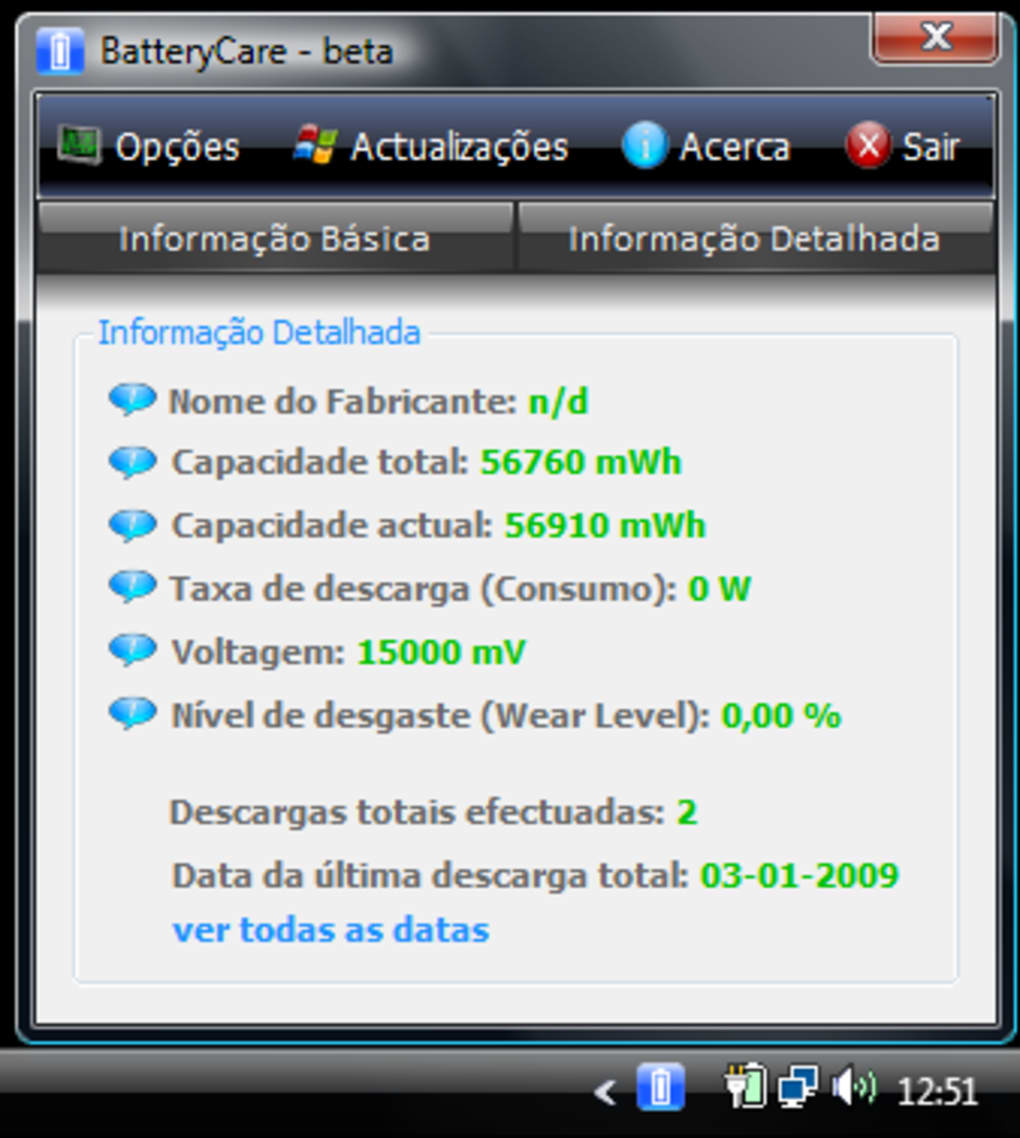
The linked download is the publisher's portable ZIP, offered alongside its installer. The publisher lists version 0.9.40 and compatibility with Windows XP, Vista, 7, 8 and 10; Windows 11 support is not confirmed by those sources. Older site pages mention CPU temperature monitoring, but the 0.9.40 changelog explicitly removes the WinRing0 CPU-temperature library, so that older feature description should not be treated as a promise for this release. The gallery image shows a historical Portuguese-language BatteryCare beta interface, not a tested capture of version 0.9.40.
What it offers
- View battery capacity, consumption, wear level and manufacturer information.
- Track discharge cycles and receive configurable cycle reminders.
- Estimate remaining battery time from recent discharge behavior.
- Switch automatically between chosen Windows power plans for battery and mains power.
- Check charge status in the notification-area popup and configure charge-level alerts.
Good to know
- Windows 11 compatibility is unconfirmed; the publisher lists Windows XP, Vista, 7, 8 and 10, and excludes Windows RT in its FAQ.
- Some battery details can be missing or incorrect because of the information reported by the battery hardware.
- Monitoring does not reverse normal chemical battery wear.
- Version 0.9.40 removes the WinRing0 CPU-temperature library; older temperature-monitoring claims on the homepage are not reliable release-specific guidance.
- The included screenshot depicts an older Portuguese-language beta interface; the selected ZIP was checked by HEAD only, not downloaded, installed or tested.
Product images
Sources
References used for this listing. Retrieval dates do not indicate hands-on testing.
- BatteryCare - Download ↗Retrieved
- BatteryCare - Official features ↗Retrieved
- BatteryCare - Changelog ↗Retrieved
- BatteryCare - FAQ Frequent Asked Questions ↗Retrieved
- BatteryCare - Download ↗Retrieved
More in utilities
View category ↗
1.1.1.1 with WARP 2026.8.2115.0
Encrypt traffic from your Mac to Cloudflare’s network with WARP, or use DNS-only mode for encrypted DNS queries to the 1.1.1.1 resolver.
1.1.1.1 with WARP 2026.8.2115.0
Encrypt traffic between your Windows PC and Cloudflare, or use encrypted DNS only, with the free 1.1.1.1 with WARP app.

3uTools 9.12.005
Manage iPhone and iPad photos, music, apps and backups from Windows with 3uTools, a free utility that also includes device checks and firmware flashing tools.