
Utilities Windows
Baulk
Manage command-line software on Windows with Baulk, a portable package manager with isolated package directories and virtual environments.
- Operating system
- Windows; minimum runtime version not established by the cited README
- Architecture
- x64
- Download package
- EXE installer (BaulkSetup-x64.exe)
Administrator privileges required. ARM64, no-admin user setup and portable ZIP packages are separate publisher options. Build SDK requirements and Barrels requirements do not establish Baulk runtime support.
Link checked · Download guidance
What is Baulk?
Baulk installs, updates and removes packages from the Windows command line. It is aimed at users who want tools such as curl, wget or ripgrep in a package-managed workspace rather than handling each program separately. The publisher documents package installation, bucket metadata updates, package upgrades and removal as separate commands.
Packages are extracted into their own directories, with launchers or symbolic links used to invoke their programs. Baulk also supports environment isolation and virtual environments for switching between supported software distributions. Its built-in extraction commands handle ZIP, TAR and other supported archives outside the package-installation workflow.
This entry links to the v6.1.0 x64 EXE installer that requires administrator privileges. The publisher also offers a separate user installer without administrator rights, a portable ZIP and ARM64 packages; they are not interchangeable choices for the selected download. The experimental Appx option is not selected here.
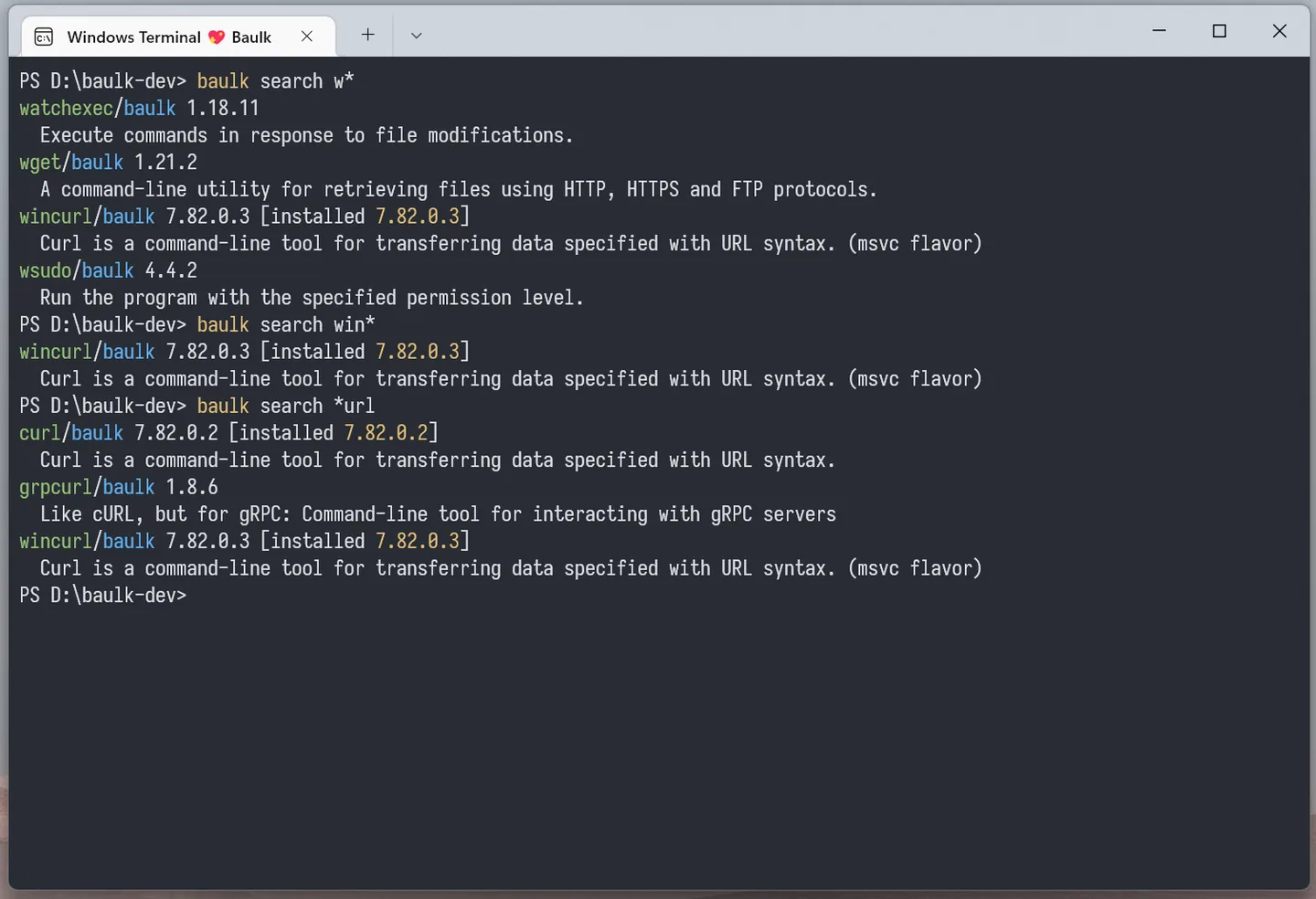
Scoop-manifest compatibility has an important restriction: that compatibility mode cannot use Baulk’s environment isolation or virtual environments. The accompanying publisher screenshot illustrates package search in Windows Terminal; the package versions visible in it are historical examples, not a current catalog or evidence of testing this release.
What it offers
- Search for packages from the command line and inspect package descriptions.
- Install packages, refresh bucket metadata, upgrade packages and uninstall them with documented commands.
- Keep packages in separate directories and invoke programs through launchers or symbolic links.
- Use environment isolation and virtual environments with supported Baulk packages.
- Extract supported archives through baulk extract, unzip and untar commands.
Good to know
- Scoop-manifest compatibility mode does not support Baulk’s environment isolation or virtual environments.
- The selected x64 installer requires administrator privileges; the publisher provides a separate user installer for installation without administrator rights.
Product images
Sources
References used for this listing. Retrieval dates do not indicate hands-on testing.
- Baulk - Minimal Package Manager for Windows ↗Retrieved
- Release v6.1.0 · baulk/baulk ↗Retrieved
- Baulk v6.1.0 publisher release assets ↗Retrieved
- Baulk MIT License ↗Retrieved
More in utilities
View category ↗
1.1.1.1 with WARP 2026.8.2115.0
Encrypt traffic from your Mac to Cloudflare’s network with WARP, or use DNS-only mode for encrypted DNS queries to the 1.1.1.1 resolver.
1.1.1.1 with WARP 2026.8.2115.0
Encrypt traffic between your Windows PC and Cloudflare, or use encrypted DNS only, with the free 1.1.1.1 with WARP app.


3uTools 9.12.005
Manage iPhone and iPad photos, music, apps and backups from Windows with 3uTools, a free utility that also includes device checks and firmware flashing tools.