
Utilities Windows
Bazecor
Remap a Dygma keyboard, create layers and macros, and adjust key lighting with Bazecor, Dygma's free Windows configurator.
Version 1.11.0 · Direct publisher file
Link checked · Download guidance
What is Bazecor?
Bazecor configures compatible Dygma keyboards rather than changing the layout of every keyboard attached to Windows. Its layout editor lets you move keys and organize shortcuts into layers, while the macro editor groups sequences of actions for repeated tasks. Per-key and underglow lighting can provide a visual reminder of your layout. The publisher also provides firmware-upgrade tools within the application.
For the Raise 2, Dygma describes layer switching, tap-and-hold assignments and Superkeys with up to five actions on one key. These are keyboard-specific capabilities, not a promise that every model has identical features. You can explore and preconfigure a Raise 2 without connecting the keyboard, but applying that configuration requires the corresponding hardware.
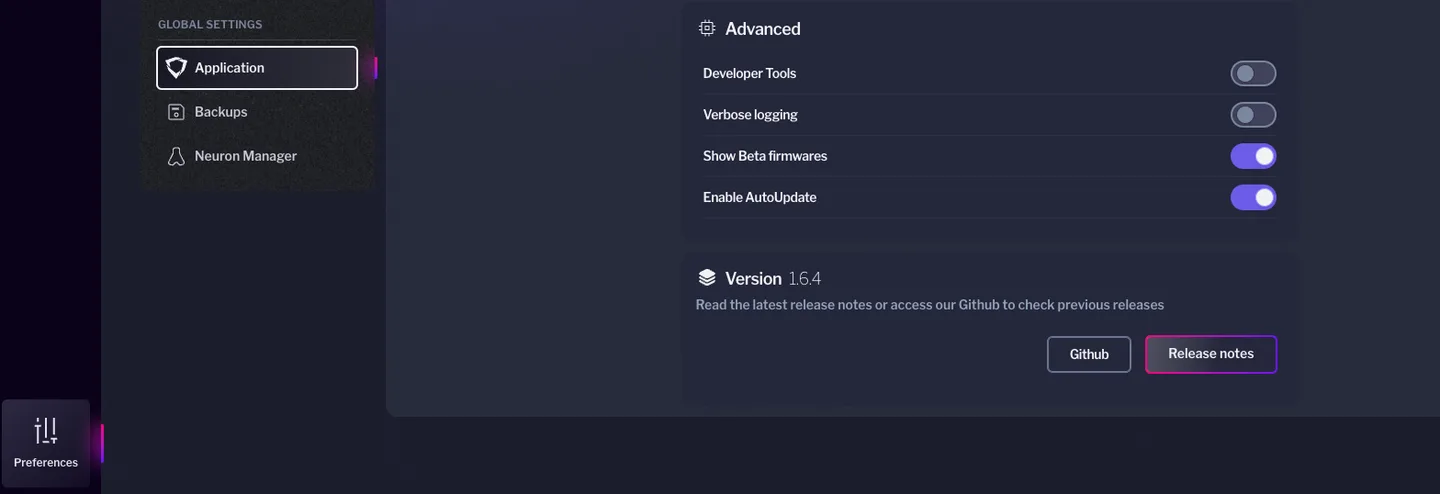
This entry links to the Windows EXE for version 1.11.0 listed on Dygma's configuration page. The publisher's repository names Windows 10 among its release-testing systems and warns that USB serial support is problematic before Windows 10. The illustration shows an older Bazecor settings screen, not a verified capture of version 1.11.0.
What it offers
- Edit a Dygma keyboard's keymap and organize assignments into layers.
- Create and manage keyboard macros, with macro backup and sharing options.
- Adjust per-key and underglow LED colors.
- Assign tap-and-hold functions and Superkeys on supported hardware.
- Access firmware-upgrade tools and an application AutoUpdate setting.
Good to know
- Designed for compatible Dygma keyboards; it is not a universal Windows keyboard remapper.
- The publisher warns that USB serial communication is problematic on Windows versions before Windows 10.
- Available functions depend on the keyboard and firmware; offline Raise 2 preconfiguration does not replace the hardware needed to apply it.
Product images
Sources
References used for this listing. Retrieval dates do not indicate hands-on testing.
More in utilities
View category ↗
1.1.1.1 with WARP 2026.8.2115.0
Encrypt traffic from your Mac to Cloudflare’s network with WARP, or use DNS-only mode for encrypted DNS queries to the 1.1.1.1 resolver.
1.1.1.1 with WARP 2026.8.2115.0
Encrypt traffic between your Windows PC and Cloudflare, or use encrypted DNS only, with the free 1.1.1.1 with WARP app.

3uTools 9.12.005
Manage iPhone and iPad photos, music, apps and backups from Windows with 3uTools, a free utility that also includes device checks and firmware flashing tools.