
Utilities Windows
Beeftext
Replace short keywords with reusable text snippets in Windows applications that support copy and paste. Beeftext is a free, open-source text expander.
Version 16.0 · Direct publisher file
Link checked · Download guidance
What is Beeftext?
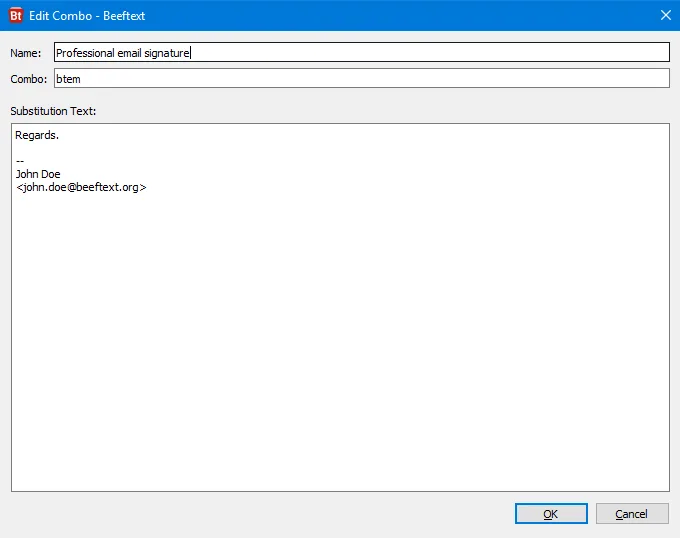
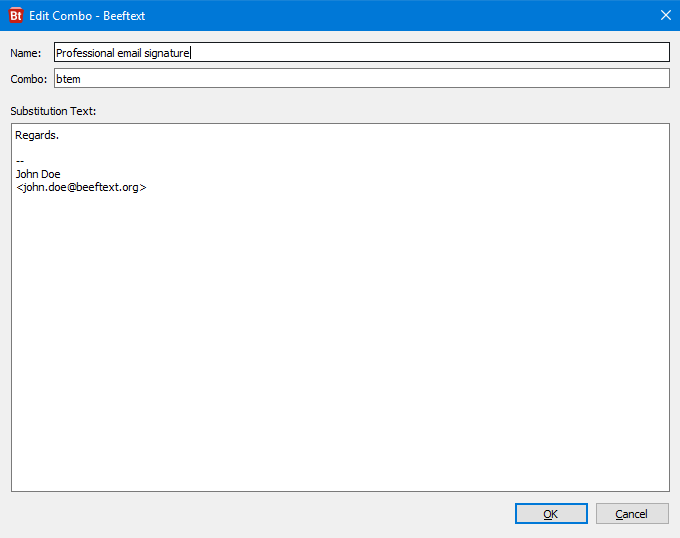
Beeftext saves repeated typing by turning a short keyword into a longer piece of text. Each saved shortcut, called a combo, pairs the keyword with a snippet such as an email signature, a Markdown fragment or a frequently used reply. Type the keyword in a compatible application and Beeftext substitutes the saved text. Unicode support lets snippets include different languages and special characters.
The tool works through applications that support copy and paste, so that support is a requirement rather than a guarantee for every text field. The project is also in maintenance mode: its developer says major issues will receive fixes, but no new features will be added. This entry links to the publisher's version 16.0 Windows installer, not the separate portable package or an older 32-bit release.
What it offers
- Define combos that associate short keywords with longer text snippets.
- Reuse email signatures, Markdown fragments and other frequently typed text.
- Expand keywords in Windows applications that support copy and paste.
- Include multilingual text and special characters through Unicode support.
Good to know
- The project is in maintenance mode: major fixes are planned, but no new features.
- Text substitution requires a target application or text field that supports copy and paste.
- Older Windows releases need older Beeftext versions: 8.1 was the last 32-bit release, and 11.1 the last for Windows 7 and 8.
Product images
Sources
References used for this listing. Retrieval dates do not indicate hands-on testing.
- Beeftext - Download ↗Retrieved
- Beeftext — official product page ↗Retrieved
- xmichelo/Beeftext — official repository ↗Retrieved
- Beeftext wiki — Older versions ↗Retrieved
More in utilities
View category ↗
1.1.1.1 with WARP 2026.8.2115.0
Encrypt traffic from your Mac to Cloudflare’s network with WARP, or use DNS-only mode for encrypted DNS queries to the 1.1.1.1 resolver.
1.1.1.1 with WARP 2026.8.2115.0
Encrypt traffic between your Windows PC and Cloudflare, or use encrypted DNS only, with the free 1.1.1.1 with WARP app.

3uTools 9.12.005
Manage iPhone and iPad photos, music, apps and backups from Windows with 3uTools, a free utility that also includes device checks and firmware flashing tools.