
Utilities Windows
Belarc Advisor
Build a browser-based inventory of your Windows PC's hardware, installed software and security status with Belarc Advisor, free for personal use only.
- Operating system
- Windows 11, 10, 8.1, 8 and 7; publisher also lists Windows Server 2022, 2019, 2016, 2012 R2, 2012 and 2008 R2
- Architecture
- x86 installer; publisher supports 32-bit and 64-bit Windows
- Download package
- EXE installer
Package architecture is from the public winget manifest. Results are displayed in a web browser. Listed server compatibility does not override the personal-use-only license.
Link checked · Download guidance
What is Belarc Advisor?
Belarc Advisor gathers hardware and installed-software details into a local report you can read in your web browser. It brings together a network inventory, missing Microsoft hotfixes, antivirus status and security benchmarks, making it useful when you want a single reference for your personal PC's configuration. Belarc says the resulting PC profile stays on your computer rather than being sent to a web server.
The license is a firm boundary: Belarc Advisor is free for personal use only, not for commercial or government work. Belarc directs organizations to its separate commercial products. The report also depends on your Windows HTML file association; if it does not open after discovery, the publisher explains how to open the generated local HTML file in your preferred browser.
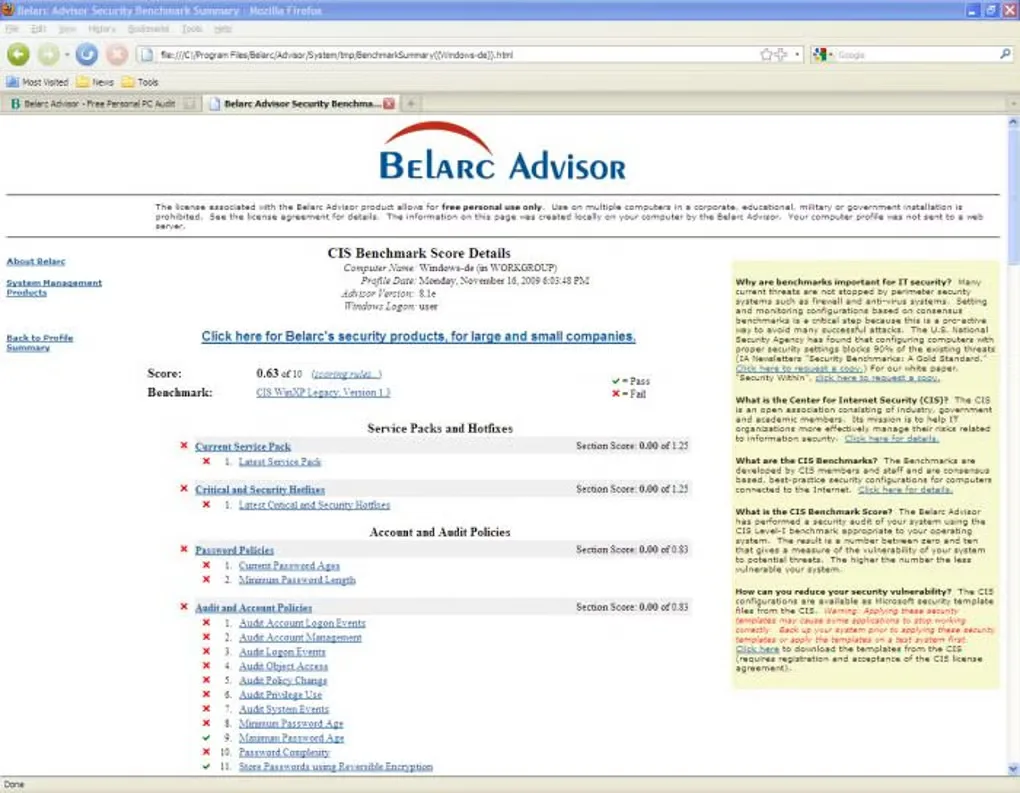
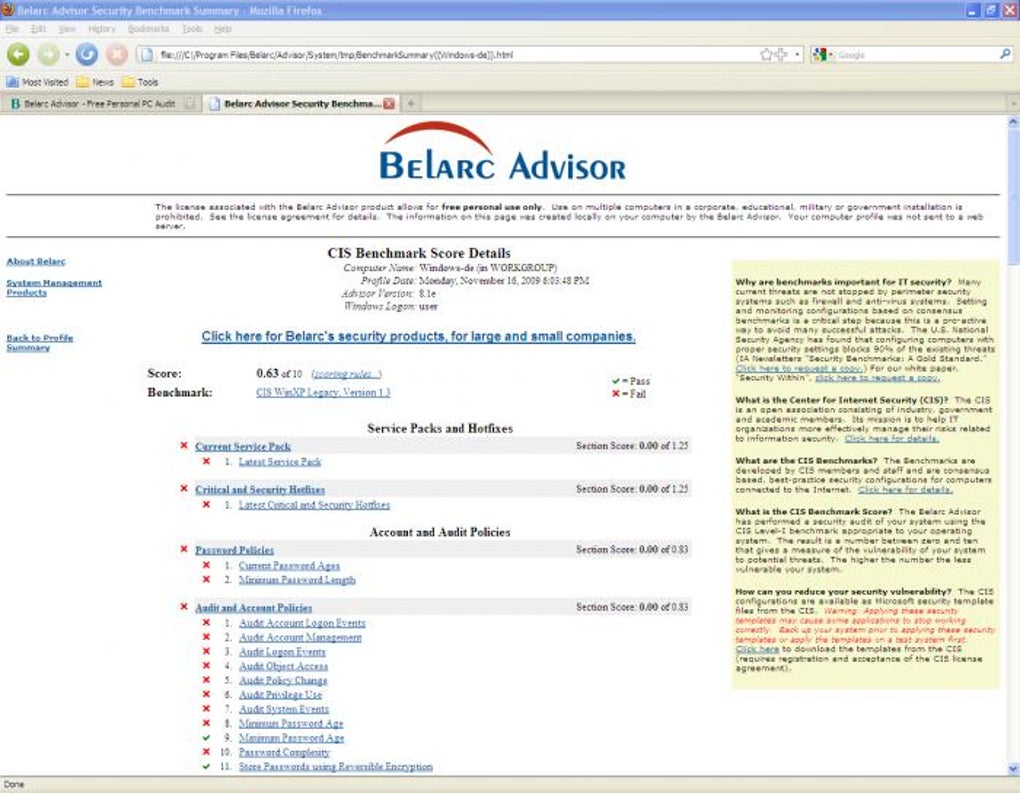
This entry links to Belarc's Windows EXE installer. The public winget manifest identifies the package as x86, while Belarc lists support for both 32-bit and 64-bit Windows. The screenshot is an older Windows browser report illustrating the security-benchmark layout, not a capture of version 13.1 or a measurement of your PC.
What it offers
- Collect installed software and hardware details in a browser-readable PC profile.
- Include network inventory information in the system report.
- Report missing Microsoft hotfixes, antivirus status and security benchmarks.
- Keep the generated PC profile locally, according to Belarc.
Good to know
- Licensed for free personal use only; commercial and government use are not permitted.
- Results open as a local HTML report; a misconfigured Windows HTML file association can prevent the report from opening automatically.
Product images
Sources
References used for this listing. Retrieval dates do not indicate hands-on testing.
More in utilities
View category ↗
1.1.1.1 with WARP 2026.8.2115.0
Encrypt traffic from your Mac to Cloudflare’s network with WARP, or use DNS-only mode for encrypted DNS queries to the 1.1.1.1 resolver.
1.1.1.1 with WARP 2026.8.2115.0
Encrypt traffic between your Windows PC and Cloudflare, or use encrypted DNS only, with the free 1.1.1.1 with WARP app.

3uTools 9.12.005
Manage iPhone and iPad photos, music, apps and backups from Windows with 3uTools, a free utility that also includes device checks and firmware flashing tools.