
Utilities Windows
Bitwarden for Windows
Store logins, organize vault items and generate passwords with Bitwarden for Windows. The desktop app supports multiple accounts and optional Windows Hello unlock.
Version 2026.10.1 · Direct publisher file
Link checked · Download guidance
What is Bitwarden?
Bitwarden for Windows gives you a desktop vault for looking up and organizing saved logins outside your browser. You can group items into folders, copy credentials when needed and use the password generator while updating an account's password. Vault filters separate personal items from items belonging to an organization.
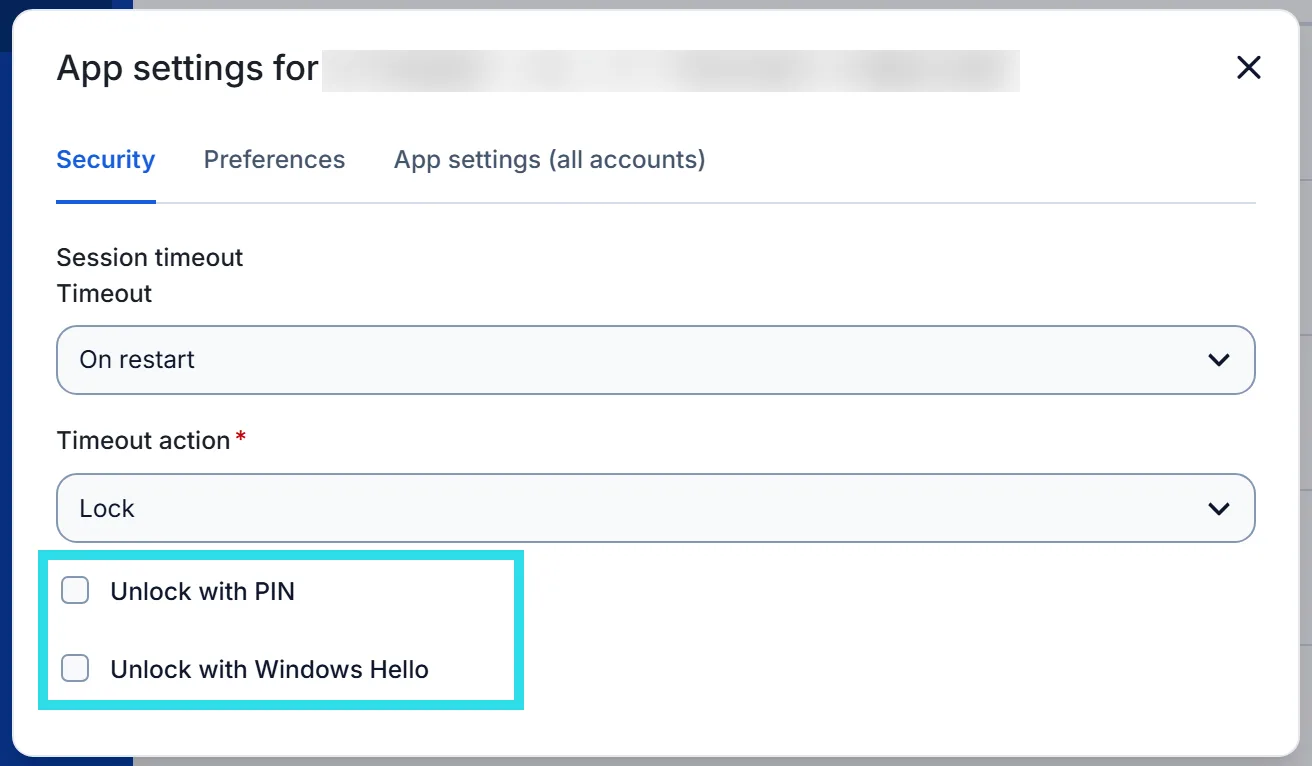
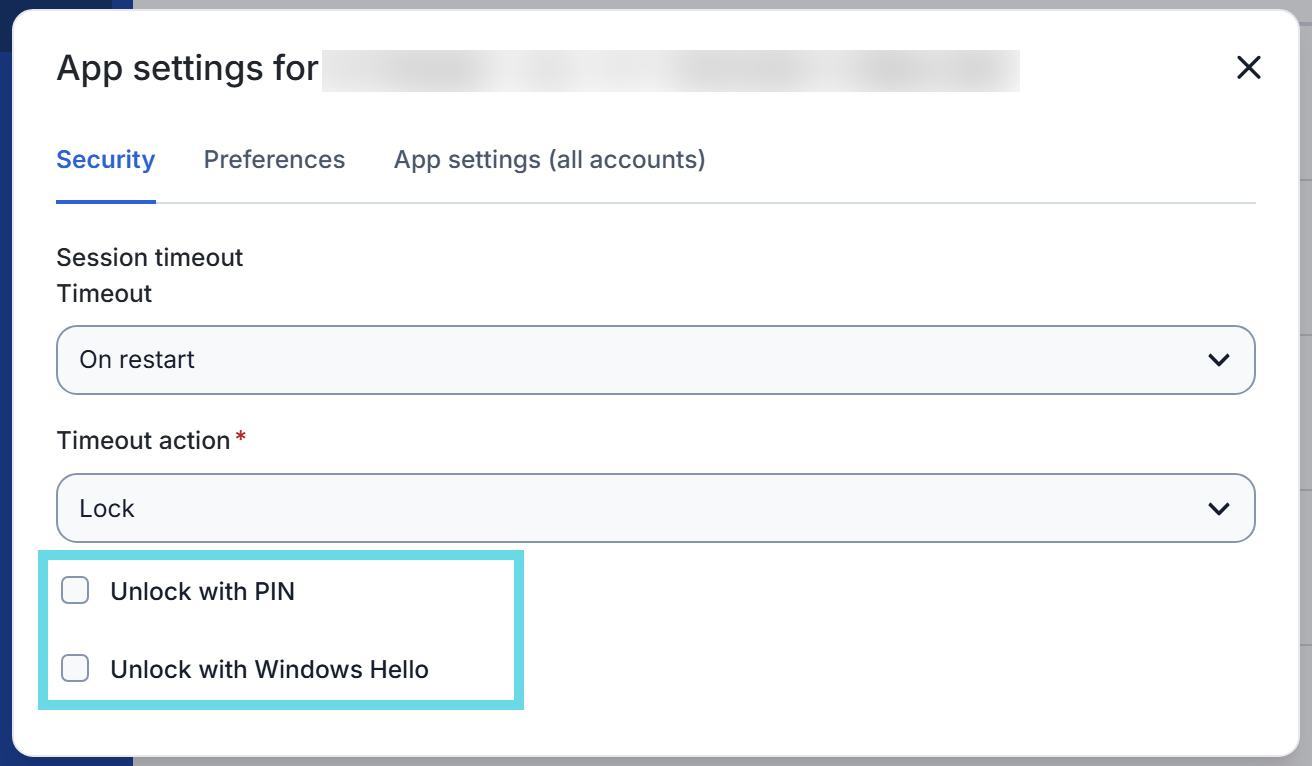
The desktop app supports up to five signed-in accounts, so personal and work vaults can be accessed from the same application. On a compatible Windows computer, Windows Hello can unlock the vault after you enable it in the app's security settings. This depends on Windows Hello being supported and configured; some users also need the Microsoft Visual C++ Redistributable.
Basic password management is free, including unlimited passwords and devices. Features such as the integrated authenticator, file attachments and emergency access are part of paid plans. The linked download is the publisher's Windows EXE installer for version 2026.10.1, not a claim that this is the newest release. The Windows installer, Microsoft Store app and portable app have different feature support; the publisher lists biometric unlock for the installer but not the Store edition.
What it offers
- Browse saved vault items and filter between personal and organization vaults.
- Organize logins into folders and copy credentials from the desktop vault.
- Generate passwords while creating or updating saved logins.
- Switch between up to five signed-in Bitwarden accounts.
- Enable Windows Hello vault unlock when supported and configured on the computer.
Good to know
- The integrated authenticator, file attachments and emergency access require a paid plan.
- Windows Hello unlock requires compatible, enabled Windows Hello support and may require the Microsoft Visual C++ Redistributable.
- Windows installation channels differ: the publisher does not list biometric unlock for the Microsoft Store edition.
Product images
Sources
References used for this listing. Retrieval dates do not indicate hands-on testing.
- Bitwarden — publisher downloads (retained source) ↗Retrieved
- Password Manager Desktop Apps (retained feature evidence) ↗Retrieved
- Bitwarden Password Manager Pricing & Plans (retained source) ↗Retrieved
- Desktop App Feature Support (retained source) ↗Retrieved
- Bitwarden clients — Desktop v2026.10.1 release metadata (retained source) ↗Retrieved
More in utilities
View category ↗
1.1.1.1 with WARP 2026.8.2115.0
Encrypt traffic from your Mac to Cloudflare’s network with WARP, or use DNS-only mode for encrypted DNS queries to the 1.1.1.1 resolver.
1.1.1.1 with WARP 2026.8.2115.0
Encrypt traffic between your Windows PC and Cloudflare, or use encrypted DNS only, with the free 1.1.1.1 with WARP app.

3uTools 9.12.005
Manage iPhone and iPad photos, music, apps and backups from Windows with 3uTools, a free utility that also includes device checks and firmware flashing tools.