

Utilities Windows
Blink Eye for Windows
Schedule eye-break reminders with adjustable timers in Blink Eye for Windows. Screen-time tracking, task management and other extras are offered as premium features.
- Operating system
- Windows 10 and Windows 11
- Architecture
- x64
- Download package
- EXE installer
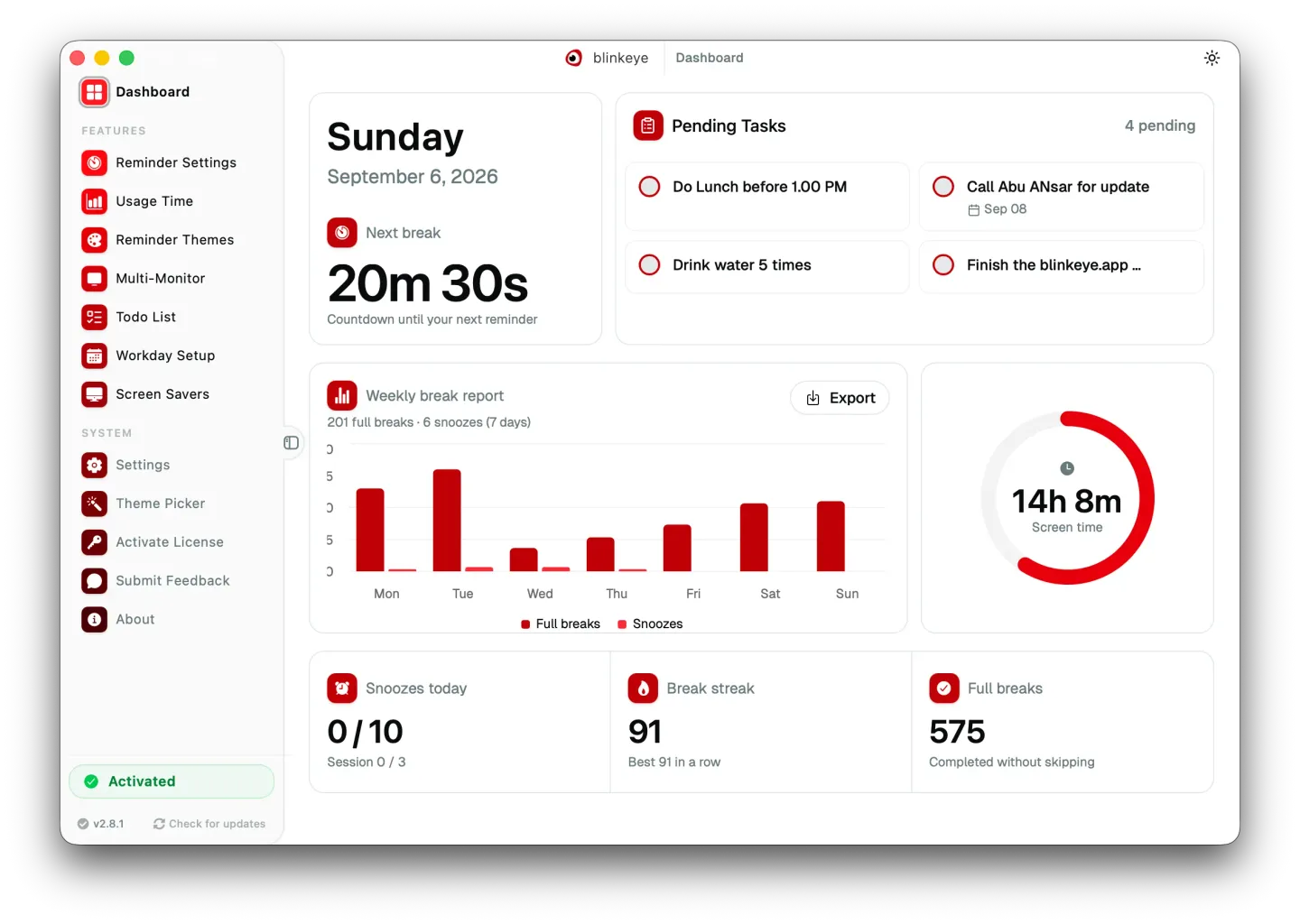
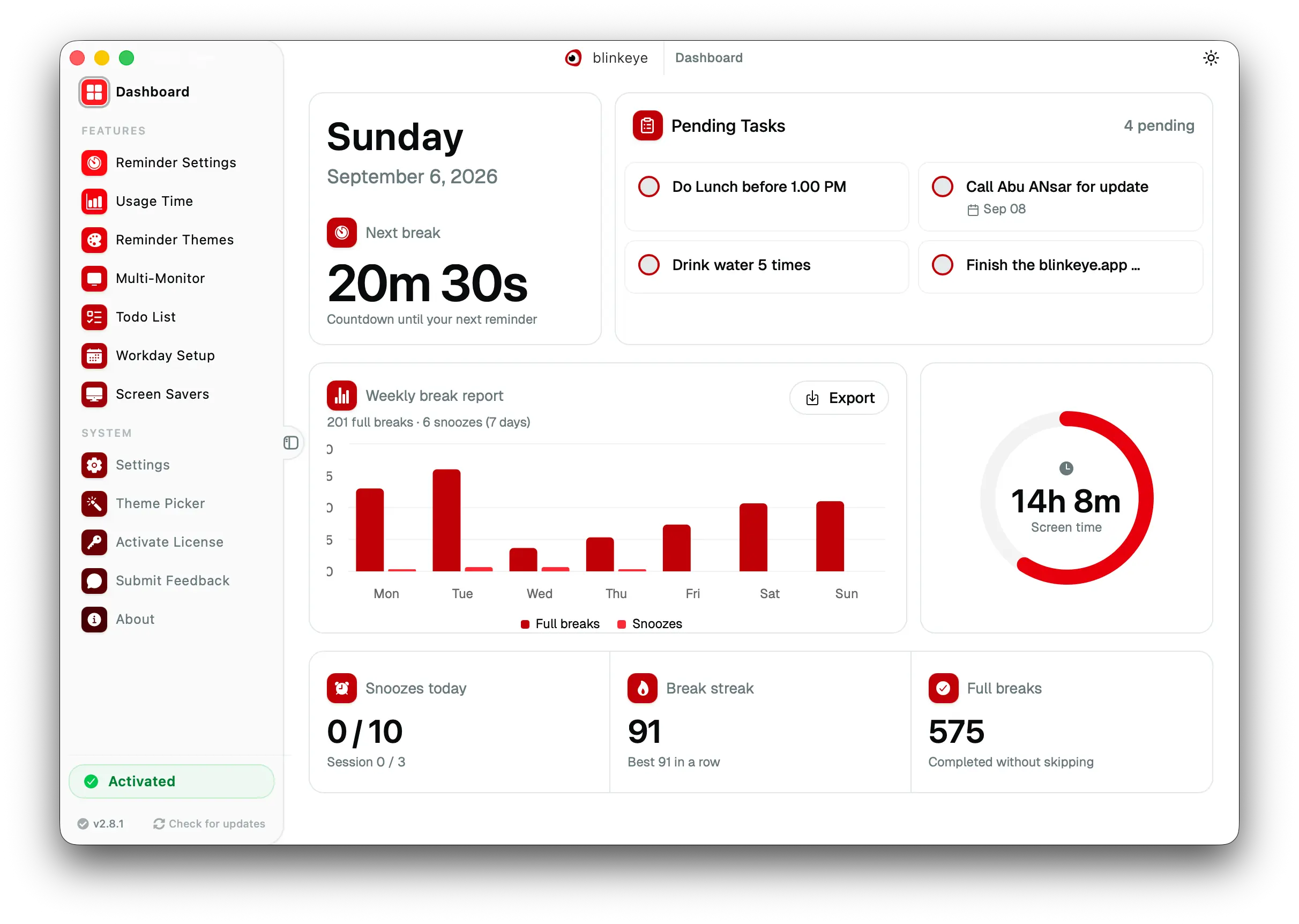
Selected publisher-linked Windows x64 installer. Gallery image shows an older cross-platform dashboard, not a Windows installation test.
Link checked · Download guidance
What is Blink Eye?
Blink Eye prompts you to pause during long computer sessions. Set the interval between reminders, choose a break length and write your own reminder message. Its full-screen break reminders can follow the 20-20-20 routine or a schedule that suits your work, with a countdown on the dashboard and pause/resume controls.
The publisher also offers screen-time reports, a to-do list, workday scheduling, reminder-theme and sound customization, and screen savers as premium features. Do not assume the free download unlocks everything. The publisher states GPL-3.0 terms with additional commercial-use restrictions and requires a separate commercial license for commercial use.
This entry links to the publisher’s version 2.9.0 Windows x64 EXE installer for Windows 10 and 11. The gallery image is the publisher’s cross-platform dashboard illustration: it has macOS-style window controls and displays version 2.8.1, so it is not a capture of this Windows installer.
What it offers
- Adjust reminder intervals, break duration and the reminder message.
- Use a dashboard countdown with pause and resume controls.
- Show full-screen break reminders on all monitors or only the primary display.
- Access premium screen-time reports, task management and workday scheduling with a paid license.
- Customize reminder themes and sounds or use screen savers as premium options.
Good to know
- Screen-time tracking, task management, workday setup, theme and sound customization, and screen savers are listed as premium features; the download is not an unrestricted all-features-free offer.
- The publisher’s stated license adds commercial-use restrictions and requires a separate commercial license for commercial use.
Product images
Sources
References used for this listing. Retrieval dates do not indicate hands-on testing.
More in utilities
View category ↗
1.1.1.1 with WARP 2026.8.2115.0
Encrypt traffic from your Mac to Cloudflare’s network with WARP, or use DNS-only mode for encrypted DNS queries to the 1.1.1.1 resolver.
1.1.1.1 with WARP 2026.8.2115.0
Encrypt traffic between your Windows PC and Cloudflare, or use encrypted DNS only, with the free 1.1.1.1 with WARP app.

3uTools 9.12.005
Manage iPhone and iPad photos, music, apps and backups from Windows with 3uTools, a free utility that also includes device checks and firmware flashing tools.